

What is Content Studio?
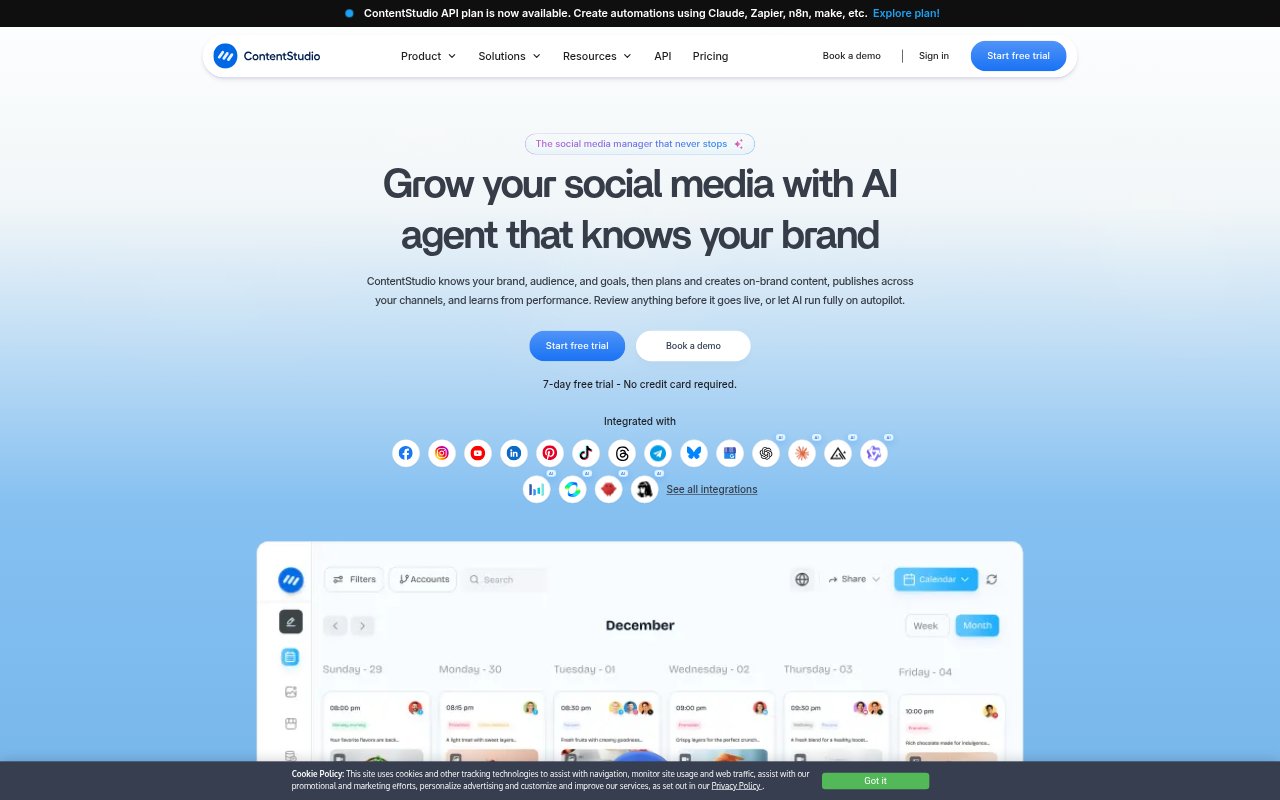
ContentStudio is a social media management platform for creators, businesses, marketing teams, and agencies managing one or more brands. It brings content creation, publishing, analytics, audience conversations, and feed discovery into a shared workspace. Its AI tools can create captions, images, and videos, while teams can review posts before they go live or use automated publishing workflows. Client workspaces, approvals, and branded reports also support agency operations.
Content Studio Features:
AI Content Creation: Generate platform-tailored captions and hashtags, create images and videos from prompts, and use brand knowledge and voice when drafting captions.
Video Repurposing: Turn longer videos into short clips with the AI clip maker, or generate videos intended for a social publishing schedule.
Calendar and Library: Plan posts in calendar list, feed, or grid views, and store, organize, and share marketing assets in a content library.
Publishing and Scheduling: Schedule posts across social networks, use recommended posting times, recycle evergreen content, or upload a CSV to bulk-schedule posts.
Client Collaboration: Organize client accounts in separate workspaces, assign roles, share calendars, and collect feedback and sign-off through approval workflows.
Analytics and Listening: Measure social and campaign performance, track competitor trends on Facebook and Instagram, and monitor conversations through social listening.
Inbox and Feeds: Manage comments and direct messages in one place, add RSS feeds, and group favorite sources for easier content discovery.
Content Studio Benefits:
Less Manual Planning: A shared calendar, bulk scheduling, and recommended posting times make it easier to plan a consistent publishing schedule.
Faster Content Drafting: AI-generated captions, images, and video clips give teams more starting points without switching among separate creation tools.
Clearer Client Reviews: Centralized feedback and no-login client approvals help reduce back-and-forth when reviewing planned social posts.
More Organized Teams: Separate workspaces, shared calendars, roles, and internal notes help keep client work and team responsibilities distinct.
More Useful Reporting: Performance metrics and branded reports give agencies and teams a clearer way to review results and share them with stakeholders.
Use Cases:
Agency Client Work: Manage separate client accounts, prepare posts for review, gather sign-off, and send branded performance reports.
Multi-Channel Publishing: Plan and schedule posts for several social networks from one calendar rather than coordinating separate publishing schedules.
Social Content Creation: Draft captions and hashtags, create supporting images, or turn a longer video into short clips for upcoming posts.
Community Management: Review and respond to comments and direct messages from a single inbox, using team notes to coordinate replies.
Competitor Monitoring: Track competitor trends on Facebook and Instagram alongside campaign and label performance for a social media review.