
What is Context Diet?
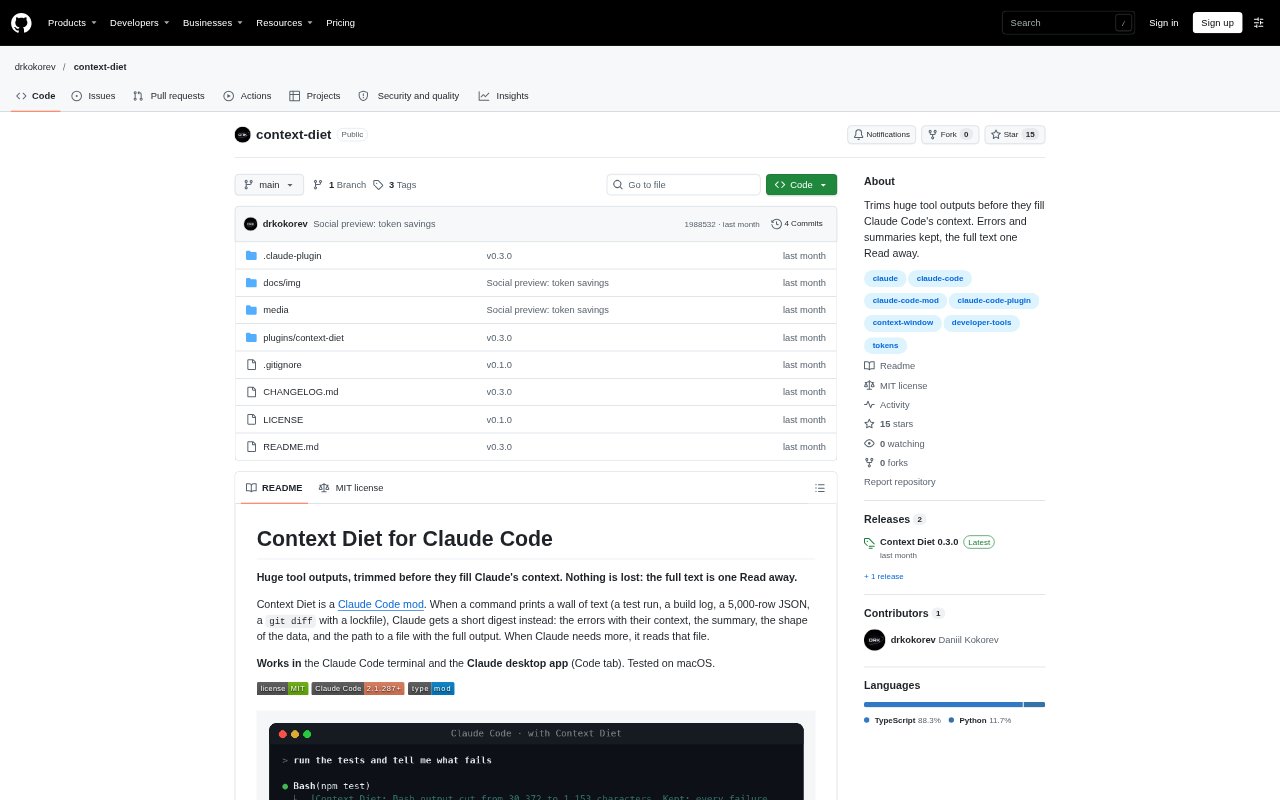
Context Diet is a mod for Claude Code that condenses large tool outputs before they take up too much of Claude’s context. It keeps relevant details such as errors, summaries and data structure, while saving the complete output to a file Claude can read when needed. It works in the Claude Code terminal and the desktop app’s Code tab, and is aimed at people using Claude Code for software development.
Context Diet Features:
Output Digests: For long Bash, Grep, Glob and MCP JSON outputs, it creates a digest once the output exceeds 8,000 characters.
Test And Build Logs: For supported test runners and build tools, it retains failures with their messages and context, plus summaries, while counting passing tests.
Failure Capture: An optional capture mode saves complete test and build command output, then digests the full log so failures cut off by Claude Code can appear.
Output Comparisons: When a command produces long output again, it can show new and removed lines alongside the end of the latest run.
Full Output Files: Each digest points to a saved file containing the full output, which Claude can read when the summary does not include what it needs.
Panel And Controls: The panel shows token savings, cuts and reopened outputs, while commands let users adjust the threshold, preview cuts or keep selected commands whole.
Context Diet Benefits:
More Room for Work: Summarizing repetitive output leaves more of Claude’s context available for the code, instructions and decisions that matter to the task.
Faster Failure Checks: Keeping errors and their context in view can help Claude identify what broke without first searching through a long log.
Fewer Repeated Runs: A digest of the complete captured test output can make it easier to see a failure on the first run instead of rerunning tests just to find it.
Useful Detail Preserved: The full output remains available for inspection, so users can reduce routine context without giving up access to the original text.
Less Repeated Noise: Counts and grouped summaries make repetitive passes, warnings and generated-file changes easier to scan than a wall of similar lines.
Use Cases:
Debugging Test Failures: Use it when a large Jest, pytest, Vitest or other supported test run contains a failure among hundreds of passing lines.
Reviewing Build Logs: Use it to locate errors and summaries in lengthy builds, compiler output or dependency installation logs while working with Claude Code.
Inspecting Large Diffs: Use it when reviewing code changes that include a large lockfile or generated file alongside the source changes that need attention.
Exploring Structured Data: Use it when a command returns a large JSON response, CSV or table and you need an overview before asking Claude to inspect specific data.
Comparing Test Runs: Use it during a fix-and-rerun cycle to focus on what changed between long command outputs rather than rereading the same lines.