

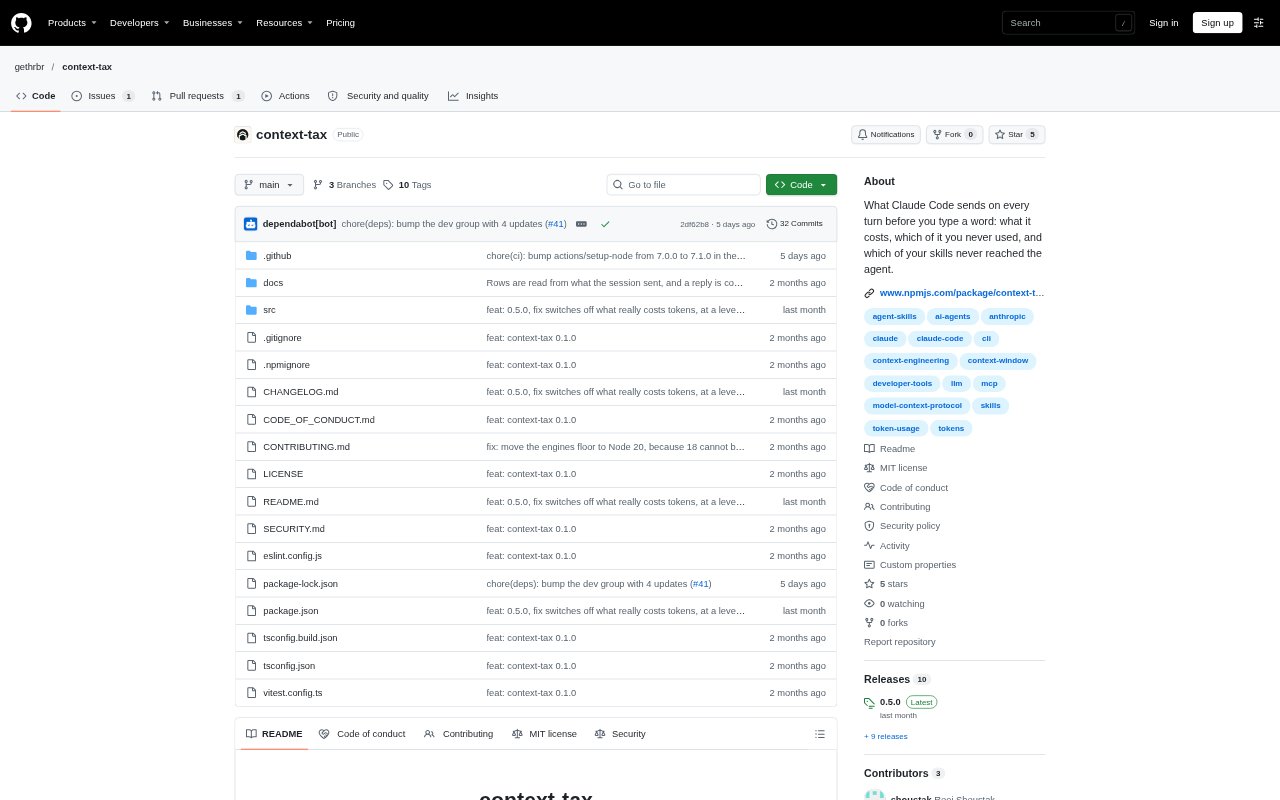
What is Context-tax?
Context-tax is a command-line utility for people using Claude Code who want to understand the context sent to the model before each turn. It reads session transcripts and local configuration to measure prompt content, compare it with recorded tool and skill use, and identify potential context waste. Its report covers MCP servers, skills, agents, memory and instruction files, hooks, and Claude Code’s own prompt and tools. It also suggests configuration changes for some findings and provides separate commands to inspect context and configuration.
Context-tax Features:
Transcript Measurements: Measures what a recent session sent by reading its transcript, while using recorded API usage for the per-turn total.
MCP Usage Costs: Shows MCP server context costs alongside recorded calls and calculates the standing token cost per use across sessions.
Skill Listing Gaps: Identifies skills that Claude Code sent as bare names without descriptions when the skill listing exceeded its budget.
Context Findings: Flags unused or infrequently used tools and skills, and explains which content is sent each turn or loaded later.
Suggested Fixes: Provides configuration suggestions for findings and can write some changes, including restoring skill descriptions or denying selected built-in tools.
Local Operation: Runs without an account, telemetry, an LLM call, or a context-tax server, and has no runtime dependencies.
Context-tax Benefits:
Find Costly Idling: Seeing the ongoing cost of rarely used integrations makes it easier to decide which ones are worth keeping loaded.
Protect Prompt Space: Spotting context that can be removed helps reserve more of the model’s available window for the work at hand.
Make Informed Changes: Fix suggestions connect findings to relevant settings, reducing guesswork when deciding how to trim context.
Set Realistic Expectations: Separating measured transcript data from estimates and unmeasurable content helps prevent false confidence in the report.
Share Findings Safely: The receipt and session image omit server names, skill names, and paths, making those views easier to share without exposing them.
Use Cases:
Audit MCP Servers: Review a Claude Code setup to find servers that add context on every turn but have rarely been called.
Trim Skill Listings: Check which skill descriptions are missing from the model’s listing and decide whether to disable skills or make room.
Review Tool Access: Investigate whether infrequently used Claude Code tools are adding context that can be removed through permissions.
Compare Context Sources: Break down a session’s prompt context across integrations, instruction files, hooks, and Claude Code’s own content.
Plan Configuration Cleanup: Use measured costs and suggested settings when deciding which context sources to switch off or change.