

What is Cornercase?
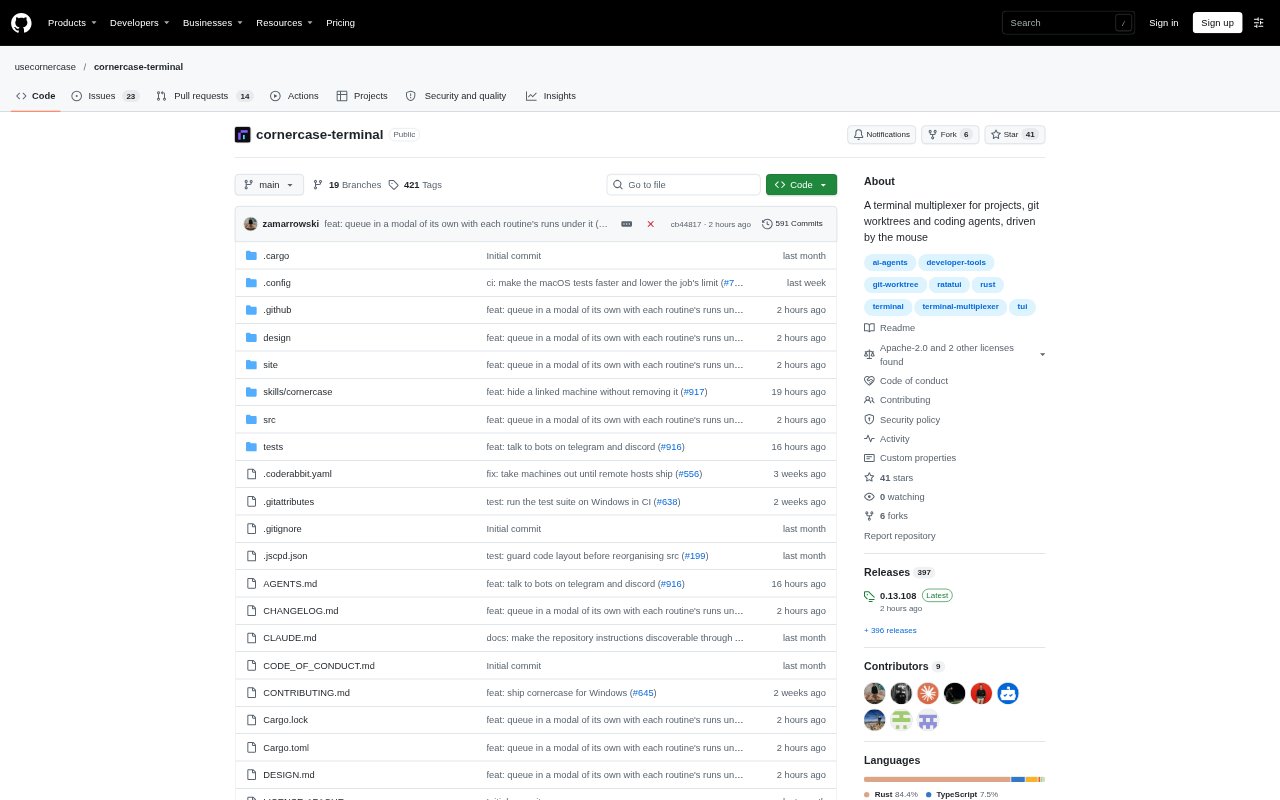
Cornercase is a terminal multiplexer for developers running coding agents across projects and Git worktrees. It gives each agent a separate workspace and tab, with agent status and code changes visible alongside the terminal. Users can start agents from issues in supported project trackers or from the command line, then keep sessions running in a background server and reconnect through the app, a terminal, or SSH. It runs on Linux, macOS, and Windows.
Cornercase Features:
Parallel Agent Workspaces: Each agent gets its own Git worktree, branch, folder, and tab, so multiple agents can work in one project without using the same files.
Issue-Based Starts: Start work from issues in GitHub, GitLab, Linear, Jira, Plane, Asana, or Shortcut, with the issue passed to the agent as its first prompt.
Live Change Review: Review uncommitted changes, commits, or differences from a base branch in a changes panel beside the agent's terminal.
Agent Status Tracking: Tabs indicate whether agents are working, need attention, or are done, and can show the model and context usage.
Persistent Sessions: A background server keeps shells running when the window closes, and users can reattach from Cornercase or a terminal.
Remote Machines: Run shells and agents on another machine over SSH while keeping the Cornercase window on a laptop, with automatic reconnection after a dropped connection.
Command-Line Control: Use the cornercase command to start agents, send input, split panes, wait for agent states, and read the last message.
Cornercase Benefits:
Fewer File Collisions: Separate branches and folders let agents tackle work in parallel without overwriting one another's files.
Clearer Oversight: A shared view of agent states helps users spot which tasks need attention and which finished while they were away.
Faster Code Review: Seeing diffs beside the agent makes it easier to assess changes without repeatedly switching between the terminal and another review view.
Work That Persists: Keeping sessions alive after the window closes means users can return to running work instead of restarting their shells.
Less Manual Setup: Starting from an issue carries its context into the agent's first prompt and avoids setting up a worktree and branch by hand.
Use Cases:
Parallel Feature Work: Assign separate feature tasks to coding agents in one repository and track their progress from a single workspace.
Issue Triage to Coding: Pick an issue from a supported tracker, launch an agent in a new worktree, and review the resulting changes.
Remote Agent Sessions: Run coding agents on a remote machine over SSH while monitoring their terminal sessions from a laptop.
Agent Script Orchestration: Write scripts that start agents, wait for them to stop, and collect their last messages as part of a coding workflow.
Interrupted Work Recovery: Close the Cornercase window during a long-running task and reconnect later to continue watching the existing session.