

What is Cosyra?
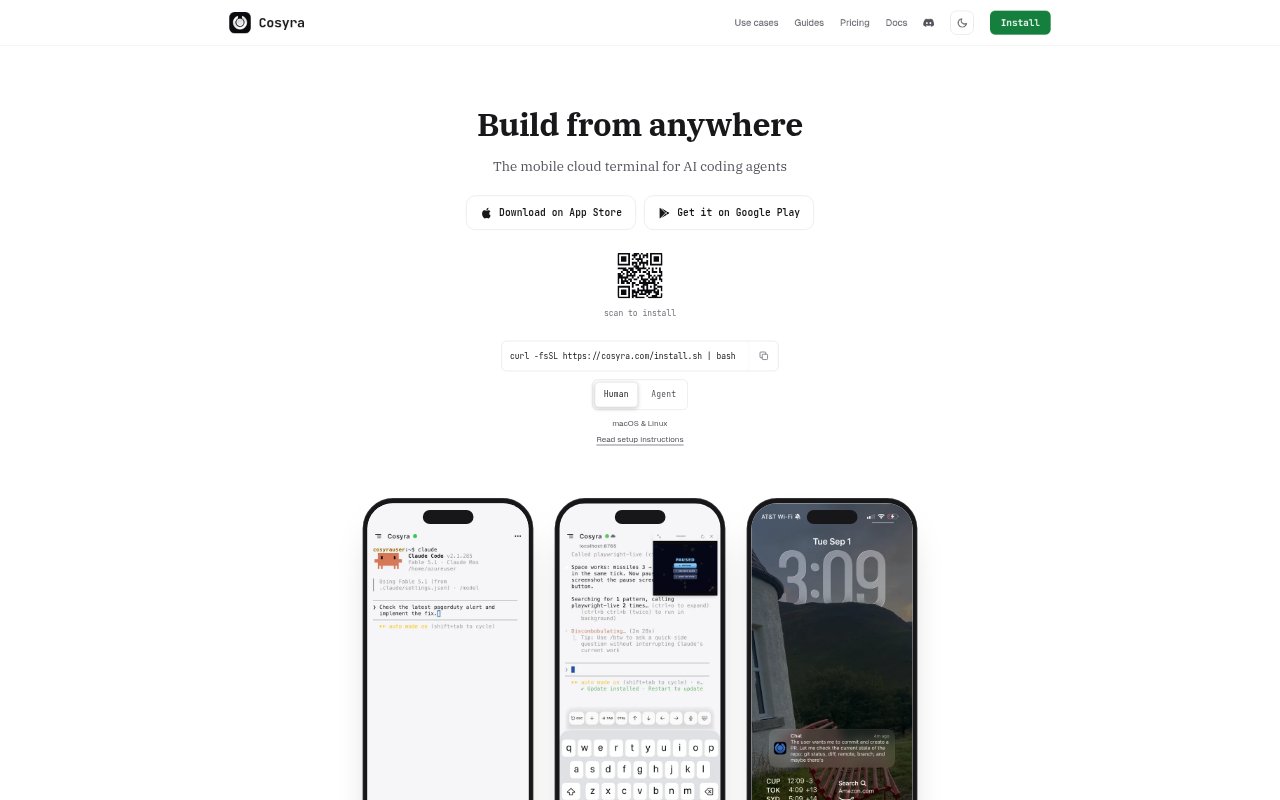
Cosyra is a mobile cloud terminal for running AI coding agents from an iPhone or Android device, with workspace access also available on a computer or in a browser. It supports Claude Code, Codex and OpenCode, either in Cosyra’s cloud workspace or on your own computer. It is aimed at developers who want to continue coding work away from their main setup, including during on-call shifts or commutes.
Cosyra Features:
Mobile Agent Sessions: Run Claude Code, Codex or OpenCode from an iPhone or Android device in a cloud workspace or on your own computer.
Persistent Workspace: Cloud workspaces retain their storage and can hibernate, with the same account usable on mobile and web.
File and Diff Review: Browse workspace files in a native viewer and inspect an agent’s changes file by file.
Workspace Services: Connect services including Linear, AWS, Google Cloud, Vercel and Netlify from inside the workspace.
Session Attachments: Add photos, screenshots and other files directly to a coding session.
Bring Your Keys: Use your own Anthropic, OpenAI or OpenRouter account for chats with coding agents.
Isolated Workspaces: Each account gets a hardware-virtualized VM, while connections use TLS and workspace storage and keys are encrypted at rest.
Cosyra Benefits:
Work Away From Desk: You can keep coding tasks moving when your computer is out of reach, rather than waiting until you return to it.
Keep Work Context: Persistent storage and hibernation help you return to a workspace without rebuilding its files and setup.
Check Changes Early: Reviewing diffs on a phone makes it easier to spot and consider an agent’s edits before moving on.
Use Existing Accounts: Bringing your own model-provider keys lets you work through accounts you already use.
Limit Shared-Kernel Risk: A separate virtual machine for each account keeps its kernel isolated from other tenants.
Use Cases:
On-Call Fixes: Use a phone to respond to an engineering issue while on call, then inspect the agent’s changes in the workspace.
Commute Coding: Continue a coding task during a commute when carrying or opening a laptop is not practical.
Continue Claude Chats: Move a Claude conversation into a Cosyra workspace with its code blocks and file paths intact, then continue with the agent.
Review Phone Screenshots: Attach a screenshot or photo to a session when it helps explain a coding issue or the change you want.
Check Agent Edits: Browse files and review an agent’s diff from a phone before deciding what to do next.