

What is Crulon?
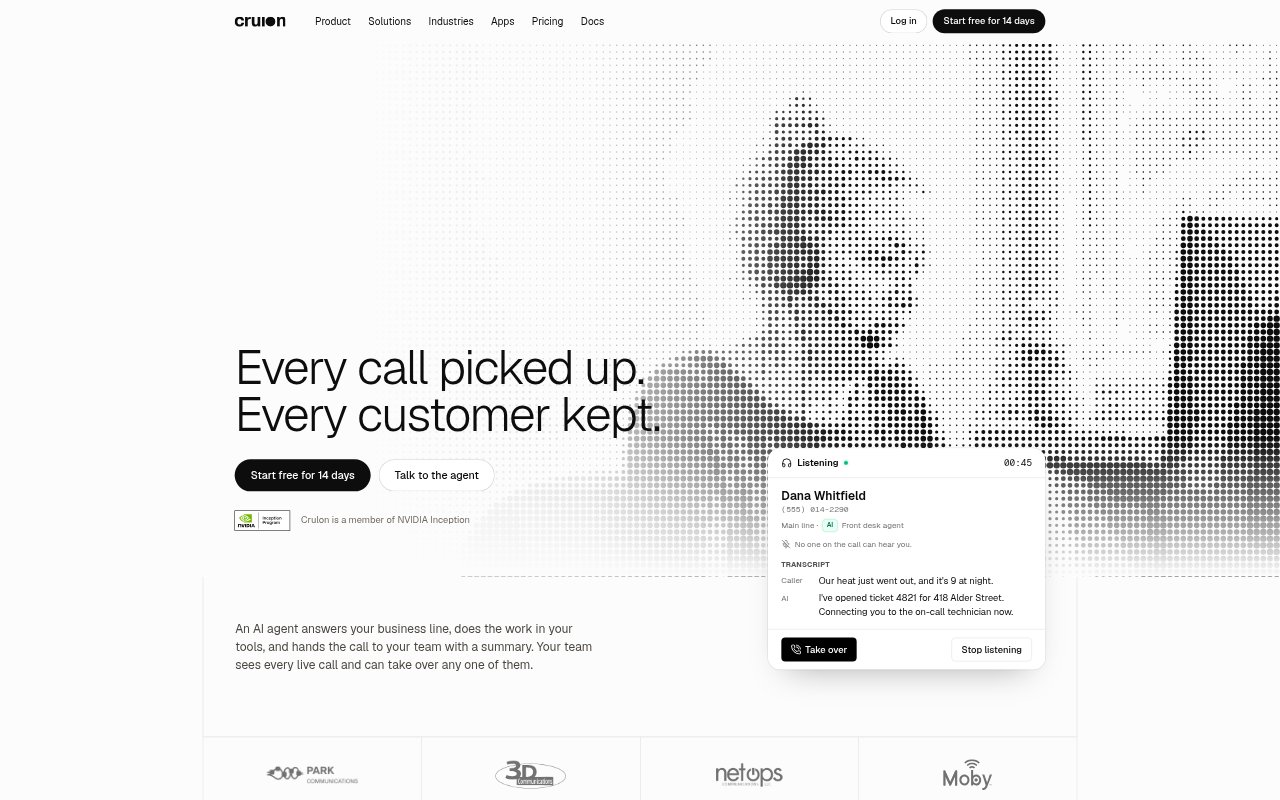
Crulon is a business phone system with AI agents that answer calls, carry out tasks in connected tools, and hand calls to staff with a summary. Teams can watch live calls, listen without being heard, or take over when a caller needs a person. The system also brings calls, texts, and voicemail into shared customer threads. Plans start at $24 per seat per month, with a 14-day free trial.
Crulon Features:
AI Call Handling: An agent answers calls, follows instructions based on your business information, and can use assigned Tools to act during the conversation.
Live Call Control: Team members can see calls as they happen, listen without the caller hearing them, and take over from the AI agent.
Call Summaries: The agent provides a summary when it hands off a call, and Crulon keeps a summary and transcript for each call.
Shared Conversations: Calls, texts, and voicemail appear in one customer thread, where teammates can assign work, add internal notes, and reply by text.
Phone System: The system includes phone numbers, extensions, Call Flows, queues, ring groups, transfers, voicemail, and browser calling.
Custom Actions: Teams can connect an agent to an HTTPS API through configured Actions and Tools, with approval required before an Action changes data.
Crulon Benefits:
Fewer Missed Calls: Calls can be answered by an agent when staff are busy or the office is closed, so callers have a response beyond business hours.
Clearer Handoffs: Call summaries give the person taking over a conversation its context without relying on the caller to repeat everything.
Shared Visibility: A common view of live calls and customer threads helps teammates see who is handling a caller and what has happened.
Less Manual Follow-Up: Agents can perform configured tasks during calls, such as opening a ticket, while summaries help staff pick up the remaining work.
Flexible Call Routing: Call Flows let businesses direct calls according to schedules and set different routes for routine requests and urgent issues.
Use Cases:
After-Hours Support: Have an agent answer when the office is closed, create tickets for requests, and ring an on-call teammate for urgent calls.
Home Services: Route urgent reports such as heating problems, cooling failures, or leaks to the on-call technician with a call summary.
Property Management: Use after-hours answering to receive maintenance requests and send urgent leaks or lockouts to on-call staff.
IT Service Desks: Answer support calls, use connected tools to troubleshoot or sync tickets, and pass urgent issues to an on-call engineer.
Busy Office Lines: Use AI answering for overflow calls while staff are occupied, then let the team listen in or take over when needed.