
What is Ctxvitals?
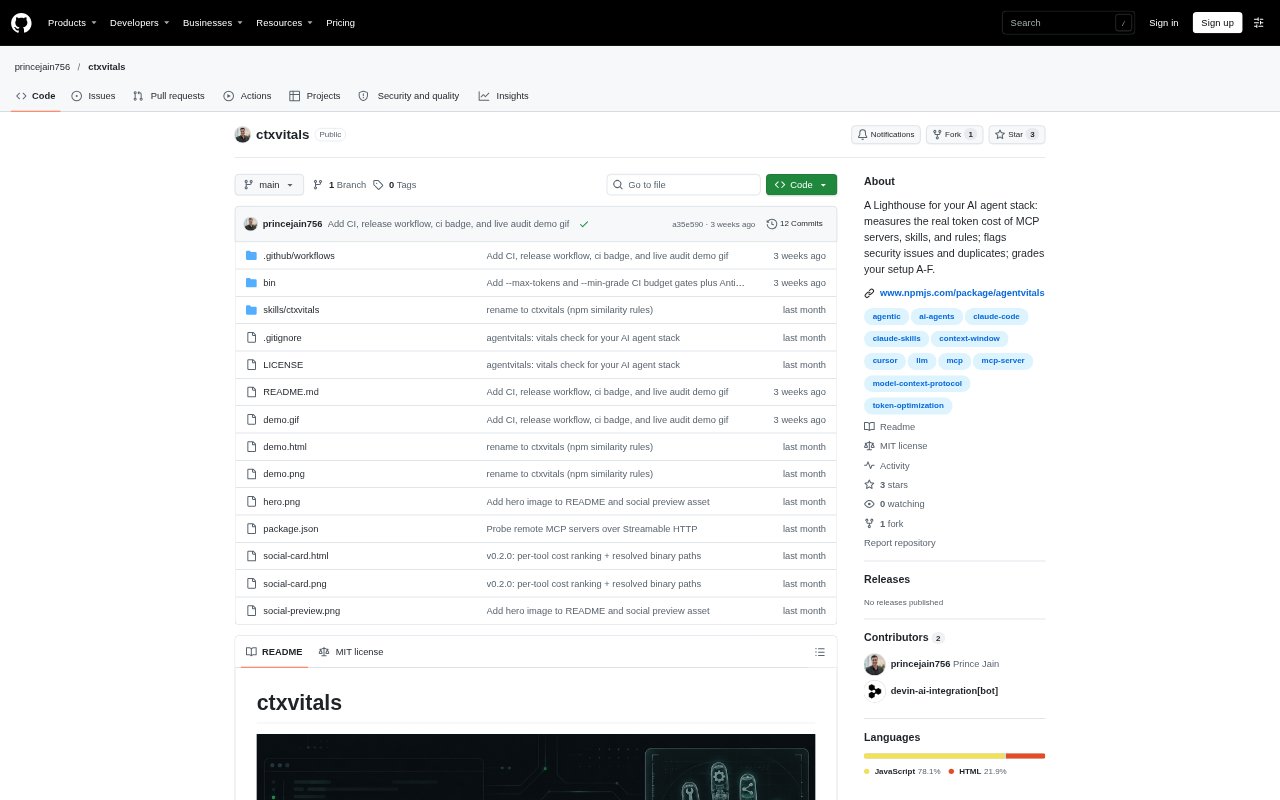
Ctxvitals is a command-line auditor for AI agent setups, designed for people configuring MCP servers, skills, commands, and instruction files across agent clients. It measures the context tokens those components contribute before an agent receives a message, and checks configurations for security and setup problems. Run it with Node.js 18 or newer through npx, then review a terminal grade or export the results for sharing or automation.
Ctxvitals Features:
MCP Token Measurement: It starts configured stdio MCP servers and queries remote servers over Streamable HTTP to inspect their actual tools/list schemas and calculate their token cost.
Skills and Rules: It distinguishes always-loaded skill frontmatter from on-trigger skill bodies, and counts tokens in agent instruction files such as CLAUDE.md, AGENTS.md, and .cursorrules.
Security Scanning: Checks include prompt-injection phrases, hardcoded secrets, credential-store and network exfiltration patterns, shell-piped remote content, unpinned packages, plaintext MCP environment keys, and non-TLS remote servers.
Configuration Hygiene: The audit identifies duplicate MCP server entries, stale configurations that point to missing binaries, and servers that fail by hanging or crashing.
Agent Stack Discovery: It searches supported user-level agent configuration directories and project-level agent folders, including MCP configuration files in the current directory.
Grades and Exports: A measured A-to-F grade reflects context size, server count, security flags, unpinned packages, and broken configurations; output can be JSON, HTML, or a README badge.
Ctxvitals Benefits:
Context Cost Visibility: Seeing which servers, skills, and rules consume context before a conversation helps teams decide what to remove, trim, or load only when needed.
Clearer Spend Decisions: Separating the total context footprint from estimated billed tokens when schemas are cached gives operators a clearer basis for assessing agent-running costs.
Focused Security Review: Severity-tagged findings direct reviewers to suspicious files and configuration risks, making a broad agent setup easier to inspect systematically.
Cleaner Configurations: Finding repeated server entries and dead configurations helps reduce clutter and avoids investigating the same or unusable integration more than once.
Shareable Audit Results: An HTML report or grade badge gives teams a compact artifact for discussing a setup's measured cost and flagged issues.
Use Cases:
Before Adding MCP Servers: Audit an agent configuration before enabling more MCP servers to see their schema token costs and check for duplicate or failing entries.
Reviewing Agent Instructions: Check how much context skills and rules files contribute when tuning a setup that loads extensive instructions for every conversation.
Skill Pack Review: Inspect a skill pack before sharing it by checking its token footprint and scanning its files for suspicious content or configuration risks.
Troubleshooting an Agent Setup: Run an audit when an agent configuration contains stale server entries, hangs, crashes, or unexpected context use, then use the findings to guide cleanup.
Documenting a Setup: Export JSON for a machine-readable audit or create an HTML report or README badge to share the setup's grade with teammates.