
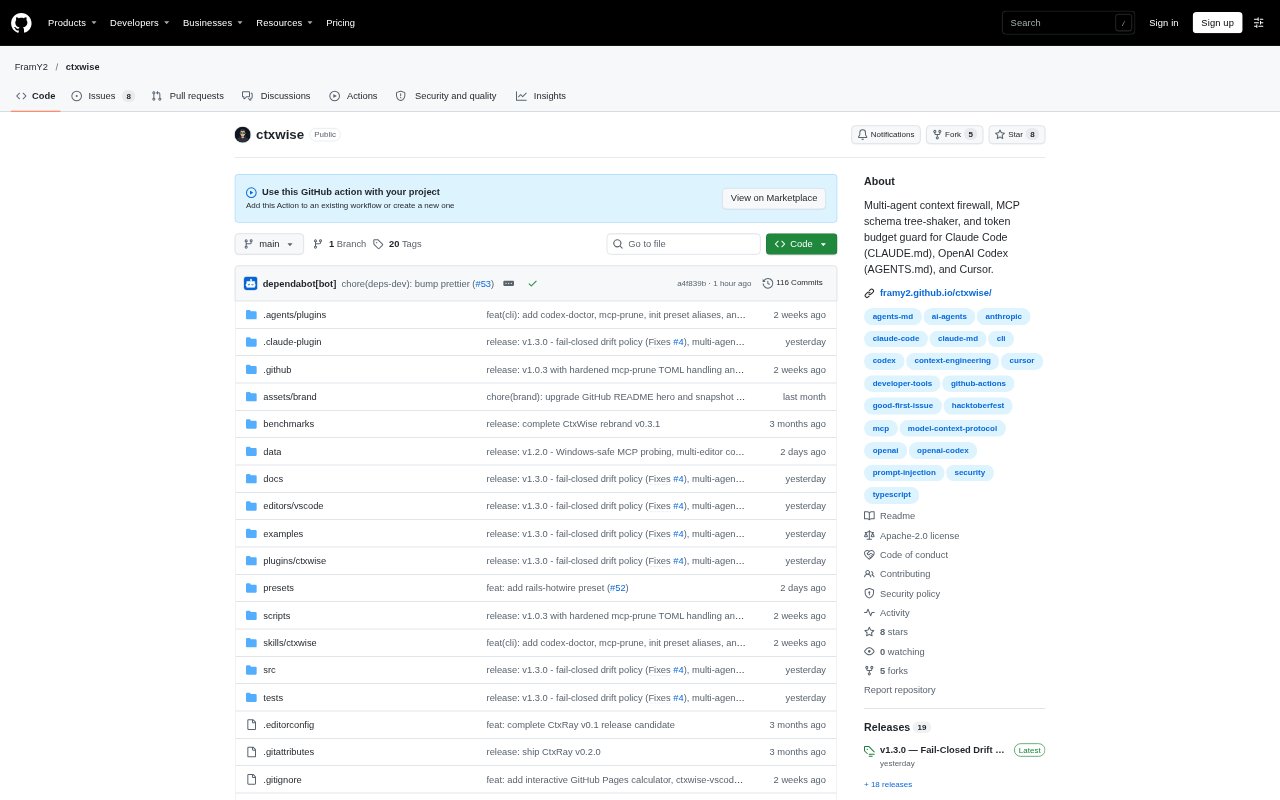
What is CtxWise?
CtxWise is a local-first command-line tool for managing the context used by Claude Code, OpenAI Codex, and Cursor. It audits agent startup files and MCP tool schemas, helps keep instructions aligned, and checks context files for security risks. Its commands run without API keys or model calls, and a GitHub Action can apply checks during pull requests.
CtxWise Features:
MCP Schema Analysis: CtxWise finds MCP server declarations, measures tool schema token weights from saved data or live stdio probes, and flags oversized schemas.
Agent File Sync: The sync command aligns Claude Code, Codex, and Cursor instruction files, with optional Markdown compression that preserves fenced code blocks.
Context Security Checks: The shield scans supported context files and skills for API keys, prompt-injection text, hidden Unicode, and unpinned MCP launchers.
Token Budgets: Teams can set startup-token limits in a budget file, check whether agent context exceeds them, and generate starter files from stack presets.
Drift Locking: Lockfiles and YAML policies let teams hash selected agent configuration files and define whether changes should be allowed, warned about, or denied.
CI And SARIF: A GitHub Action runs context checks in pull requests, while shield can emit SARIF 2.1.0 output for GitHub Code Scanning.
CtxWise Benefits:
Less Context Waste: Seeing which MCP schemas are largest helps developers focus pruning efforts on tools most likely to consume unnecessary context.
Consistent Instructions: Keeping agent guidance in sync reduces the chance that coding assistants follow different project rules.
Earlier Risk Detection: Finding secrets or suspicious instructions before an agent reads project files or a pull request merges gives teams a chance to address them sooner.
Predictable Budgets: Token limits make context growth visible during development, helping teams avoid unchecked expansion in agent startup files.
Local Operation: Running without API credentials or model calls avoids adding a separate hosted service or model request to these checks.
Use Cases:
MCP Review: A developer connecting several MCP servers can inspect tool schema sizes and identify bloated definitions before using them in an agent workflow.
Multi-Agent Projects: Teams supporting Claude Code, Codex, and Cursor can audit or sync their project guidance when rules change.
Context File Audit: Before committing agent instructions, skills, or MCP configuration, maintainers can scan for exposed credentials and hidden prompt content.
Pull Request Checks: A repository maintainer can add the GitHub Action to check agent parity, token limits, security risks, or configuration drift on pull requests.
New Project Setup: A developer starting with a supported stack can use a preset to create starter agent files and a context budget.