

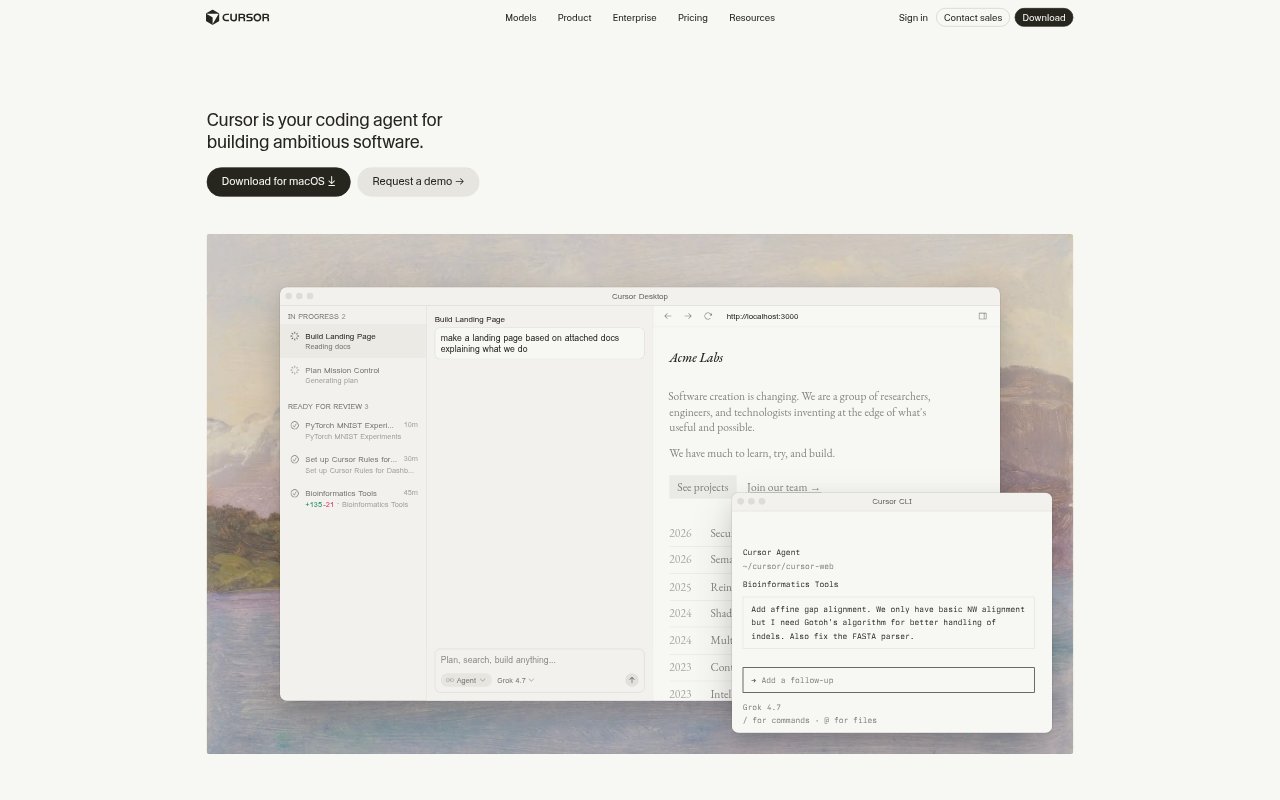
What is Cursor?
Cursor is an AI coding tool for developers and software teams, with agents that can plan, write, and review code. Its agents use context from a codebase to help with work across the development lifecycle, from design and debugging to code changes. Cursor is available on desktop, in the CLI, and on web and mobile, so developers can work with it across different environments.
Cursor Features:
Codebase Context: Agents can understand a codebase and use fast codebase search to find relevant context while working on software.
Autonomous Agents: Agents can take on coding tasks, work autonomously, and run in parallel rather than relying only on step-by-step prompts.
Development Stages: Cursor supports work across planning, design, debugging, and implementation, covering multiple stages of the software development lifecycle.
Multiple Models: Developers can choose from multiple models for coding tasks, with Cursor describing model choice as something to match to each task.
Team Rules: Teams can provide rules to guide how agents work, helping them follow shared instructions when making code changes.
Tools and Context: Cursor supports adding context and extending agents with plugins, skills, and MCP, as well as terminal and Git tools.
Cursor Benefits:
Less Manual Coding: Delegating coding tasks to agents can reduce the amount of routine implementation developers need to do themselves.
Faster Code Search: Codebase search and agent access to project context can make it easier to locate relevant code without tracing everything by hand.
Flexible Oversight: Teams can choose between directed coding work and more autonomous agents, adjusting how much control they want to keep.
Consistent Team Work: Shared team rules give agents guidance that can help keep code changes aligned with a team's working practices.
Fewer Work Interruptions: Working across desktop, CLI, web, and mobile gives developers options for continuing coding tasks in different environments.
Use Cases:
Implement a Feature: Ask an agent to plan and build a new feature, using codebase context to make changes within an existing project.
Debug an Issue: Use Cursor to investigate a bug with the help of codebase search, then work through possible fixes in the same tool.
Review Code: Bring Cursor into a code review workflow to examine code and get AI assistance reviewing proposed changes.
Plan a Project: Use an agent to help plan software work before moving into design and implementation within the development lifecycle.
Parallel Coding Tasks: Hand off separate coding tasks to agents that can run in parallel while developers continue with other software work.