

What is CXAgent?
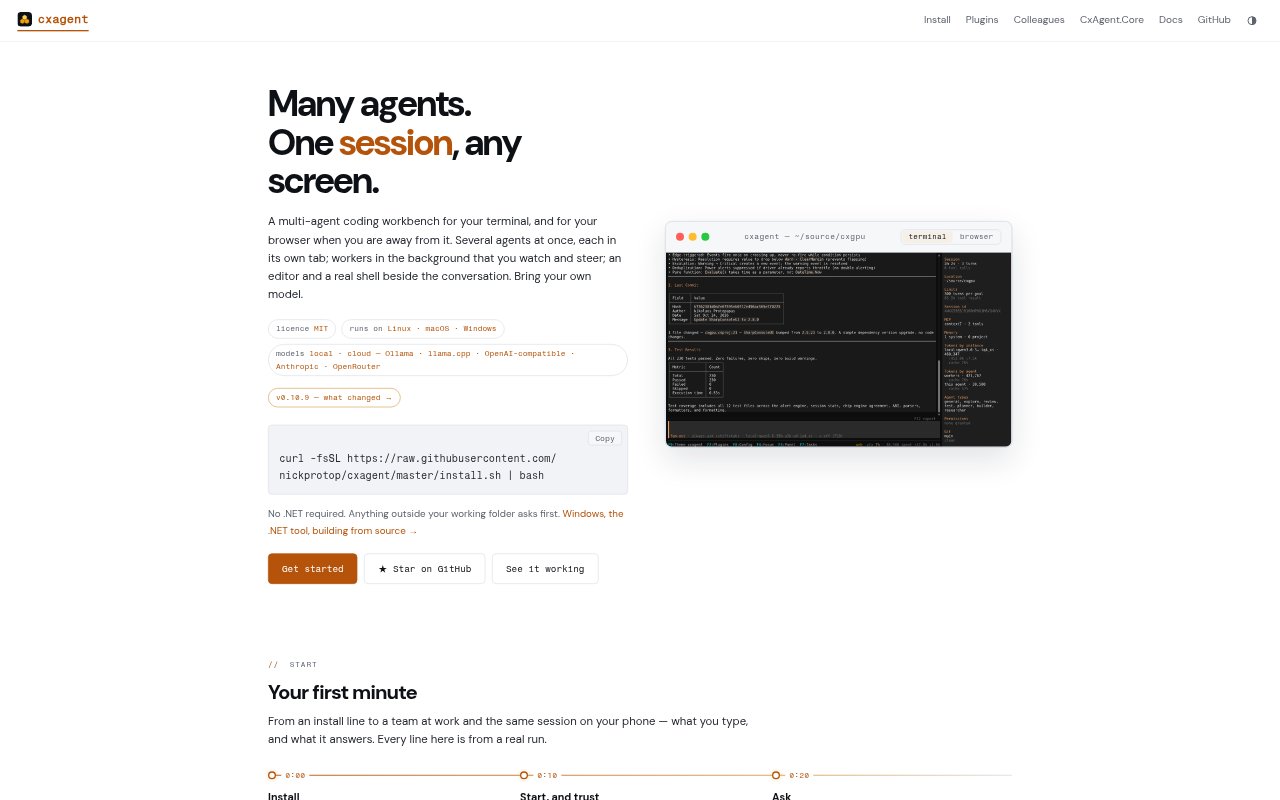
CXAgent is a coding workbench for the terminal that can serve the same live sessions in a browser. Developers can run several model agents at once, delegate background work to persistent workers, and keep an editor and shell beside each conversation. Users bring their own local or cloud model endpoint; CXAgent has no account or server, and code goes only to the endpoint they configure.
CXAgent Features:
Agent Tabs: Open separate conversations in tabs, each with its own history, model, plugins, permissions, and working folder.
Background Workers: Delegate tasks to workers with individual briefs and contexts, then steer them or assign follow-up work while they retain their task history.
Browser Sessions: Serve terminal sessions in a browser, where you can follow a turn, answer its prompt, and access tabs, workers, and the editor.
Editor and Shell: Open files in an editor with language highlighting, or use a real shell for interactive commands such as password prompts and rebases.
Model Options: Connect local models through Ollama, llama.cpp, or an OpenAI-compatible server, or use Anthropic, OpenRouter, and OpenAI.
Permission Controls: Set folder trust and editing permissions, while commands that leave the Linux sandbox or access outside the working folder require approval.
Plugins and Extensions: Use marketplace plugins alongside MCP servers, skills, hooks, and markdown commands, with approval requested before a plugin runs.
CXAgent Benefits:
Parallel Progress: Delegating research, reviews, or tests lets several lines of coding work advance while the main conversation continues.
Less Repetition: Persistent workers and project memory can carry useful context into later tasks, reducing the need to re-explain a codebase.
Work Continuity: Returning to a session from either the terminal or browser makes it easier to pick up ongoing work away from your usual screen.
Visible Decisions: Seeing tool steps and permission prompts makes it easier to understand what an agent is doing before allowing sensitive actions.
Endpoint Control: Choosing the model endpoint lets teams decide where their code is sent without relying on a CXAgent account or server.
Use Cases:
Review a Commit: Ask one worker to inspect a recent commit while another maps project folders, then use their findings in the main coding session.
Run Test Suites: Ask an agent to run a project’s tests and report the results, with each command and its output visible in the conversation.
Continue From Mobile: Open a running terminal session in a phone browser to follow its work and respond to a permission prompt while away from the computer.
Learn a Codebase: Keep a worker that has explored a codebase and bring its accumulated experience into a later planning or implementation task.
Run Scripted Goals: Use headless goal runs or a sequence of scripted steps when a coding task needs text, JSON, or event-stream output instead of an interactive window.