
What is decks?
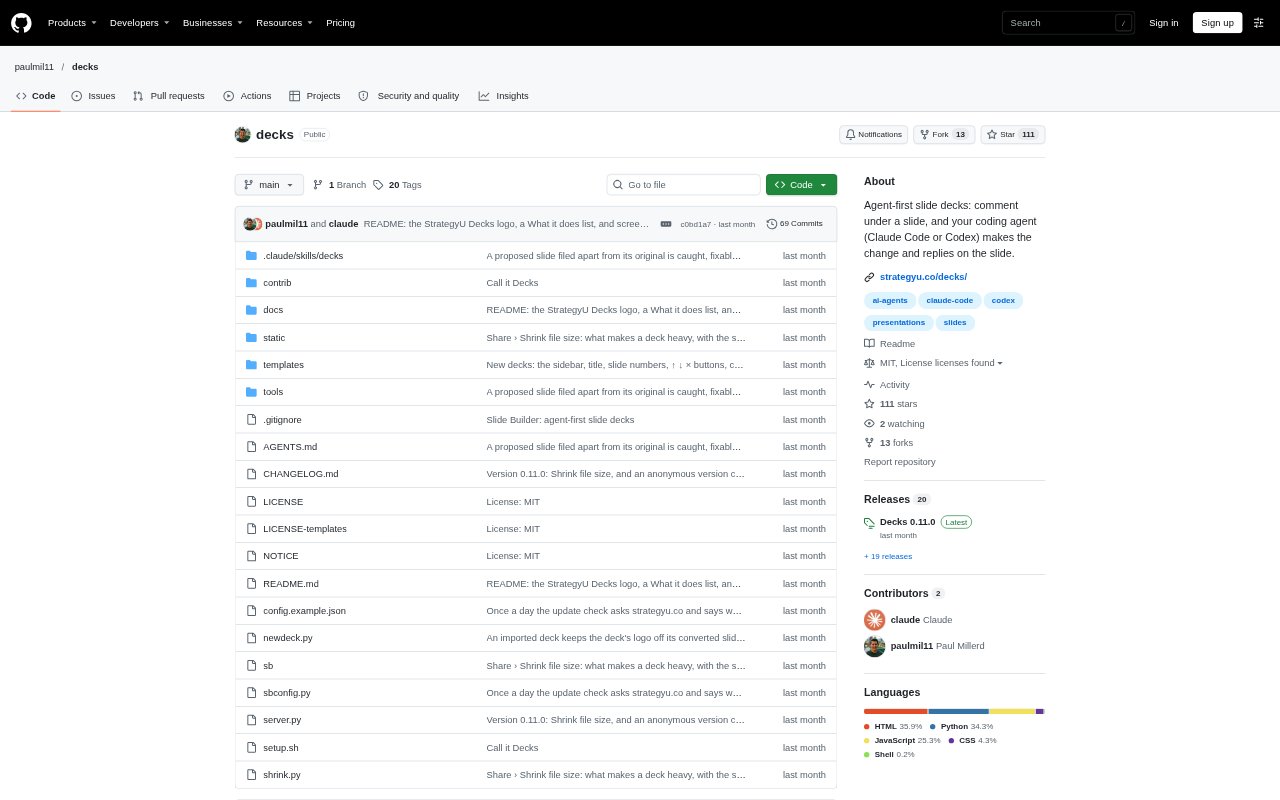
Decks is a local slide-making dashboard for people who use Claude Code or Codex to build and revise presentations. Instead of editing in a conventional slide editor, you leave comments on slides or adjust text directly, then ask your coding agent to make changes and reply in context. It stores each deck as an HTML file on your Mac or Linux machine, with version history, and can export or share copies for review.
decks Features:
Comment Driven Editing: Leave a request beneath a slide or edit its text directly, then have Claude Code or Codex make changes and respond on that slide.
Alternative Designs: Ask for another design and compare the proposal beside the original, then accept it or keep your existing version.
Slide Checks: Run checks for quick readability, title flow, margins, title length, and text size, with a way to turn a missed check into a comment.
Deck Views: Switch between a single-slide focus view, a scrolling deck, a sorter for rearranging slides, and a view of the available checks.
Drafts and Imports: Start from a presentation, training, talk, proposal, or blank deck, provide audience and purpose details, or import an existing PowerPoint or PDF.
Review Copies: Send a browser-ready review file so someone can comment or edit text, then bring their changes back into your deck.
decks Benefits:
Clearer Story: A title-first approach and checks for horizontal and vertical flow help you see whether the slides build a coherent argument.
Fewer Manual Fixes: Delegating requested changes to your coding agent means you can spend less time making small edits and more time guiding the content.
Focused Feedback: Comments and agent replies stay attached to the relevant slides, making it easier to understand what changed and what still needs attention.
Flexible Review: Browser-based copies let people review or edit slide text without needing to work in your local Decks dashboard.
Reusable Work: Separate deck files and version histories make it easier to revisit earlier work and keep different presentations organized.
Use Cases:
Client Proposals: Draft a proposal, ask an agent to revise slides as your thinking develops, and send a review copy to a client for comments.
Executive Updates: Prepare a CEO or leadership deck, then use title and flow checks to assess whether the main points read clearly in sequence.
Training Materials: Build a training presentation from a brief and revise individual slides through comments as you refine the material.
Talk Preparation: Create a talk deck and use the quick-read checks to judge whether each slide communicates its point at a glance.
Existing Deck Revision: Bring in a PowerPoint or PDF and use slide-level comments to guide an agent through revisions to the imported presentation.