

What is Deepreed?
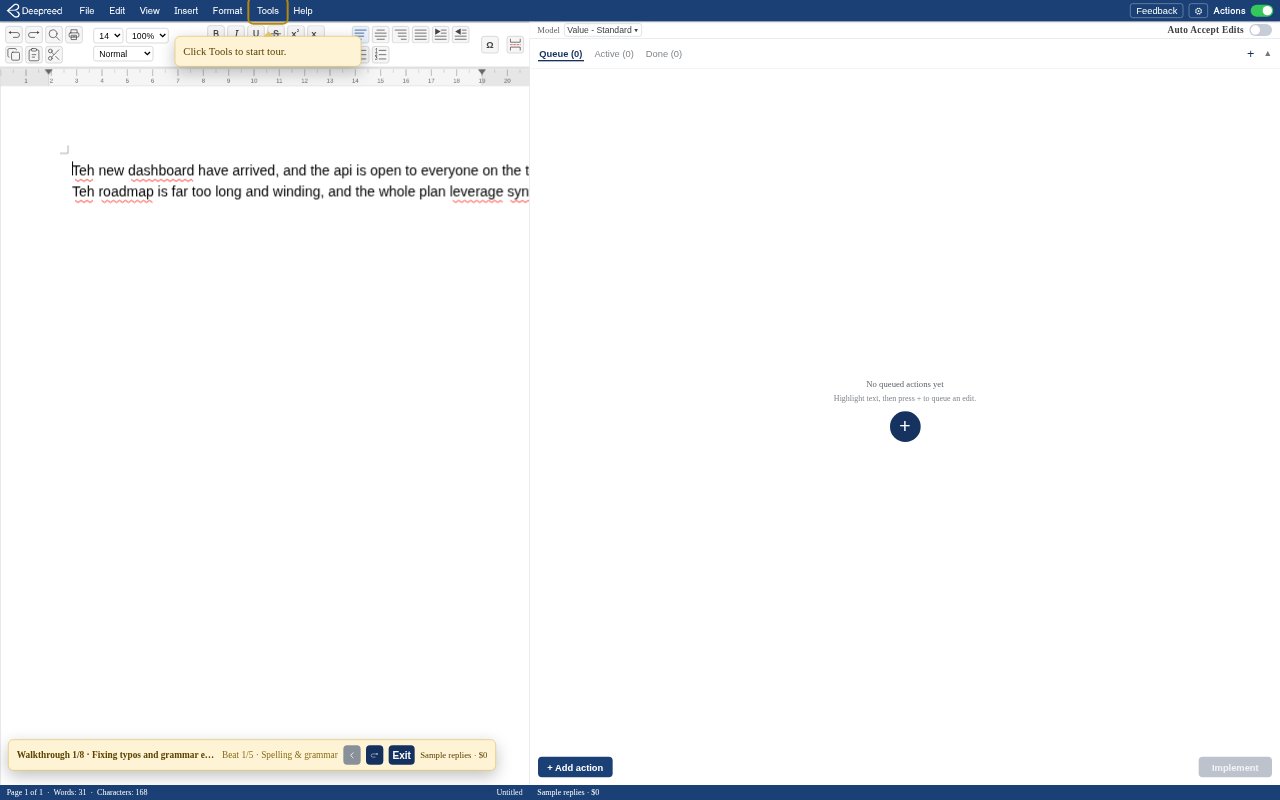
Deepreed is a desktop writing editor for people who want AI assistance without handing over authorship of their documents. It is designed to help users produce writing in their own voice, understand what they have written, and stand behind the result. You can try editing a sample document without an account; full editing is free, while AI turns require signing up or adding funds. The editor does not currently support mobile devices.
Deepreed Features:
AI-Guided Writing: Deepreed is built for writing with AI while you remain the author, rather than asking AI to write the document for you.
Sample Document Editing: You can try the editor on a sample document without an account, and full editing is free.
File Uploads: A session can include up to five images, videos, .txt files, or .docx files, with a 20 MB limit per file.
Desktop Access: Deepreed currently supports desktop use only, so you will need a computer to work in the editor.
Token-Based Pricing: AI usage is priced per million tokens, with rates for input, output, and cache activity and no time-of-day surcharge.
Document Storage: Documents kept in storage cost $0.50 per GB per month, while documents loaded in memory cost $1 per GB per month while open.
Deepreed Benefits:
Authorial Control: Keeping the writing in your hands can help you preserve your own voice instead of relying on a machine-generated document.
Defensible Documents: Working through the writing yourself can make it easier to understand the finished document and explain the choices it contains.
Low-Commitment Trial: Free editing on a sample document lets you assess the editor before creating an account or paying for AI turns.
Rate Clarity: Per-token charges and the absence of peak-hour surcharges make AI costs less dependent on when you use the tool.
Storage Planning: Separate rates for stored and open documents help you see that keeping files and loading them have distinct costs.
Use Cases:
Editing Existing Text: Bring a .txt or .docx file into a desktop session when you want to work on a document with AI while retaining authorship.
Testing the Workflow: Open the sample document without an account to see whether Deepreed’s editing approach suits the way you write.
AI-Assisted Composition: Use the editor when you want help developing a document but still want to understand and stand behind its contents.
Working With Visual Files: Add images or videos to a session when they belong alongside the document you are working on.
Desktop Document Sessions: Choose Deepreed for writing work you can do at a computer, rather than a task that requires editing from a phone or tablet.