

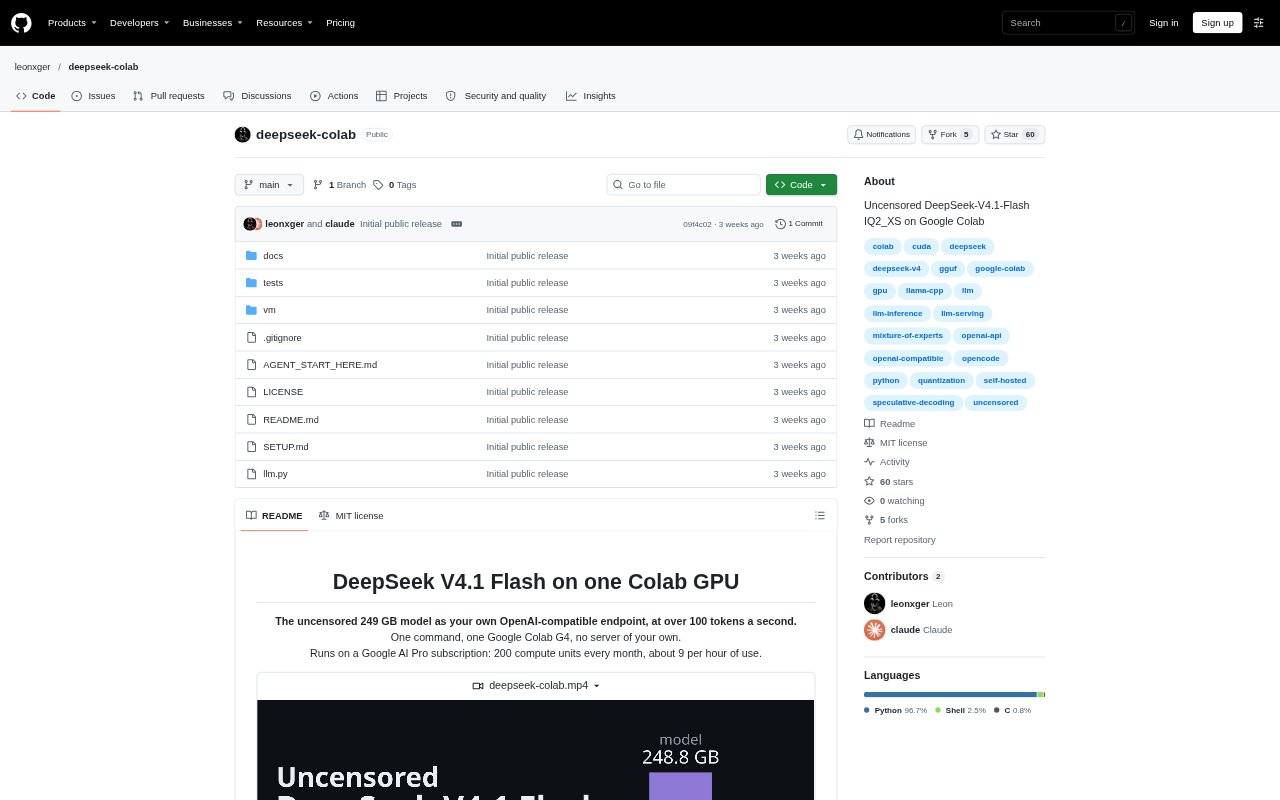
What is deepseek colab?
DeepSeek Colab runs DeepSeek V4.1 Flash on a Google Colab G4 GPU and exposes it through a local OpenAI-compatible endpoint. It is for people who want to use this large model without maintaining their own server, with a Google AI Pro or Colab Pro subscription. A command-line tool handles Colab startup, model loading and endpoint management, and supports text with optional image input.
deepseek colab Features:
Colab GPU Setup: A command-line startup flow connects to Google Colab, allocates a G4 GPU, downloads the model and prepares the endpoint.
OpenAI-Compatible Endpoint: The local endpoint works with OpenAI SDKs, curl and compatible apps such as Open WebUI, using a base URL and API key.
Image Input: Image input is enabled by default, and can be turned off separately from the context-size setting.
Long Context: Requests support up to 262,144 tokens with image input, or up to 131,072 tokens in the faster text-only configuration.
Reasoning Output: The endpoint provides separate reasoning output and supports tool calling, with reasoning effort set during setup.
Automatic GPU Stop: The GPU stops after 10 minutes without requests and starts again when another request arrives; it can also be stopped manually.
Compute Tracking: A live status line shows whether the GPU is running, the idle countdown and compute-unit use so far.
deepseek colab Benefits:
No Server Upkeep: Users can access the model without provisioning or maintaining a separate server, relying instead on their Colab subscription.
Familiar Client Access: Existing OpenAI-compatible tools can connect through a base URL and key, avoiding the need to build a separate client.
Fewer Idle Costs: Automatic stopping means compute is not consumed while the GPU is idle, and manual shutdown is available when work is finished.
Visible Usage: The running cost and stop countdown make it easier to judge how much of a Colab compute allowance a session is using.
Flexible Input Size: The choice between image support and a faster text-only setup lets users match the configuration to the task at hand.
Use Cases:
Open WebUI Chat: Connect Open WebUI to the local endpoint to chat with DeepSeek V4.1 Flash from an existing OpenAI-compatible interface.
Coding Agent Sessions: Start opencode with the endpoint already connected while working in a project folder from a terminal.
Image Questions: Send image-based prompts when asking the model to work with visual input alongside text.
Long Document Prompts: Use the larger context configuration for requests that need to include substantial text in a single prompt.
Occasional Model Use: Run inference for an intermittent task, then let the GPU stop during breaks and restart it when another request is needed.