

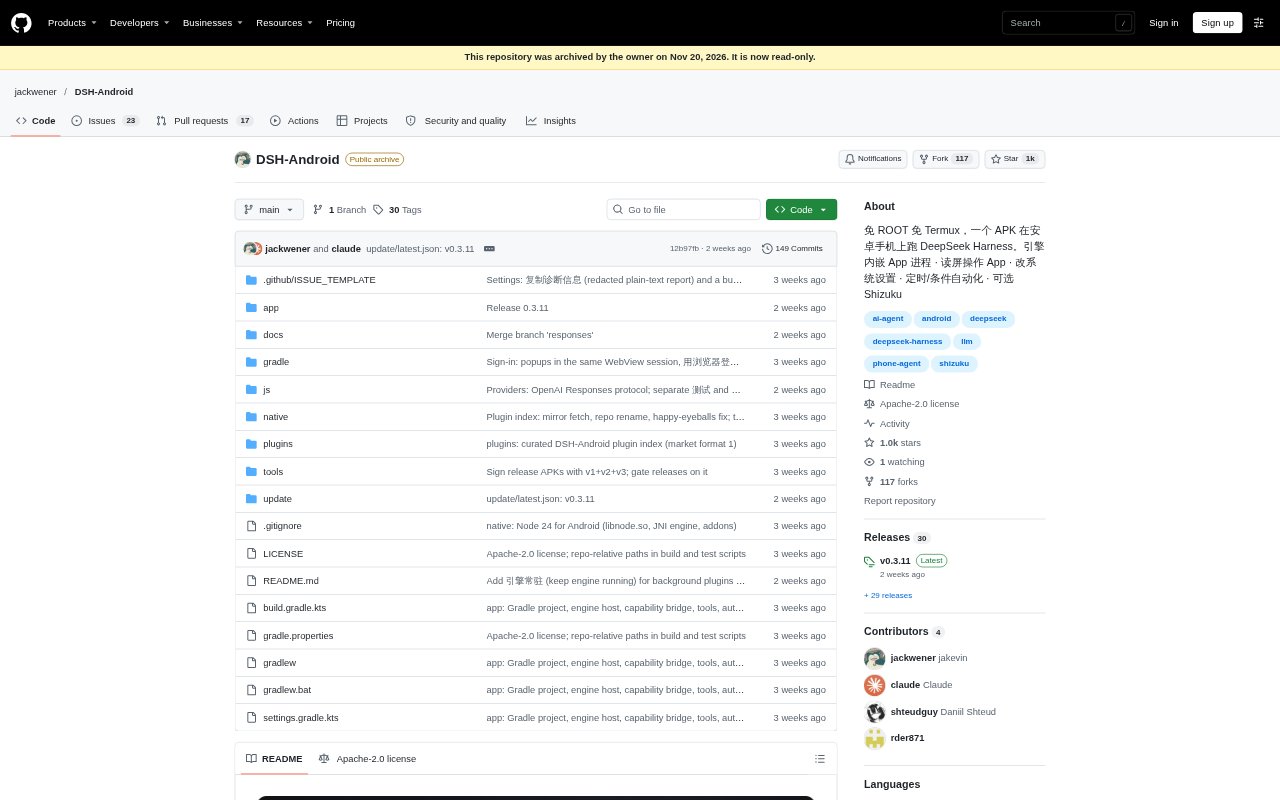
What is DeepSeek Harness Android?
DeepSeek Harness Android runs the DeepSeek Harness agent on Android phones, where it can work with apps, files, system settings, and automated tasks. It installs as an APK without root or Termux and supports Android 10 or later on arm64-v8a devices; users connect a DeepSeek account or API key, with other model services available to configure. It can also connect to DSH running on a computer or server and is a community project, not an official DeepSeek product.
DeepSeek Harness Android Features:
App Interaction: Use accessibility-based screen reading, tapping, swiping, and text entry to navigate apps, open them, or jump to a specified page.
File Handling: Find, organize, move, rename, and compress or extract files, and read text from PDF, Word, Excel, and PowerPoint documents.
System Controls: Adjust settings such as brightness, volume, Wi-Fi, Bluetooth, and location, and read or reply to notifications or control media playback.
Task Automation: Schedule tasks or trigger them when conditions occur, including connecting to Wi-Fi or Bluetooth, charging, reaching a location, or receiving a notification.
Model Services: Use DeepSeek or configure other listed providers and OpenAI-compatible services, then select available models in the app.
Quick Access: Open a floating chat interface from other apps, assign a task, or share the current screen to ask about it.
Remote Connection: Connect by SSH or DSH Remote to DSH on a computer or server; remote-only use does not require the phone's local runtime.
DeepSeek Harness Android Benefits:
Less Setup: People can try phone-based agent tasks without rooting a device, installing Termux, or preparing a computer to run the local engine.
Keep Using Your Phone: On Android 14 and later, configured virtual-screen operation lets the agent work without taking over the visible phone screen.
Faster Requests: The floating interface makes it easier to ask about the screen in front of you without switching away to explain what is open.
Fewer Repeated Steps: Delegating routine phone actions and conditional tasks can reduce the manual navigation and follow-up involved in everyday workflows.
Flexible Models: Configurable model services give users a way to choose among supported providers instead of relying on DeepSeek alone.
Use Cases:
File Cleanup: Ask the agent to locate large downloads, sort files into folders, rename documents, or extract an archive stored on the phone.
Document Review: Have it retrieve text from a PDF, spreadsheet, presentation, or Word document when preparing notes or looking for information.
Messaging Tasks: Use it to help summarize a group conversation or draft and send a reply in a messaging app such as WeChat.
App Workflows: Delegate a multi-step task in an app, such as browsing content, greeting a job contact, or progressing through a shopping workflow.
Triggered Routines: Set up a task to run on a schedule or after an event such as a notification arriving, a device charging, or reaching a location.