

What is Desk?
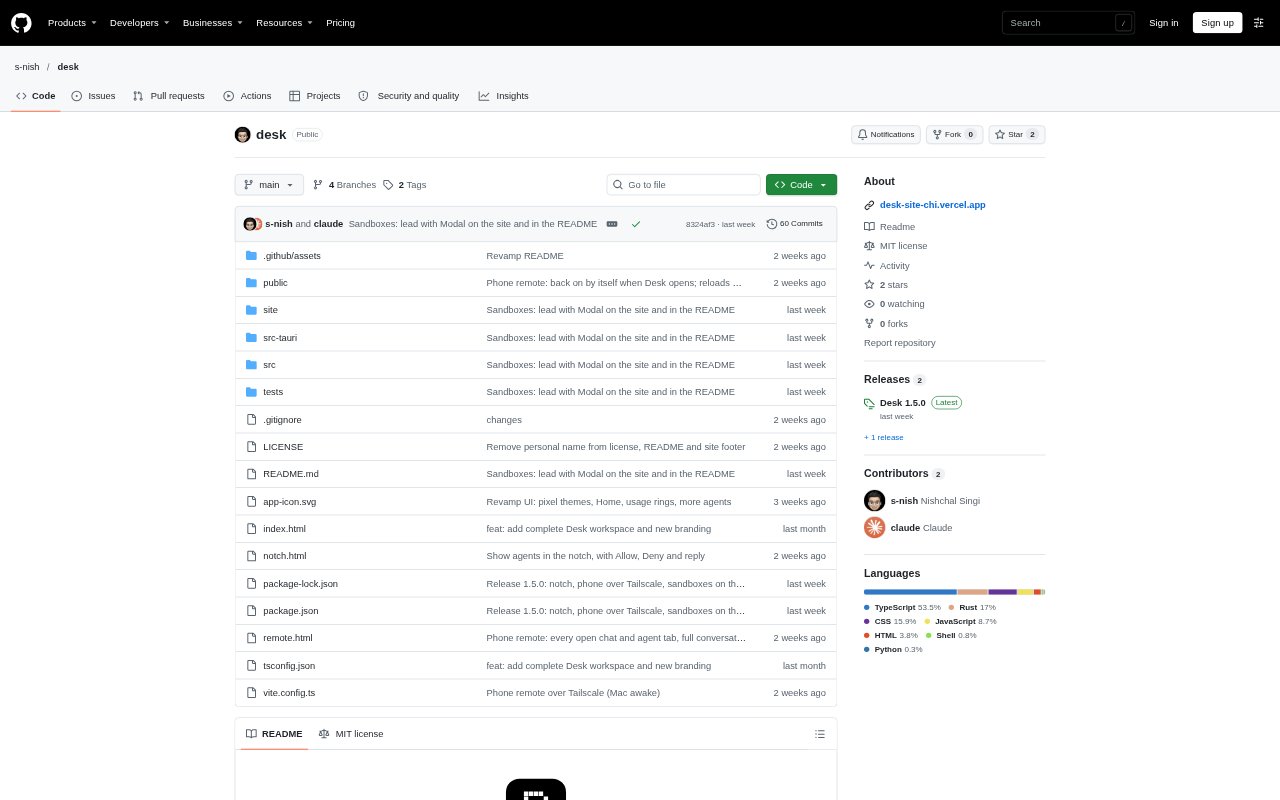
Desk is a macOS workspace for people who use coding agents such as Claude Code, Codex, Gemini CLI, Cursor Agent, Grok or OpenCode. It brings projects, terminals, files, Git tools and agent chat into one app, with accounts assigned by project. Users can work in a terminal or conversation view, review changes before shipping, and run chats in local or cloud sandboxes. Desk is free and open source under the MIT License; the release is for Apple silicon and macOS 12 or later.
Desk Features:
Agent Sessions: Run supported command-line agents in real terminals or chat views, with conversation history available for each project.
Project Accounts: Choose Claude Code, Codex and GitHub accounts per project, and Desk opens each session with the selected account.
File Workspace: Browse project files beside a session, edit with syntax highlighting, and preview images, PDFs and CSV files.
Git Review: Stage and commit changes, comment on diff lines for the agent, and open pull requests using the project's GitHub account.
Remote Sandboxes: Run chats in Modal or Docker Cloud sandboxes, or an isolated Docker container on the Mac, with project syncing and forwarded development ports.
Phone Controls: Pair a phone by QR code over a Tailscale tailnet to allow or deny requests, reply to agents, and stop them.
Desk Benefits:
Less Context Switching: Keeping project files, agent conversations and terminal sessions together makes it easier to follow work without moving between separate apps.
Faster Project Handoffs: Returning to past conversations and reopening files, tabs and split layouts helps users pick up where a project left off.
Safer Reviews: Changes stay under user review because Desk does not push on its own and provides a place to inspect and comment on diffs.
Clearer Account Use: Project-specific account selection helps keep agent sessions tied to the intended login without repeatedly changing configuration by hand.
Work From Elsewhere: Phone access lets users respond to agent requests without returning to the Mac, while the connection stays on their own tailnet.
Use Cases:
Multi-Agent Coding: A developer working across Claude Code and Codex projects can keep each tool's sessions and account settings in one workspace.
Parallel Branches: A team member can give each chat its own worktree so agents work on separate branches without stepping on each other's changes.
Browser-Based Fixes: When a development page needs a visual adjustment, a user can select an element in the docked browser and pass it to an agent.
Remote Agent Checks: A developer away from their desk can use a paired phone to answer an agent's permission request or stop its work.
Isolated Agent Runs: A user who wants an agent to work away from the Mac can start its chat in a Modal or Docker sandbox.