

What is diff-tour?
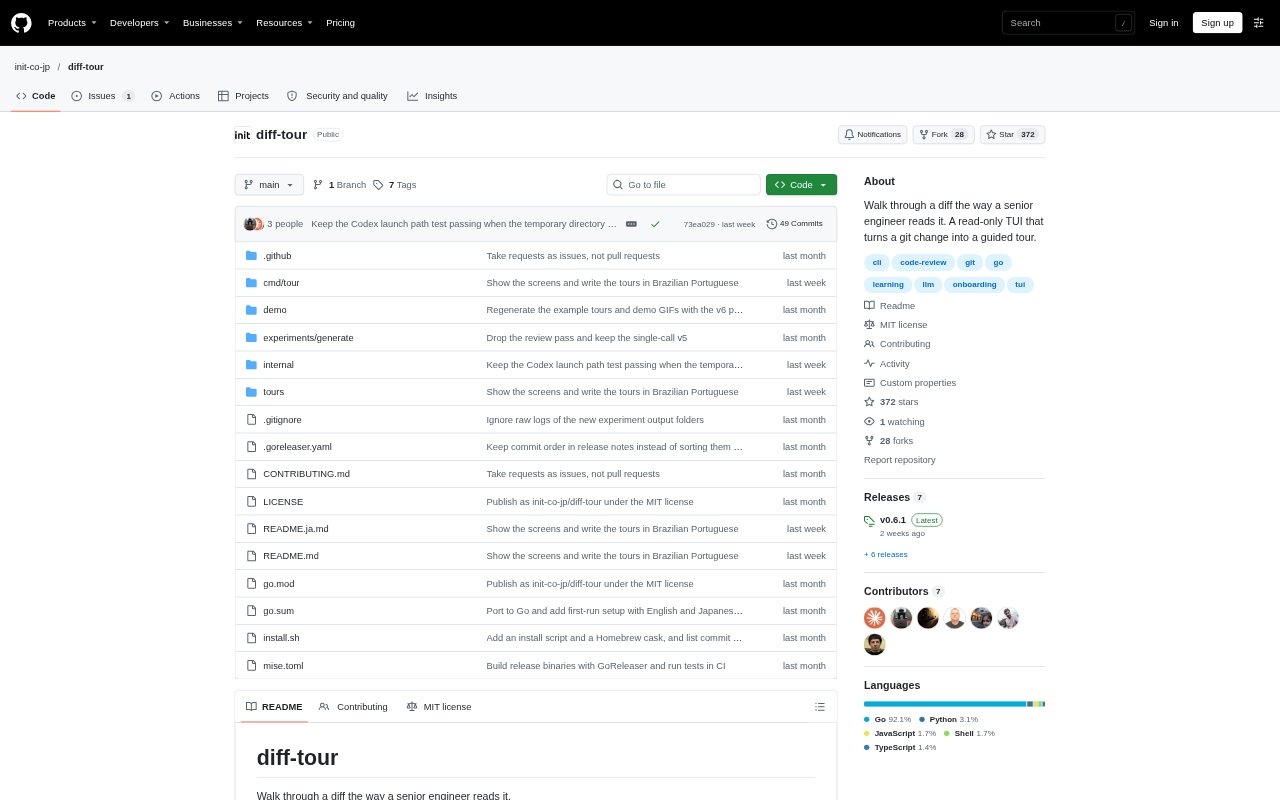
diff-tour is a command-line tool that turns a Git change into a guided, step-by-step tour of the code and the reasoning an experienced engineer might apply when reviewing it. It uses a signed-in LLM command-line tool to write the tour, then presents explanations, questions, findings, and code references in a terminal interface. Developers can use it to understand changes in their own repositories without giving the LLM permission to edit files or run commands that change the repository.
diff-tour Features:
Guided Diff Tours: Generate a walkthrough of a Git change that explains its purpose, points out where to look next, and raises questions a reviewer might ask.
Review Findings: Tours distinguish issues that need fixing from suggestions and nits, explain risks that may be harmless, and note what works well.
Interactive Questions: The tour can pause with questions for the reader to consider before showing the answer, including what might happen if code runs twice.
Git Code References: Code, diffs, and schemas shown in the tour are read from Git at the relevant commit, and the tool checks that referenced files and lines exist.
Read-Only Generation: The LLM works from an exported copy of repository files with read-only permissions, while the tool does not modify the working tree or repository.
CLI Model Support: Use Claude Code, Codex CLI, Gemini CLI, OpenCode 2, Copilot CLI, or Pi to generate tours, then navigate them with the arrow keys.
Saved Tours: Completed tours are saved in a cache for instant reopening, and an existing JSON tour can be opened without generating one with an LLM.
diff-tour Benefits:
Clearer Change Context: A reviewer can understand the intent and structure of a change before spending time tracing each modified file independently.
More Focused Reviews: Prompts about failures, repeated operations, compatibility, rollout, and test coverage can help reviewers direct attention to meaningful risks.
Safer Inspection: Read-only generation and checks against real Git content reduce the chance that a walkthrough changes files or presents invented code as repository code.
Learn Review Reasoning: Seeing questions and their answers in context gives developers a way to practice how experienced engineers assess a change.
Easy Repeat Viewing: A cached tour opens without another generation wait, so readers can return to its explanations while examining the change.
Use Cases:
Review a Branch: Walk through a feature branch before approving it, using the tour to understand its purpose and identify areas that deserve closer review.
Inspect Uncommitted Work: Generate a tour of local changes when you want to check what your edits do and consider how they behave in failure or repeat-use cases.
Understand Existing Changes: Use a finished JSON tour to explore a change when you want the walkthrough but do not have an LLM sign-in available.
Practice Code Review: Step through a change and answer the tour’s questions to practice evaluating risks, suggestions, tests, and overall impact.
Check Change Safety: Examine how a change handles rollout, rollback, access, inputs, or increased data volume before deciding whether it is ready to merge.