

What is divorce?
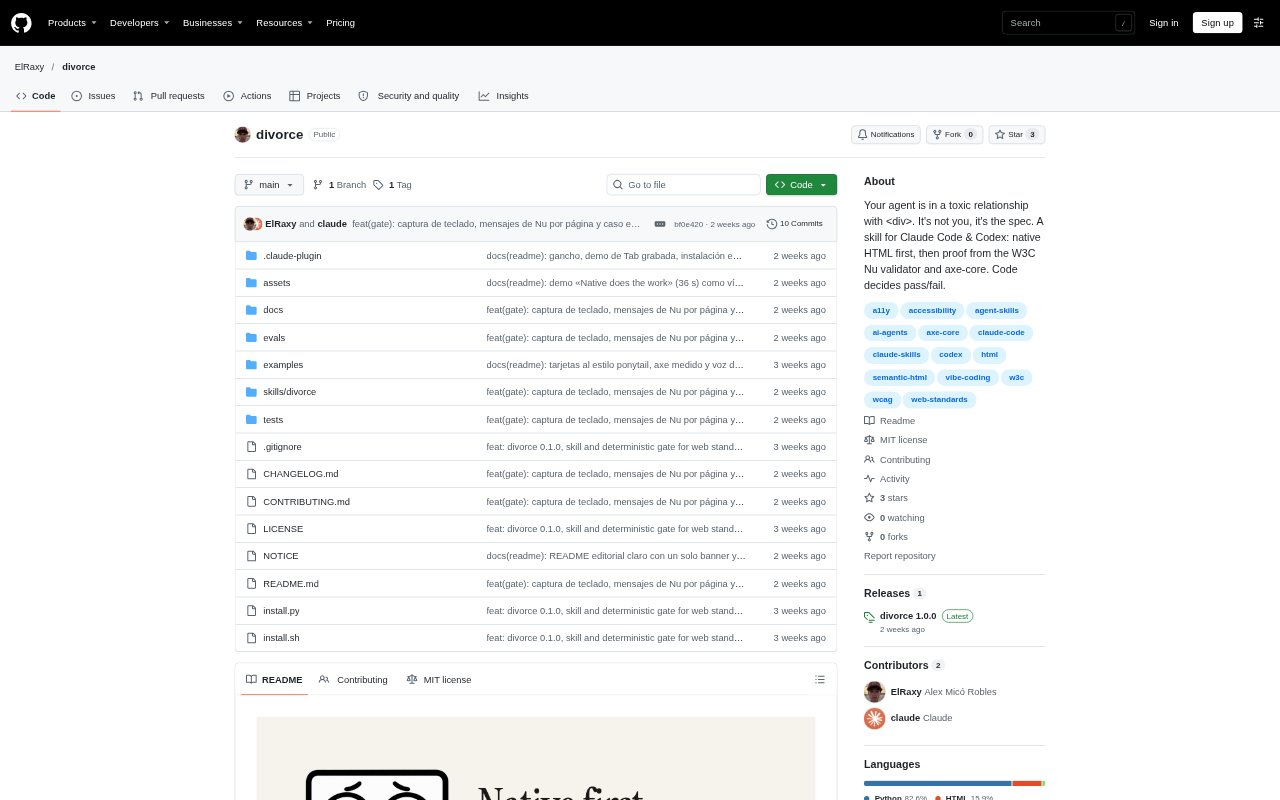
divorce is a skill for coding agents that guides them toward native HTML elements and simpler implementations before they add custom markup or JavaScript. It then provides commands to check HTML with Nu and a rendered page with axe, reporting a pass, fail or not_measured result according to the configured policy. It is intended for developers using Claude Code, Codex and other supported agents who want accessibility checks alongside agent-written interface code.
divorce Features:
Native HTML First: The skill guides the agent through a decision order: omit unnecessary elements, reuse project code, choose a native HTML element, consider CSS, check dependencies and then write the smallest needed implementation.
Nu HTML Checks: A gate command runs the Nu HTML Checker against supplied HTML and fails on HTML errors while leaving warnings non-blocking.
Axe Page Checks: A provided snippet can capture axe results from a rendered page for the gate to assess against an impact threshold.
Keyboard Check: A separate check examines the rendered DOM for click-responsive elements that are not in the Tab order, but does not press keys or verify focus return.
Evidence-Based Verdict: The gate returns pass, fail or not_measured, with missing or unusable evidence reported as not_measured rather than a pass.
Agent Installation: Installation routes cover Claude Code, Codex and instruction files for other agents, with the project describing compatibility with more than 20 agents.
divorce Benefits:
Less Custom Code: Using browser-native elements and behavior can avoid JavaScript and markup for interactions the browser already supports.
Clearer Findings: Separating missing evidence from a passing check helps teams avoid treating an incomplete accessibility measurement as a successful result.
Fewer Barriers: Choosing appropriate native controls can make generated interfaces more usable with keyboard navigation than click-only custom elements.
Measured Reduction: Across five runs of eight tasks, the project reports 29% less HTML, 41% less JavaScript, 33% fewer ARIA attributes and 76% fewer axe violations with the skill.
Use Cases:
Agent-Built Forms: Use it when an agent is creating form controls so the work can be checked for valid HTML and accessibility findings on the rendered page.
Modal Dialogs: Apply the native-first guidance when an agent builds a confirmation or other modal task, rather than starting with custom dialog behavior.
Click-Only Controls: Run the keyboard check on pages with custom clickable elements to identify those that are missing from the Tab order.
Interface Reviews: Use the Nu and axe gate when reviewing agent-generated HTML and rendered pages, while keeping manual checks for keyboard interaction, focus and visual behavior.