

What is DocuMemory?
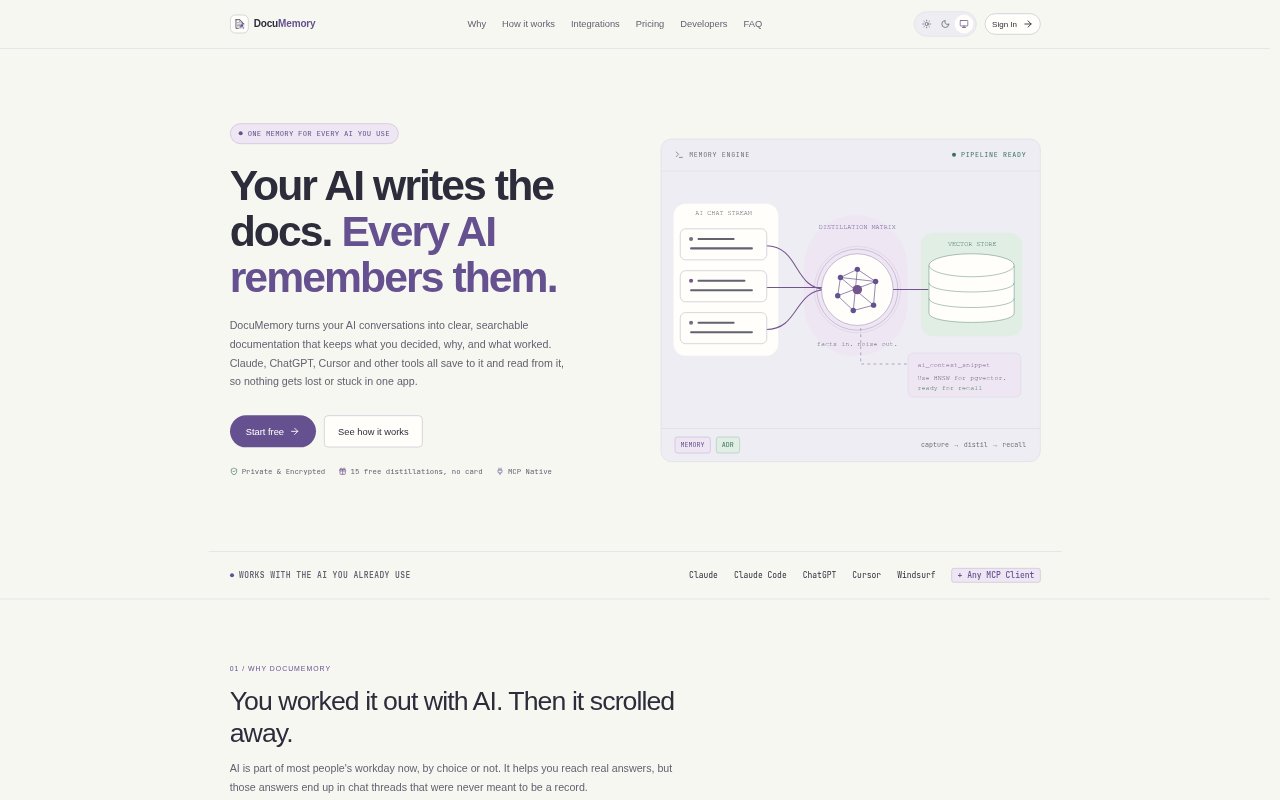
DocuMemory turns useful AI conversations into searchable documentation and shared memory for people who work across tools such as Claude, ChatGPT, Cursor, and other connected assistants. Users can ask an AI to capture decisions, reasoning, and working results, then retrieve that knowledge in later sessions. It also supports guides and rules written directly by users, with options for individual workspaces or team projects.
DocuMemory Features:
Chat Distillation: A request in a connected conversation can turn the discussion into a document covering the problem, decision, reasoning, and final working result.
Shared AI Access: Claude, ChatGPT, Cursor, and other connected MCP-compatible tools can save information to and retrieve it from the same knowledge store.
Search and Retrieval: Search combines semantic matching with full-text search, helping assistants find relevant context by meaning as well as exact terms.
Project Context: An assistant can load every memory for a selected project into a chat, or search for a particular earlier decision.
Manual Documentation: Create or paste documents in the dashboard, edit and organize them into projects, and delete them when no longer needed.
Team Permissions: Organizations provide a shared documentation space, with projects available to all members or restricted to selected teammates.
Markdown and API: Documents remain editable Markdown and can be retrieved through the REST API or deleted.
DocuMemory Benefits:
Less Repeated Work: Carrying decisions and successful results between sessions can reduce time spent repeating investigations or reconstructing solutions from old chat threads.
Faster Handoffs: Records of what was decided and why give someone picking up existing work a practical starting point without rereading long conversations.
Consistent AI Context: Shared memory reduces the need to explain the same project conventions and prior choices again when switching assistants or starting a fresh session.
Lower Documentation Burden: Asking an assistant to capture useful outcomes makes it easier to preserve working knowledge when nobody has time to draft documentation.
Focused Recall: Searchable records help users find the relevant command, rule, or decision without relying on entire chat transcripts as the only reference.
Use Cases:
Record Technical Choices: After settling a design or implementation decision with an AI, save the rationale and working result for later project work.
Find Prior Fixes: When an error or configuration issue returns, ask an assistant to search stored notes for the command or approach that resolved it.
Start Informed Sessions: Before starting a fresh Claude, ChatGPT, or coding session, load project memories so the assistant has established context.
Maintain Team Conventions: Keep setup instructions, project rules, and internal guides in a shared team repository, limiting access by project when needed.
Automate Knowledge Tasks: Use the REST API to save or search documentation from scripts, automations, or CI jobs.