

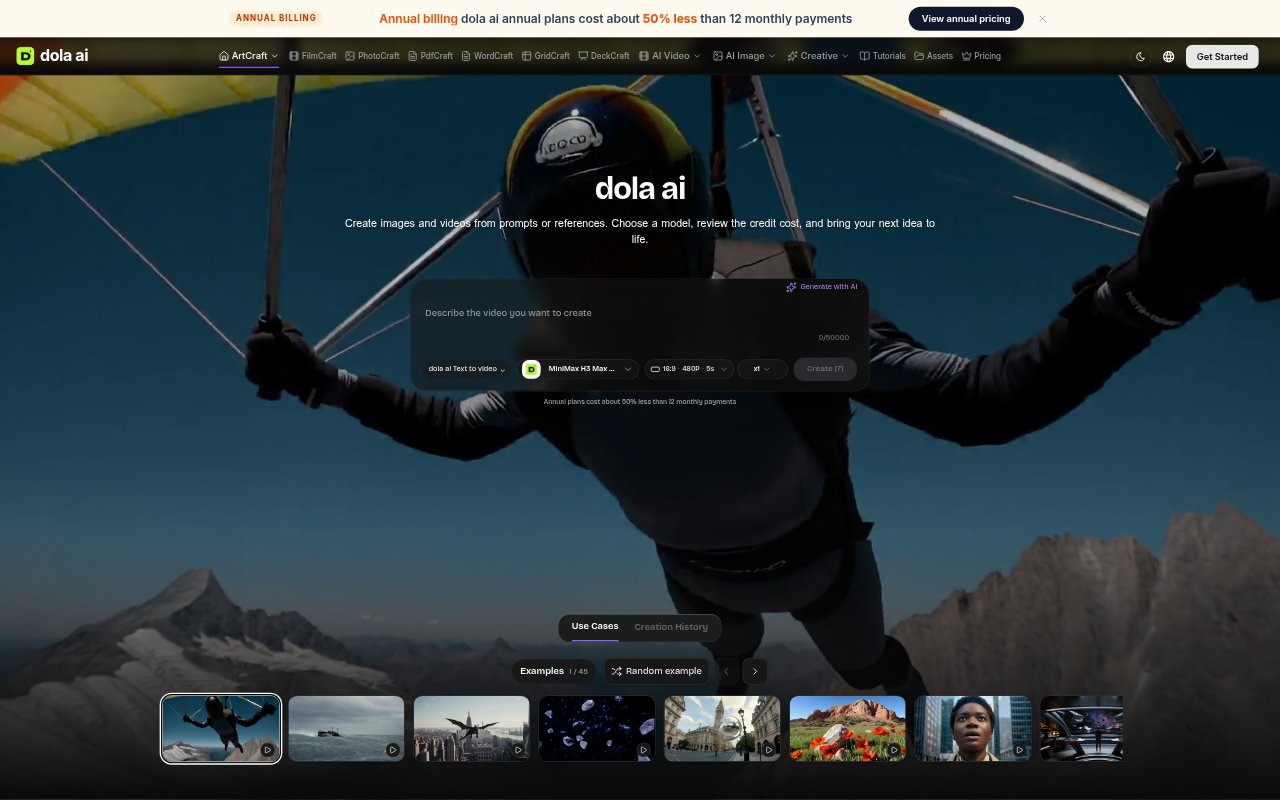
What is Dola AI?
Dola AI is a browser-based creative workspace for artists and other visual creators who want to plan and produce images, scenes, and video. It combines manual editing and composition tools with AI generation from prompts or visual references. Users can save editable projects, prepare a composition before submitting it to a model, and keep generated results with their creative work. AI jobs use credits, while local editing and project saving do not.
Dola AI Features:
Layered Image Compositing: Arrange photographs, cutouts, and painted marks on separate layers to adjust subjects, backgrounds, and visual emphasis.
Canvas Editing: Draw on images, paint masks, and mark areas for refinement before sending a reference to a supported image model.
Prompt-Based Images: Generate images from written descriptions or ask an available editing model to change a reference while retaining selected details.
3D Scene Composition: Place objects and image planes, control a camera, and save an editable scene to test framing from different angles.
Video Generation: Turn a prepared image into a video using a supported model, with available controls for duration, framing, and sound.
Project Library: Save creative projects and completed results to an account, then return to them in a later session.
Dola AI Benefits:
Clearer Direction: Planning composition, camera position, and visual references first helps communicate details that a short prompt may leave unclear.
Easier Comparisons: Editable layers and scenes let creators compare arrangements or camera angles without rebuilding the whole visual setup.
More Predictable Costs: Reviewing the credit estimate before an AI submission helps creators judge the generation cost before starting a job.
Reusable Work: Saved projects keep earlier creative decisions available, so a later revision can begin from the existing composition.
Lower-Cost Exploration: Manual editing and project saves do not use generation credits, allowing creators to arrange and refine ideas before paying for AI output.
Use Cases:
Illustration Planning: Arrange a sketch, cutout, or reference images to establish key shapes and color relationships before exploring a finished visual style.
Storyboard Shots: Block a character, location, and camera position in a scene to prepare shot references or compare views for a sequence.
Image Refinement: Mark a region on a reference image and describe a desired change when preparing a variation with an image model.
Video Concepts: Prepare a still image and use it as the starting reference for a generated clip with specified motion and available video controls.
Moodboard Building: Collect useful images and clips in a reference board or timeline to keep visual direction close while developing a project.