
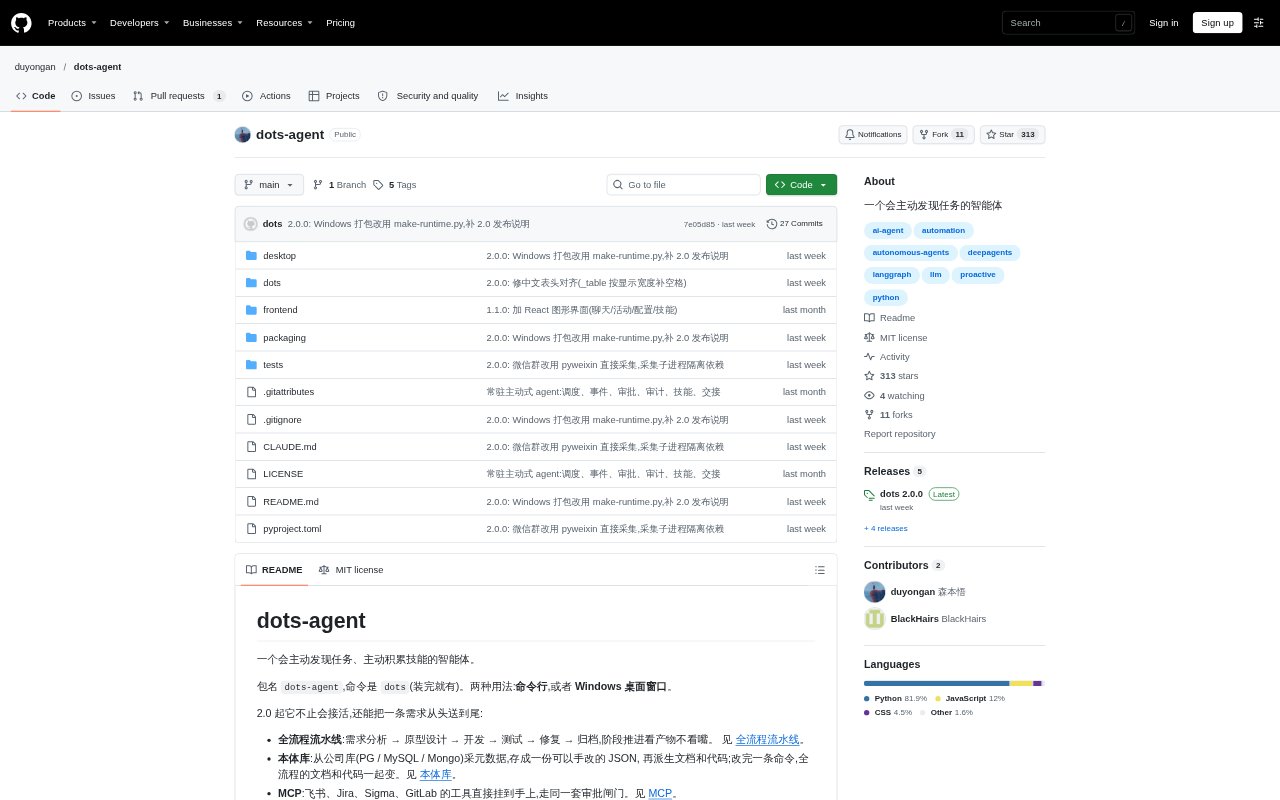
What is dots agent?
dots agent is a task-oriented AI agent for people who want software to handle work in the background, rather than only answer questions in a chat. It accepts goals, can run a recurring task loop, and supports a workflow that moves from requirements through design, development, testing, fixes, and archiving. Use it from the command line, a Windows desktop app, or an optional local browser interface. The project is open source under the MIT licence.
dots agent Features:
Background Goals: Submit goals to a queue for the agent to handle, or run a recurring loop that looks for work and processes goals without a new prompt each time.
Task Pipeline: Move a request through requirements analysis, prototype design, development, testing, fixes, and archiving, with progress based on produced work.
Reusable Skills: The agent can turn supplied material into reusable skills, save skills in the workspace, and help merge duplicates or remove ones that are no longer useful.
Approval Rules: Set actions to require approval, run automatically, or be denied, then review pending requests and approve or reject them.
Ontology Library: Collect metadata from PostgreSQL, MySQL, or MongoDB into an editable JSON ontology and use it to generate documentation and code.
External Tools: Connect MCP tools for Feishu, Jira, Sigma, and GitLab, with actions governed by the same approval rules.
Activity Views: Inspect goals, statuses, evidence, token usage, and activity logs in the command line or desktop app, or use the optional local browser interface.
dots agent Benefits:
Less Task Chasing: A recurring loop and goal queue can keep work moving between check-ins, so you do not need to restate or manually restart every task.
Safer Automation: Approval rules give you a way to keep consequential actions under human control while allowing lower-risk work to proceed.
Clearer Progress: Statuses, activity records, and evidence make it easier to see what the agent has done and identify work that still needs review.
Reusable Know-How: Saved skills give the agent a way to apply learned procedures again, reducing the need to provide the same instructions for recurring work.
Consistent Outputs: Keeping database metadata in an editable ontology gives teams one place to update before regenerating related documentation and code.
Use Cases:
Inbox Reporting: Set a goal to organize items in an inbox and turn them into a report, then let the agent work through the task in the background.
Software Delivery: Start a request that needs requirements analysis, a prototype, implementation, testing, and fixes, and follow its progress through the pipeline.
Team Procedures: Give the agent reference material or a process description to turn into a reusable skill for similar work in the future.
Action Review: Require approval before the agent sends an email or performs other configured actions, and review the request before it continues.
Group Bug Triage: Monitor a WeChat group for error reports, deduplicate them, add them to a tracking ledger, and start a repair workflow.
Database Documentation: Sync metadata from a company database into the ontology, edit its definitions, and regenerate the associated documentation and code.