

What is Drint?
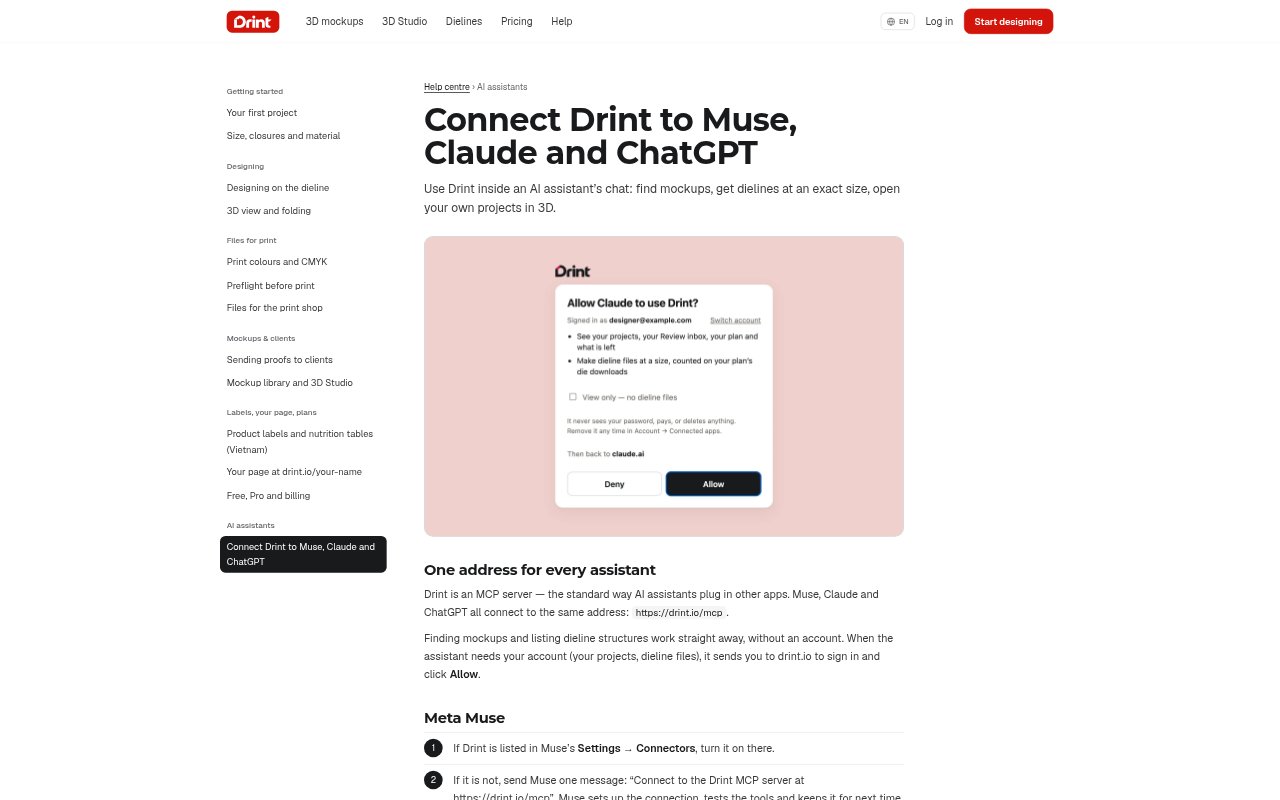
Drint is a browser-based design workbench for packaging and other printed products, including boxes, labels, business print, merchandise and apparel. Designers can build artwork on a dieline, inspect it in 3D and prepare files for print; print shops can show models in a branded catalogue. Drint also connects to Muse, Claude and ChatGPT through an MCP server, letting users search mockups, request dielines and open projects from an assistant chat.
Drint Features:
AI Assistant Tools: Connect Muse, Claude or ChatGPT to search mockups, list dieline structures, open projects in 3D and check your Review inbox.
Sized Dielines: Choose a FEFCO or ECMA code, a Drint type and exact dimensions to create a dieline; file downloads require Pro.
Mockup Library: Browse more than 90,000 ready 3D mockups, including boxes, bags, bottles, labels, apparel, jars, pouches, cans and cartons.
Live 3D Design: Draw on a real-size dieline and see the folded 3D model update, with finishes such as foil, emboss, soft-touch and kraft.
Print Preparation: Check ink coverage, bleed, white ink and varnish plates, then export CMYK PDF/X-4 files with the dieline on its own layer.
Client Review: Share a link for clients to rotate a 3D model, pin comments on pictures and approve the work without creating an account.
Drint Benefits:
Check Designs Early: Seeing a package fold as artwork changes makes it easier to assess the design before sending files to a printer.
Reduce File Handoffs: Designers can prepare print files and check key production details in one workbench instead of coordinating those steps separately.
Simpler Approvals: Clients can inspect a model and leave feedback from a shared link, reducing the need to explain a flat design by email.
Explore Before Making: Ready-made models let teams preview artwork on different product shapes before deciding what to develop or present.
Start Without Paying: The free plan includes dieline design and live 3D, so users can try the workflow before paying for downloadable files.
Use Cases:
Packaging Concepts: A designer can build a carton, bag or label at its intended dimensions and review the folded result while developing the artwork.
Print File Handoff: A packaging designer can check bleed and ink requirements, then send a CMYK PDF/X-4 to a press with the die on a separate layer.
Client Presentation: A studio can share a 3D review link so a client can examine a proposed package, pin comments and approve it.
Mockup Discovery: A marketer or designer can ask an AI assistant to find a suitable mockup, such as a kraft paper bag, and open it in 3D.
Print Shop Catalogue: A print shop can pin the models it produces in a branded catalogue so customers can browse products and contact the shop.