

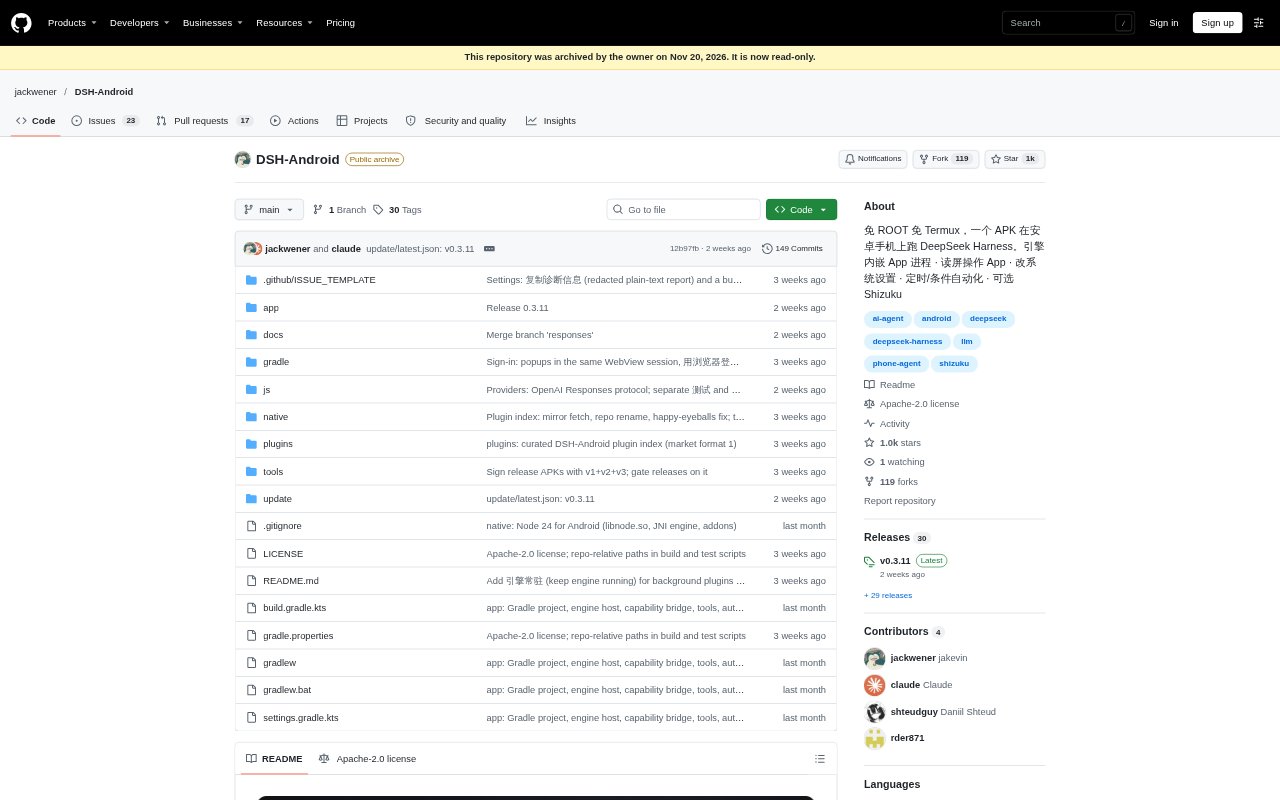
What is DSH-Android?
DSH-Android brings DeepSeek Harness, an AI agent engine, to Android phones through an installable app. It can work with apps, files, notifications and system settings, and can run scheduled or condition-triggered tasks. The app is designed for Android 10 or later on arm64 phones, requires no root or Termux, and can connect to DeepSeek or configured third-party model services. It suits people who want an agent to carry out phone tasks directly, as well as users connecting to an agent running on a computer or server.
DSH-Android Features:
App Interaction: With accessibility permission, the agent can read the screen, tap, swipe and enter text, or open an app and navigate to a specified page.
File Operations: The agent can find, move, rename, organize and compress or extract files, and read text from PDF, Word, Excel and PowerPoint documents.
System Controls: It can adjust settings such as brightness, volume, Wi-Fi, Bluetooth and location, and manage alarms, notifications and media playback.
Task Automation: Tasks can run on a schedule or be triggered by events including connecting to Wi-Fi or Bluetooth, charging, arriving at a location or receiving a notification.
Model Services: Users can sign in to DeepSeek or configure listed providers and other OpenAI-compatible Chat Completions services, then select models in the app.
Remote Connection: The app can connect through SSH or DSH Remote to DSH running on a computer or server, without requiring the phone's local runtime for remote-only use.
Floating Shortcut: A floating button can open a conversation from any app, assign a task or share the current screen to ask a question about it.
DSH-Android Benefits:
Less Repetitive Work: Routine phone tasks can be delegated instead of repeated manually across settings, files and apps.
Fewer App Switches: People can ask for help from the screen they are already using rather than leaving the app to describe what they see.
More Flexible Access: The choice between a local phone engine and a remote computer or server lets users work with the setup that fits their situation.
No Root Setup: People can try an Android agent without rooting their phone or installing Termux, while Shizuku remains optional for additional system access.
Keep Using Your Phone: On Android 14 and later, virtual-screen operation can let the agent work without taking over the visible display when configured with Shizuku or self-connected ADB.
Use Cases:
Organize Downloads: Ask the agent to identify large files in the Downloads folder, move or rename items, or extract an archive.
Handle Group Chats: Use the agent to summarize a WeChat group conversation or draft and send a reply from the messaging app.
Review Documents: Have the agent find a document on the phone and read text from a PDF, spreadsheet, presentation or Word file.
Automate Phone Routines: Set up an action to run at a chosen time or in response to charging, a notification, a location or a network connection.
Manage Device Settings: Ask the agent to change brightness or volume, set an alarm, adjust Wi-Fi or Bluetooth, or respond to a notification.