
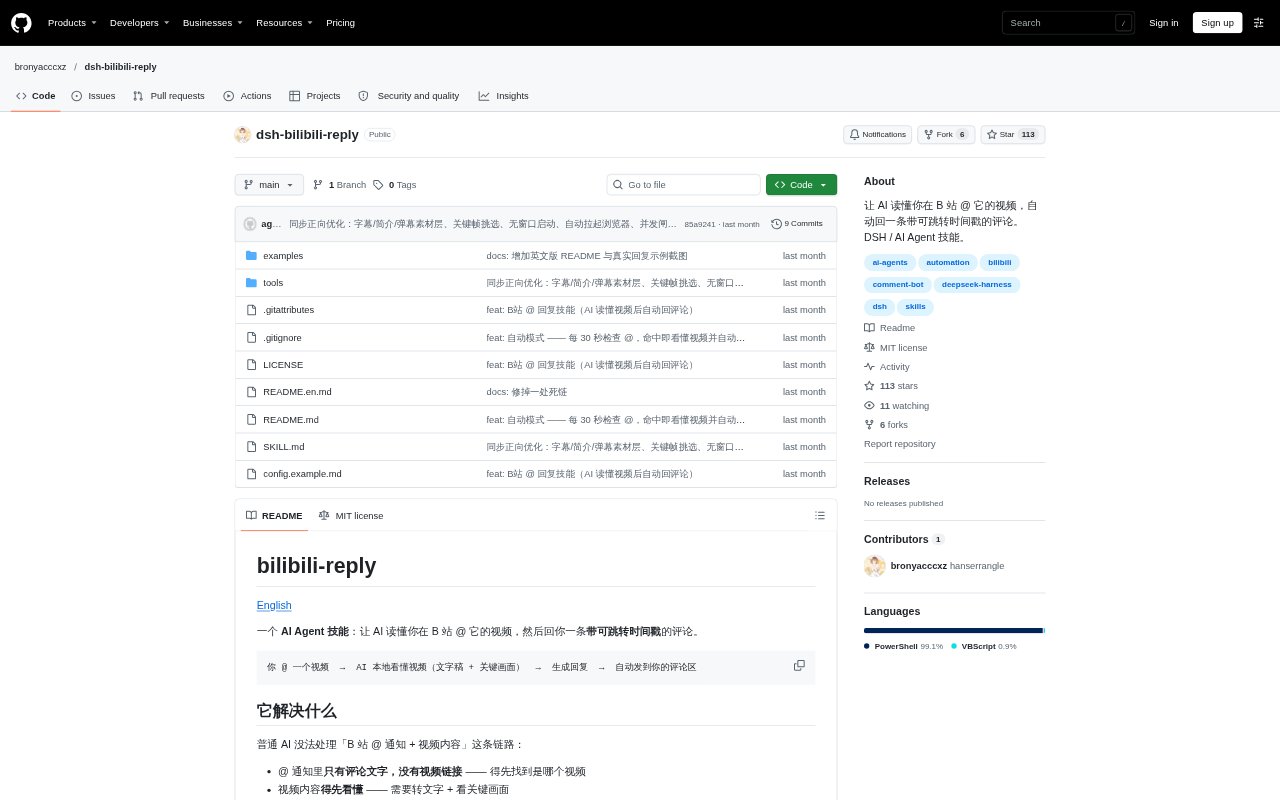
What is DSH Bilibili Reply?
DSH Bilibili Reply is an AI Agent skill that finds a Bilibili notification where someone has mentioned the account, analyzes the linked video, and posts a reply in the relevant comment thread. It is for Bilibili users who want an agent to respond to mentions with context from the video, including clickable timestamps for instructional content. It requires DeepSeek Harness, browser automation connected to a logged-in Bilibili account, and the separate video-watch skill for video analysis.
DSH Bilibili Reply Features:
Mention Identity Check: The skill checks the nickname on each notification against the configured nickname, and skips notifications that do not match.
Local Video Analysis: It uses video-watch to transcribe speech and extract key frames locally, without sending audio or video to cloud processing.
Contextual Reply Style: It can structure replies to instructional videos as timestamped chapters, respond to playful videos with a short emotional reaction, and handle serious content with restraint.
Clickable Timestamps: For instructional videos, replies can include timestamps in plain-text 00:00 format, which Bilibili converts into jump links.
Threaded Comment Replies: The workflow uses the reply control in the notification so the response is posted as an inline reply rather than a separate top-level comment.
Optional Watchdog: A supplied script can check for new mentions every 30 seconds, analyze matching videos, post replies, and send a WeChat notification.
DSH Bilibili Reply Benefits:
Fewer Wrong Replies: Checking the configured nickname before responding helps avoid answering someone else's notification or commenting on the wrong video.
Less Video Review: Transcription and key-frame extraction give the agent material to use in a reply without requiring the account owner to review the full video first.
More Useful Responses: A reply that reflects the video's content can be more relevant to the person who mentioned the account than a generic acknowledgment.
Easier Video Navigation: Clickable chapter timestamps help recipients jump to parts of an instructional video referenced in the reply.
Fewer Manual Checks: With the optional watcher enabled, users do not have to manually open Bilibili to check for every new mention.
Use Cases:
Answer Video Mentions: Ask the agent to check a Bilibili mention and respond to the person who tagged the account under a video.
Summarize Tutorials: Reply to a mention on a how-to video with chapter-style timestamps that point recipients to relevant sections.
React to Fun Clips: Use a short emotional response when a contact mentions the account in a playful or entertainment-focused video.
Handle Serious Topics: Respond to a mention on weightier content with a restrained reply rather than treating every video in the same way.
Monitor New Mentions: Run the optional watchdog for an account that should check for new Bilibili mentions and reply without a manual prompt.