
What is DSH Codex Effort Slider?
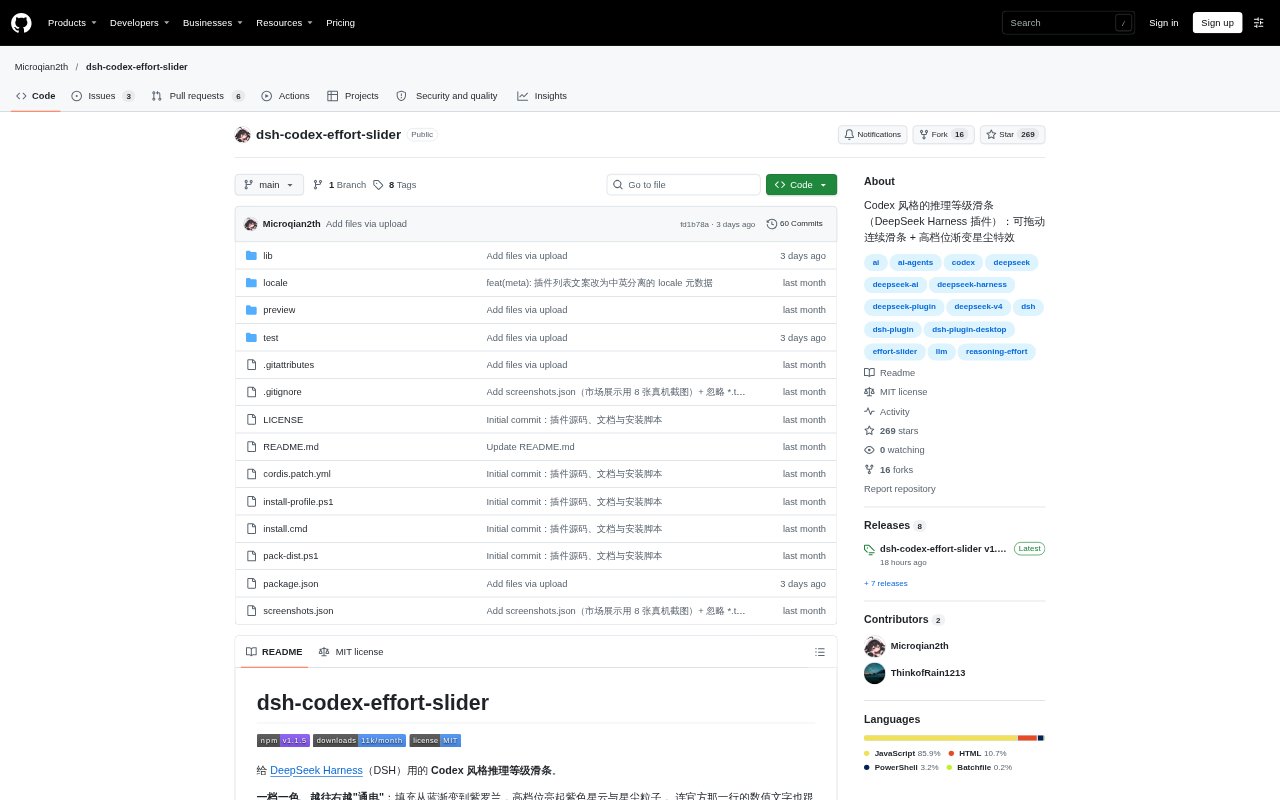
DSH Codex Effort Slider is a plugin for DeepSeek Harness that restyles the reasoning-level control in the official model menu as a draggable slider. It is intended for people using DSH who want to see and change a model’s reasoning effort through a more visual control, with the selected level reflected in the interface. The plugin works with DSH Desktop through its plugin panel, and can also be installed for non-desktop profiles using the DSH command line.
DSH Codex Effort Slider Features:
Menu Slider: The slider appears beneath the existing reasoning-level label in the model menu, without adding a separate control to the input toolbar.
Live Selection: Dragging moves the slider continuously and changes the official effort level as soon as the pointer passes a level boundary.
Level Colors: The filled track shifts from blue toward purple as it moves higher, while the selected value is colored to match and Off stays in the official gray.
Energy Effects: Higher levels add a purple nebula, a sweep of light, and moving star particles, with up to 22 particles at the maximum level.
Motion Settings: A right-click menu offers fast, simple, and full animation styles, including different snapping and tracking behavior as the slider moves.
Display Controls: The settings menu lets users show reached-level tick marks in bright white, match them to unreached marks, or hide them.
Diagnostics: Settings take effect immediately and are remembered, with options to restore defaults or copy a frame-by-frame diagnostic record.
DSH Codex Effort Slider Benefits:
Quick Scanning: Color and slider position make the current effort setting easier to pick out when choosing a model or reviewing the open menu.
Fewer Misreads: Keeping the official level label and value in place alongside the slider helps users relate the visual control to the setting it changes.
Flexible Motion: Different animation styles let users choose a slider feel that suits their preference, from restrained movement to more responsive tracking.
Clearer Position: Optional tick-mark styling helps users judge which effort levels have been reached without requiring every marker to remain prominent.
Easier Troubleshooting: A copyable diagnostic record gives users concrete information to share when investigating a problem with the slider.
Use Cases:
Effort Switching: Change reasoning effort while selecting a model in DSH, moving between available levels without opening a separate settings area.
Task Adjustment: Choose a lower or higher effort level as the needs of a conversation change, then see the selection reflected in the model menu.
Setting Review: Check the effort level shown on the model button before opening the menu, including when deciding whether to change it.
Motion Tuning: Try the fast, simple, or full animation style and adjust tick-mark visibility to suit how the control should look and move.
Preinstall Preview: Open the included browser preview to try dragging the slider and viewing light or dark themes before adding the plugin to DSH.
Issue Reporting: Copy the frame-by-frame diagnostic record when reporting unexpected slider behavior or asking for help with the plugin.