

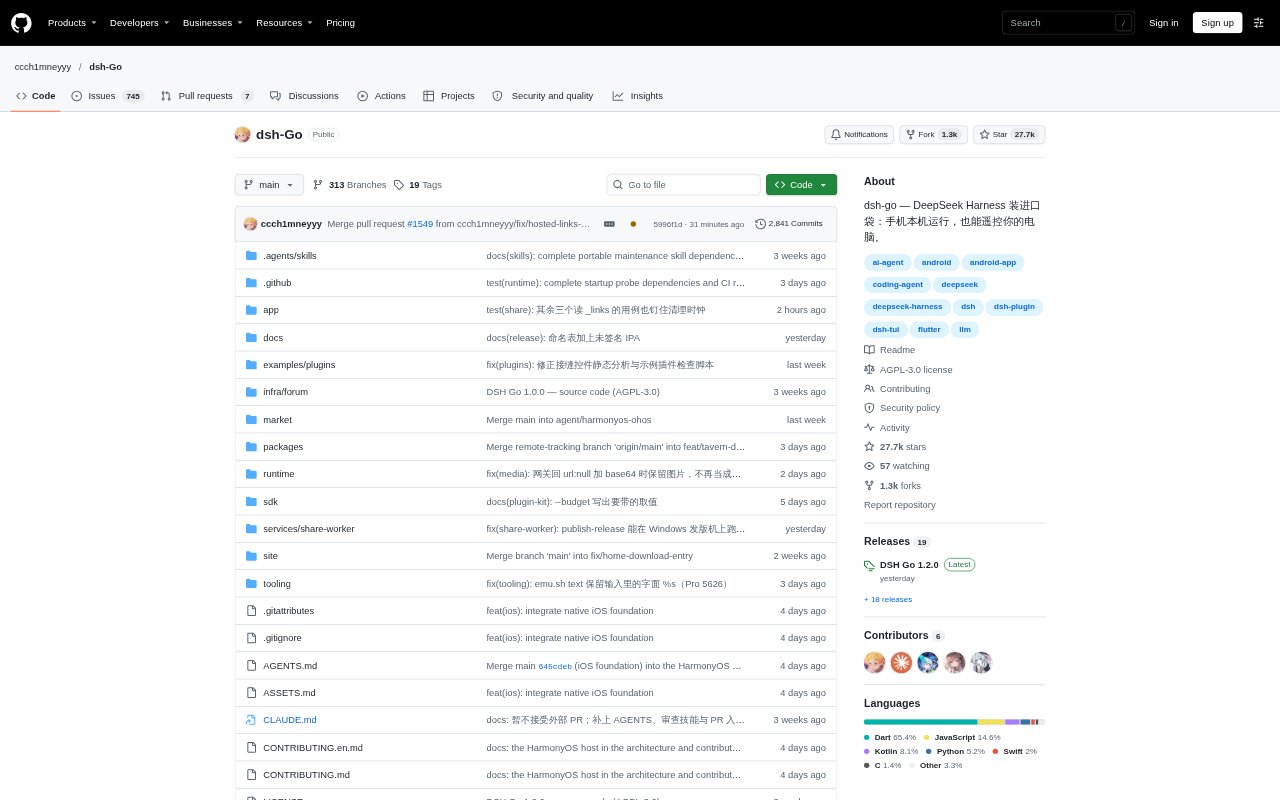
What is dsh go?
DSH Go is a third-party Android app for using DeepSeek Harness on a phone, either with an engine installed in its built-in Linux environment or through a remote computer or server. It combines chat, tool approvals and phone controls with native and web interfaces, and sends model requests to the provider configured by the user. Android 8 or later is required; iOS is still in development and has no public install package.
dsh go Features:
Local Linux Runtime: Install Ubuntu, Node.js and the DSH environment inside the app to run the engine on Android without Root or a separate Termux installation.
Remote Host Access: Connect to DSH on a computer or server through SSH or DSHarness Remote, and switch between local and remote use.
Chat and Tool Flow: Switch models, send images, use voice input, and handle tool approvals and questions from the chat interface.
Message Steering: Send a message while a reply is underway, queue it for later, or choose to send a queued message immediately.
Native and Web Modes: Move between the app’s native interface and web mode while keeping the same conversation open.
Conversation Sharing: Turn a reply into a share card, or create a link for replaying a conversation in a browser; share links are end-to-end encrypted.
Phone Control: With permissions enabled, let the local engine read the screen, tap and type, with confirmation settings for sensitive actions.
dsh go Benefits:
Work Away From Desks: Running or connecting to DSH from a phone makes it possible to continue a session when a computer is not close at hand.
Fewer Setup Steps: The built-in Linux environment avoids the need to root an Android phone or install Termux separately.
More Control Mid-Reply: Adding instructions before a response finishes can help redirect work without waiting for the current exchange to end.
Clearer Shared Context: Browser replay links give recipients a way to review a conversation rather than relying on a copied excerpt alone.
Review Before Actions: Approval handling and confirmation settings let users stay involved when the engine requests permission for tool use or phone actions.
Use Cases:
Mobile Coding Sessions: Use DSH on an Android phone to work through coding tasks when away from a laptop, with the engine running locally or on a remote host.
Remote Work Checks: Connect to a computer or server to check an existing DSH session and respond to a request for tool approval from your phone.
Redirecting a Task: Add a clarification while the engine is replying, or send a queued instruction immediately when priorities change.
Reviewing Shared Chats: Create a replay link when someone needs the context of a full DSH conversation in a browser.
Phone-Based Tasks: Enable phone control when a local DSH task needs to read screen content, tap controls or enter text, while keeping confirmation protections in mind.