

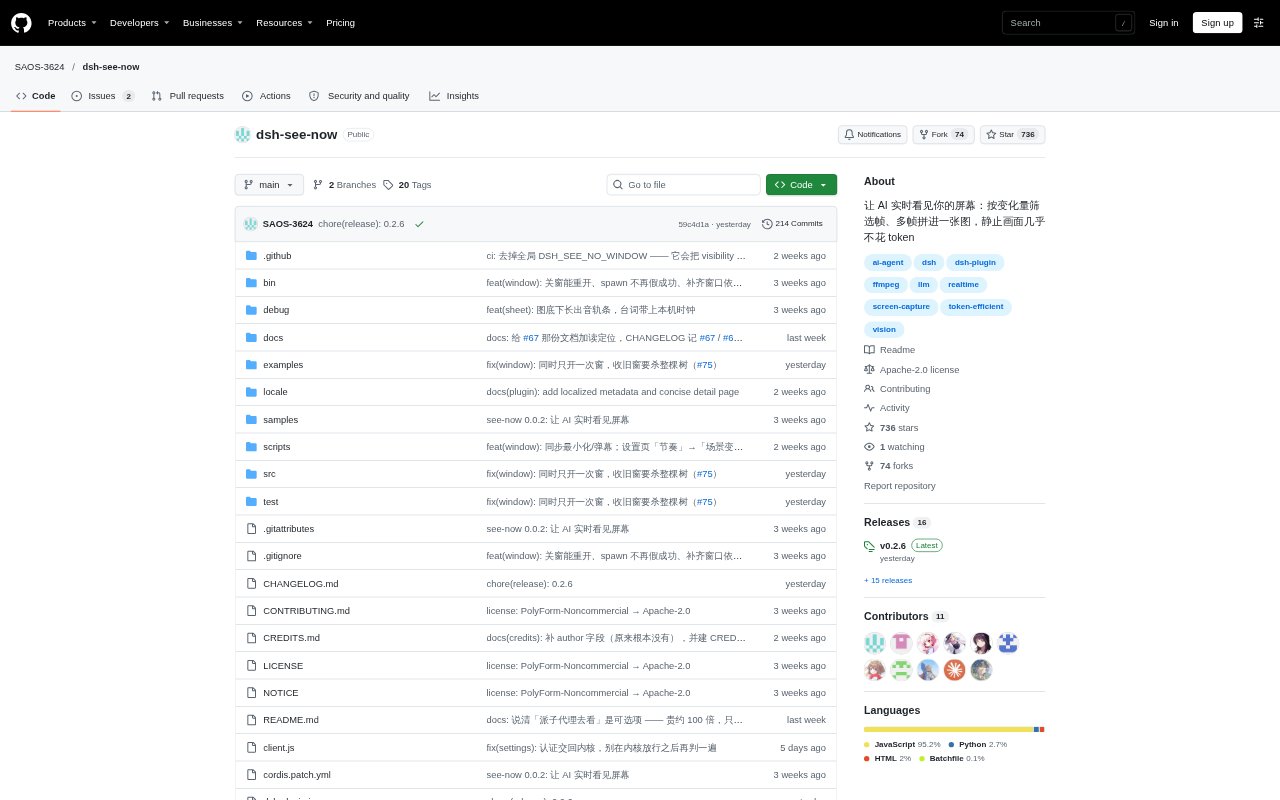
What is dsh-see-now?
dsh-see-now is a real-time visual plugin for DSH that lets an AI inspect your screen, camera feed, or video file. It selects frames based on how much the picture changes, then combines selected frames into an image for the model to review. Capture and image-processing components are also available for Node.js projects. Linux screen capture needs desktop portal and PipeWire/GStreamer components, and the tool does not work in headless or SSH-only environments.
dsh-see-now Features:
Change-Based Sampling: It scores incoming frames for visual change and keeps frames when a scene changes or motion accumulates, rather than sending every capture.
Multi-Frame Images: Selected frames are arranged into one image, with the layout sized to fit the chosen low, standard, high, or ultra setting.
Multiple Sources: The capture pipeline can take input from a screen, camera, or video file, with screen capture methods for Windows, macOS, and Linux.
Frame Timecodes: Returned frame details include timestamps, source, and sampling level so the model can relate visual events to their position in the recording.
Audio Transcription: When configured with audio capture and a transcription service, it can include spoken dialogue with timestamps alongside the visual frame list.
Spoken Replies: An optional voice adapter can display and speak messages sent through the say channel, with adapter settings reloaded when changed.
dsh-see-now Benefits:
Fewer Repeated Images: Skipping near-identical frames can reduce unnecessary image input during screen watching, especially when the display stays still.
Lower Image Costs: Combining several selected frames into one image spreads its image-token cost across more visual context.
Clearer Event Review: Frame timestamps make it easier to connect what the model describes with when a change or spoken line occurred.
More Useful Summaries: Pairing scene images with transcribed dialogue gives the model both visual and spoken context for reviewing recorded material.
Flexible Setup: Separate capture and processing exports let Node.js users work with the pipeline without installing the DSH plugin.
Use Cases:
Screen Walkthroughs: Ask a DSH model to observe an app walkthrough and comment on meaningful interface changes without repeatedly submitting an unchanged desktop.
Tutorial Review: Review a recorded software tutorial by matching important screen changes with the accompanying spoken instructions.
Lecture Summaries: Use selected frames and timestamped transcription to help summarize a recorded lecture or presentation.
Slide Changes: Track a presentation where slides change at intervals, keeping a frame for each distinct visual scene.
Video Inspection: Give a model a time-aligned visual record of a video so it can discuss particular scenes or dialogue in context.