
What is earshot?
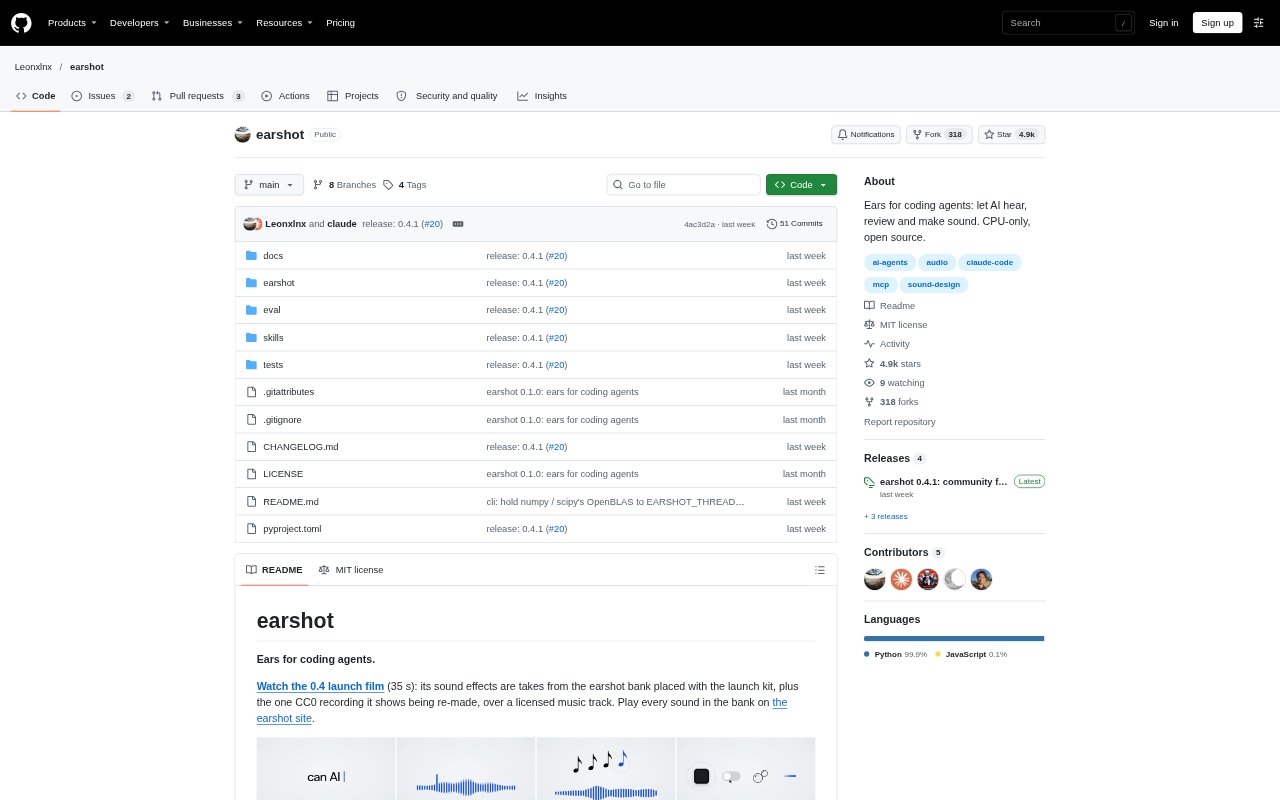
earshot gives AI coding agents tools to inspect, compare and create sound for films, product demos and games. It can describe audio, locate moments in long recordings, analyze sound against video, and generate effects from code. The project runs locally on CPU and is available as a command-line tool, Python API and MCP server. It is aimed at people building agent workflows that need sound to be part of the creative process, not just an output to review by ear.
earshot Features:
Audio Description: The describe command returns plain-language sound labels, alternative interpretations and measurements such as peak level and brightness.
Sound Matching: Match and rank compare recordings with text descriptions, while find locates the strongest matching moments in a longer file.
Video Analysis: Timeline produces a time-based listening transcript with sound events, loudness, beat information and sync between audio and picture cuts.
Film Scorecards: Critique scores a launch video against a profile of seven professional launch films and identifies timestamped fixes.
Code Sound Design: Forge generates effects from synthesis recipes, then scores and searches variations using audio comparisons and measured sound properties.
Sound Effects Bank: The bank contains 252 effects that can be rendered by ID, while kit builds a film sound kit with measured onset, peak and end points.
earshot Benefits:
Faster Sound Review: Plain-language descriptions and time-stamped event reports help an agent identify what is happening in audio without relying on a person to listen through every file.
More Focused Selection: Searching and ranking by description helps narrow a large set of recordings to plausible effects or useful moments.
Clearer Revision Priorities: Timestamped scorecard findings point reviewers toward specific parts of a launch film that may need attention.
Repeatable Sound Iteration: Recipe-based generation and saved reports make it easier to compare sound variations and revisit the settings behind a result.
Local Processing: Core analysis and sound-generation workflows run on a local CPU, so they do not require a remote service for those tasks.
Use Cases:
Product Demo Review: Use timeline or sheet to inspect whether sound effects align with picture cuts and other moments in a product demo.
Launch Film Feedback: Run critique on a launch video to review its sound against a professional-film profile and locate suggested fixes.
Effects Library Search: Use rank to sort candidate recordings for a description, or find to locate a desired effect inside a long recording.
Game Sound Creation: Generate and compare coded effects such as impacts, clicks, whooshes or notes while iterating on a game sound.
Film Effects Placement: Use the sound bank and kit workflow to select effects for a film and place them in relation to its music bed and cuts.