
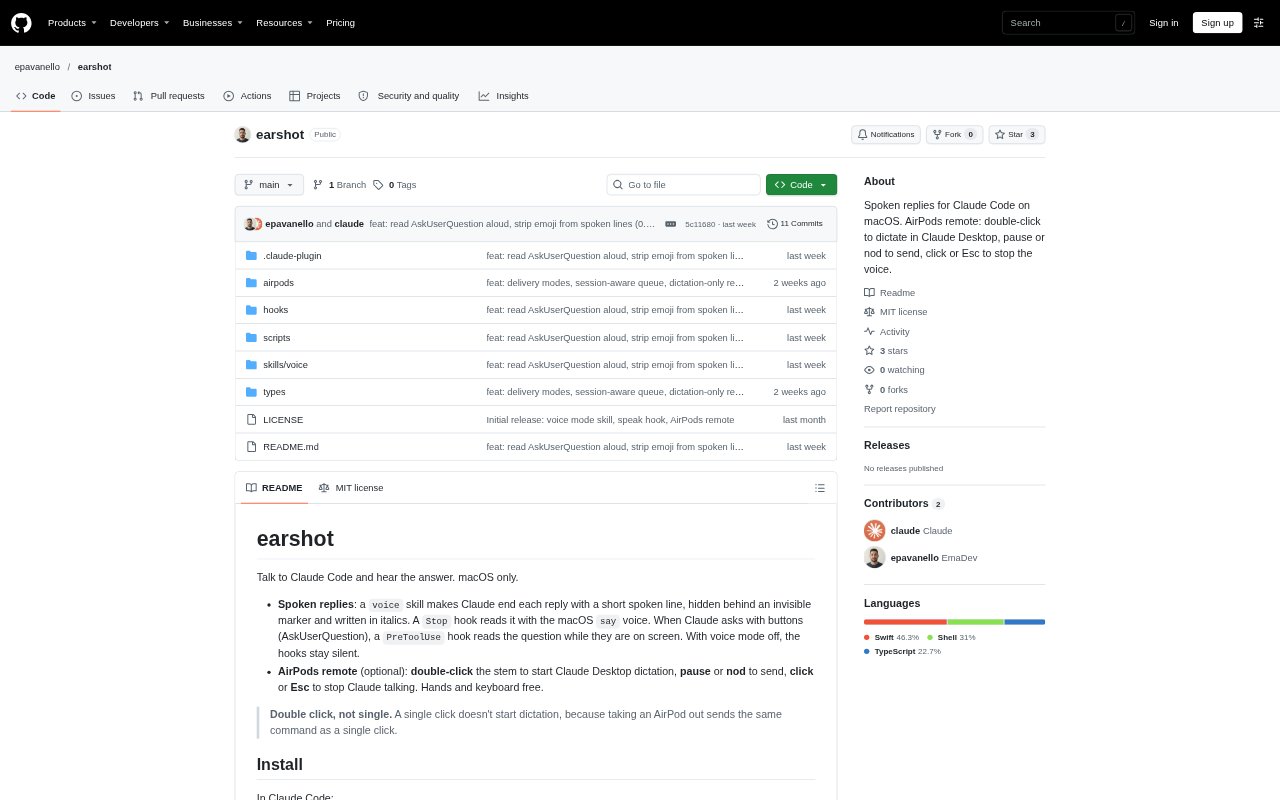
What is Earshot?
Earshot adds spoken replies and voice controls to Claude Code on macOS. Its voice skill prepares a short line for Claude to say, and macOS reads it aloud; it can also speak questions that Claude presents with buttons. An optional AirPods remote works with Claude Desktop, using gestures to start dictation, send it, or stop speech. Earshot is for people who want to hear Claude’s responses or interact with it without keeping their hands on the keyboard.
Earshot Features:
Spoken Replies: A voice skill adds a short spoken line to Claude’s replies, which a macOS Stop hook reads using the system say voice.
Question Reading: A PreToolUse hook reads questions from Claude’s AskUserQuestion prompts while their answer buttons are on screen.
Voice Modes: Choose Off, Now, On demand, or Auto to control whether new replies are silent, spoken immediately, queued, or selected based on AirPods output.
Reply Conditions: Set spoken replies to play always or only after dictation, and choose a system voice and speaking rate with environment variables.
Session Queue: Replies from multiple Claude sessions are queued and read in turn, with each session’s current title spoken when it changes.
AirPods Controls: With the optional remote, double-click an AirPods stem to start Claude Desktop dictation, pause or nod to send, and click or press Esc to stop speech.
Earshot Benefits:
Less Screen Reading: Hearing replies can make it easier to follow Claude’s response while keeping your attention on the code or task in front of you.
Clearer Questions: Listening to a question as its answer buttons appear helps you understand the prompt without relying only on reading it.
Easier Follow-Up: AirPods gestures let you start and send dictation without reaching for the keyboard during a Claude Desktop interaction.
Organized Listening: Queued replies and spoken session titles help you keep track of responses arriving from more than one Claude session.
Flexible Listening: Several voice modes let you choose whether replies interrupt immediately, wait for you, or remain silent.
Use Cases:
Coding With Claude: Hear Claude Code’s short replies while reviewing or editing code, rather than stopping to read each response on screen.
Answering Prompts: Listen to an AskUserQuestion prompt while Claude displays its choices, then select an answer from the available buttons.
Managing Sessions: Work across several Claude Code sessions and listen to their queued replies with titles to identify which session is speaking.
AirPods Dictation: Use the optional AirPods remote to dictate a request in Claude Desktop and send it with a pause or a head nod.
Stopping Speech: Stop Claude’s spoken reply with an AirPods click or Esc, including when another app is in front.