

What is EasyRunCraft?
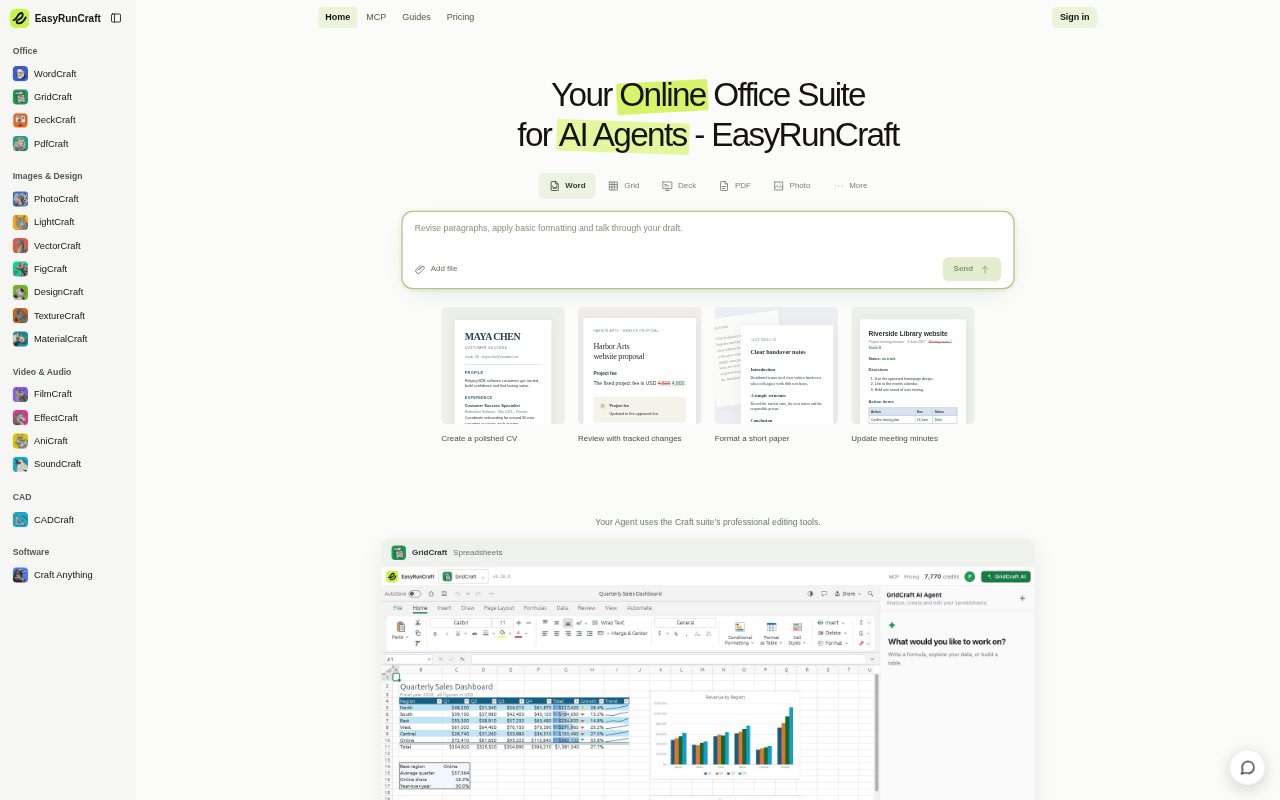
EasyRunCraft is a browser-based suite of 17 editors for office files and creative work, including documents, spreadsheets, presentations, PDFs, images, video, audio and CAD. People can edit files directly or use the built-in AI agent for supported changes. It also connects compatible external agents through MCP to inspect and edit supported files, then return copies to download. Manual editing is free and does not require an account; AI processing uses credits.
EasyRunCraft Features:
Browser-Based Editing: Create, edit, save and export files in the browser across the suite, without installing software or signing in for manual work.
Office File Support: WordCraft handles documents, GridCraft works with real .xlsx files and formulas, DeckCraft opens .pptx presentations, and PdfCraft can organize and annotate PDFs.
Built-In AI Agent: Describe a supported change in an editor’s AI panel, such as revising document text, updating a spreadsheet or adjusting image layers.
MCP Agent Access: Connect compatible clients such as Codex or Claude Code to inspect supported files, apply edits and return processed copies for download.
Creative Editors: The suite includes tools for photo and RAW editing, vector artwork, page design, prototypes, 3D materials, animation, video and audio.
Shared Credit Balance: One account and credit balance covers supported AI features across the editors, while MCP operations are charged per successful atomic operation.
EasyRunCraft Benefits:
Fewer App Switches: Keeping office, design and media editors in one workspace can reduce the need to move between separate tools for different file types.
Lower Setup Friction: Free manual browser editing without an account makes it easier to open a file and get started without installing software or creating a login.
Review Before Keeping: Reviewing AI changes in the editor and using native undo gives users a way to check edits before deciding whether to keep them.
Flexible Agent Workflows: Using an external MCP-compatible agent lets users request supported file work from the agent workflow they already use.
Separate Manual Costs: Because manual editing, saving and exporting use no credits, users can reserve their account balance for optional AI processing.
Use Cases:
Document And PDF Work: Edit a written report in WordCraft, then use PdfCraft to fill a form, add comments or organize a PDF copy.
Spreadsheet Updates: Sort a sales sheet, add a totals row or work with formulas and charts in GridCraft.
Presentation Preparation: Open a .pptx presentation in DeckCraft to build slides or adjust layouts before sharing the finished deck.
Creative Production: Move from editing layered photos or vector artwork to designing pages, animating scenes or exporting a video.
Agent File Tasks: Ask a connected agent to inspect a supported file, make an edit or convert audio, then download the returned copy.