

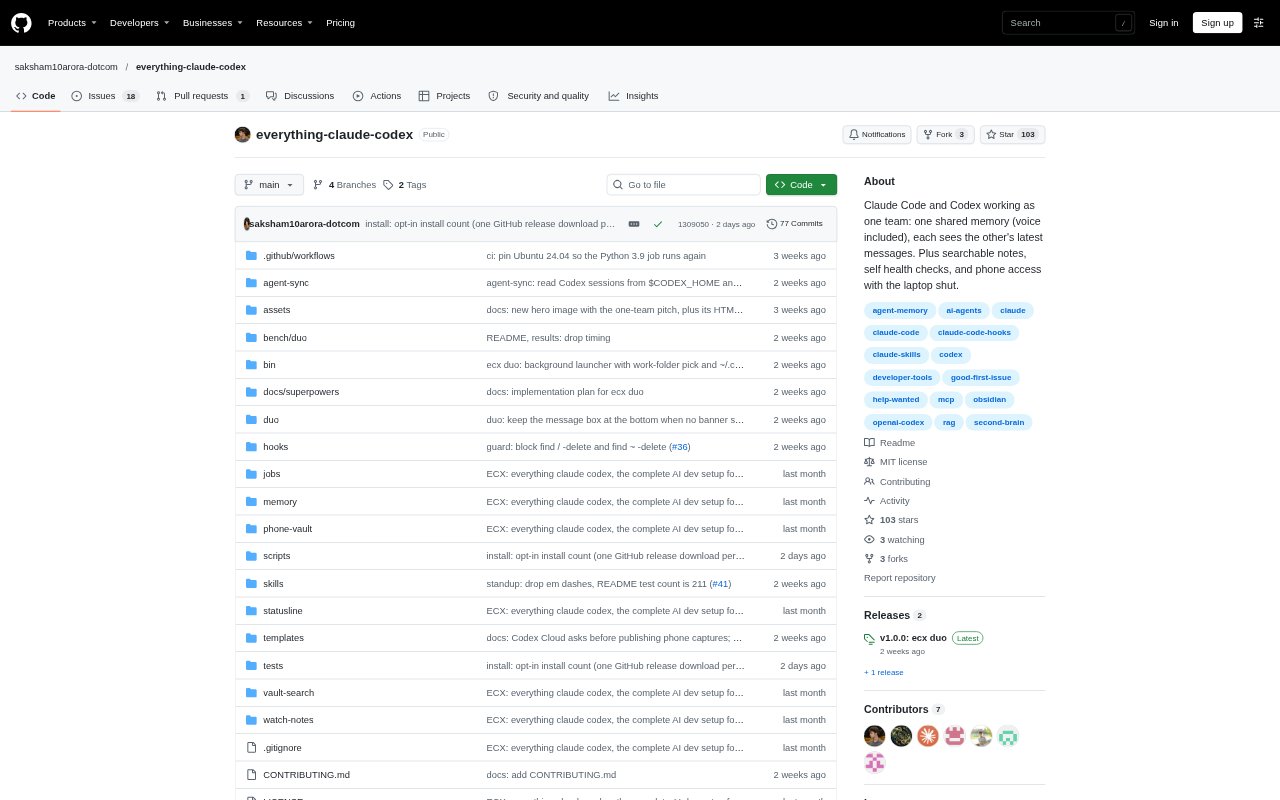
What is ECX?
ECX is an open-source setup that connects Claude Code and Codex around shared memory, message history and a searchable note vault. It adds skills, hooks and search tools for people who use both coding agents and want work context to carry between sessions. The package also supports phone-based work through a private GitHub repository, so notes can be accessed or captured while the computer is off. It installs locally, with optional search, scheduled indexing and phone features.
ECX Features:
Shared Agent Memory: Claude Code and Codex read the same memory files and receive recent messages from the other agent before responding, including Codex voice transcripts.
Session Context: Hooks load hot.md and recent sessions when a session starts, then refresh the memory file after compaction to preserve current project details.
Vault Search: Search combines semantic retrieval, a relationship graph and image search across notes, slides, screenshots and PDF pages, with nightly re-indexing.
Test Checks: Before an agent finishes after making changes, ECX can run detected project tests and return failures to the agent for another attempt, up to three tries.
Safety Checks: Hooks can block destructive shell commands, request approval for risky Git or database operations, and check MCP dependencies before calls.
Phone Vault Sync: Notes and memory sync to a private GitHub repository after replies, supporting phone access and captures that can be merged into the vault.
Ready-Made Skills: The package includes 19 skills for tasks such as daily and weekly reviews, catching up on sessions, outreach, content and shipping.
ECX Benefits:
Less Repeating: Moving between agents takes less setup because project context and recent discussion do not have to be explained again manually.
Faster Session Starts: Beginning with current priorities and recent work leaves more time for the task itself instead of reconstructing where things stand.
Easier Retrieval: Semantic and visual search can surface useful material even when users do not recall its filename or exact wording.
Earlier Test Feedback: Finding failing tests before an agent marks work complete gives it a chance to address problems within the same task.
Fewer Tool Delays: Warnings about unhealthy dependencies and outdated indexes help users address setup problems before they lead to empty answers or wasted work.
Capture Away From Desk: Saving thoughts from a phone makes it easier to keep useful details from being lost while away from the computer.
Use Cases:
Switch Coding Agents: Start implementing a feature with Claude Code and continue in Codex later without manually briefing the second agent on recent messages.
Resume Interrupted Work: Open a new session and catch up on recent activity, deadlines and project notes before continuing a coding task.
Find a Past Diagram: Look for a slide, screenshot or PDF page by describing its contents when the filename or folder is not known.
Capture Notes On Phone: Record a thought or meeting detail while away from the laptop, then have it added to the vault for later use.
Check Changes Before Done: Have an agent run a project’s detected tests after code changes and work through reported failures before completing the task.