

What is editmd?
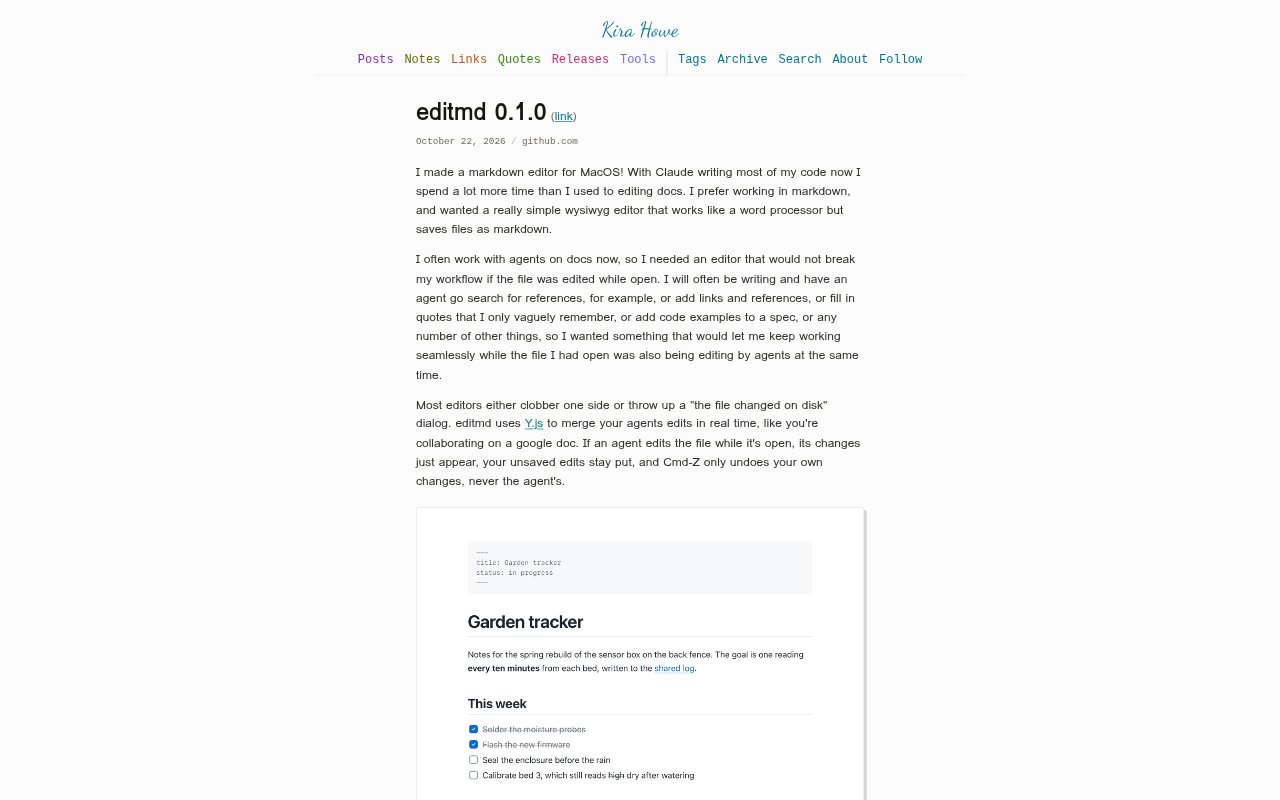
editmd is a native macOS Markdown editor for people who prefer writing in Markdown but want a word-processor-style editing view. It saves documents as Markdown files and is designed to keep an open document usable while another program or AI agent edits the same file. The editor merges outside changes with local typing, so both sets of work remain visible. It requires macOS 14 or later and runs on Apple silicon and Intel Macs.
editmd Features:
Live File Merging: When a file changes on disk, editmd merges those edits with your typing in real time, including changes to different paragraphs, list items, or table rows.
Separate Undo: Cmd-Z reverses your own edits without undoing changes made by another program or agent to the same open document.
Markdown Rendering: The editing view renders GitHub-flavoured Markdown, including tables, task lists, strikethrough, footnotes, and GitHub heading anchors.
Format Preservation: Edited files retain their encoding, line endings, YAML or TOML front matter, reference-style links, and tables.
Mermaid Preview: Fenced Mermaid blocks appear as diagrams with a live preview, and clicking a diagram reveals its Markdown source.
Change Tracking: Changes from agents can be highlighted in distinct colours, with best-effort agent labels that can be edited in the on-screen legend.
editmd Benefits:
Fewer Lost Edits: You can keep writing while an outside editor updates the file, without having to choose between your work and the incoming changes.
Clearer Collaboration: Separate undo and coloured change highlights help you distinguish your own work from edits made by an agent.
Reliable Documents: Preserving encodings, line endings, and Markdown structures helps avoid unwanted changes to files when you edit and save them.
Faster Review: Rendered formatting and diagrams let you assess how a document reads without repeatedly switching between source text and a separate preview.
Safer Reading: Blocking remote images by default prevents a document from making image requests that could reveal information before you allow them.
Use Cases:
Agent-Assisted Writing: Draft a Markdown document while an AI agent adds references, links, remembered quotations, or code examples to the same file.
Specification Editing: Keep a product or technical spec open as another program fills in examples, updates sections, or adds supporting material.
GitHub Documentation: Edit project documentation containing tables, task lists, footnotes, or heading links intended to work on GitHub.
Diagram Authoring: Write documentation with Mermaid diagrams and check the rendered diagrams as you edit their fenced Markdown blocks.
Untrusted Documents: Open Markdown files from unfamiliar sources while keeping remote images blocked and avoiding accidental launches from Cmd-clicked links.