

What is EKHOS AI?
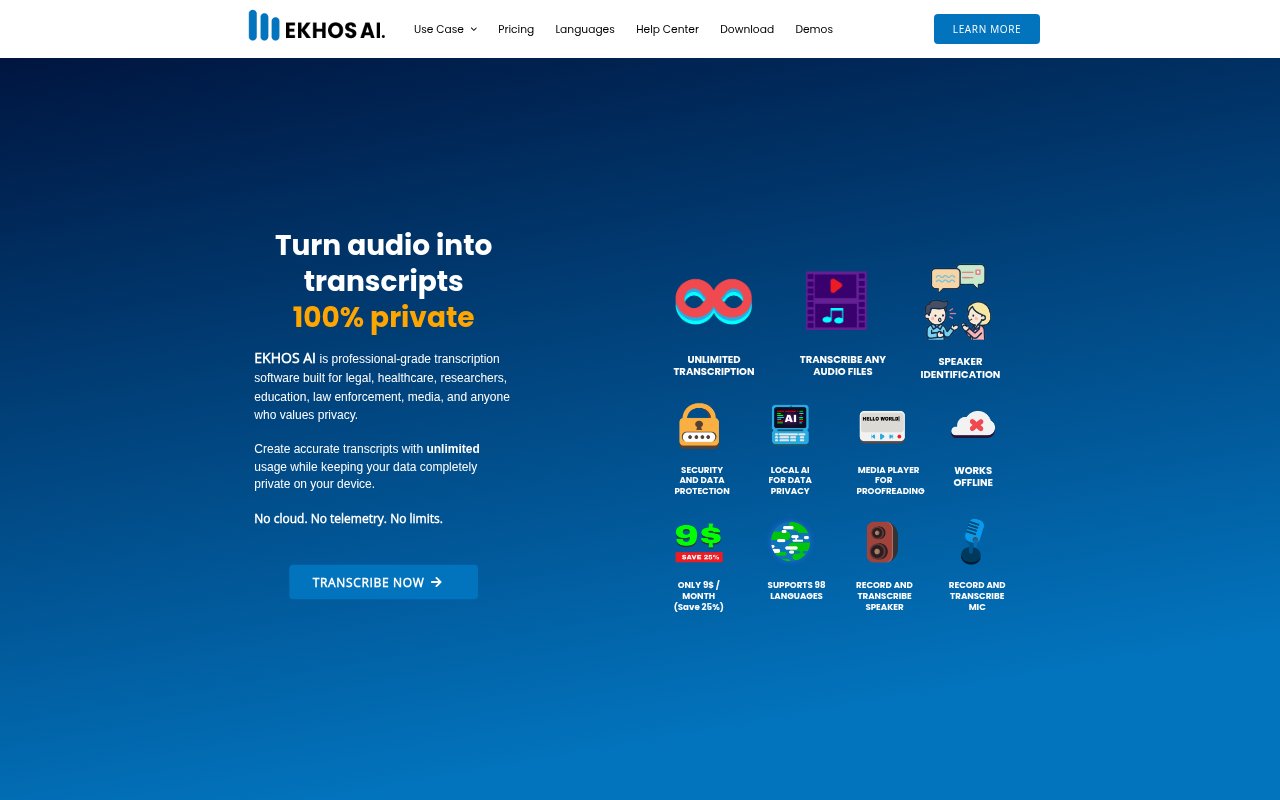
EKHOS AI is Windows software for transcribing audio and video locally on your computer, without sending files or transcripts to the cloud. It supports more than 98 languages and includes tools to review, edit, and export transcripts. The product is aimed at professionals in fields such as healthcare, law, education, research, and media, as well as anyone who wants to keep transcription data on their own device. A free plan includes up to 30 minutes of transcription per day.
EKHOS AI Features:
Offline Processing: After signing in, EKHOS AI can transcribe audio and video on your computer without an internet connection or external file transmission.
Audio Video Inputs: Import common formats including MP3, MP4, WAV, MKV, AVI, and MPEG, with no stated limits on file size, quantity, or duration on Premium.
Live Recording: Record and transcribe microphone audio or audio playing through your computer, with transcription starting after a configurable recording interval.
Speaker Labels: Identify and label speakers in transcripts, helping distinguish who said what in recordings with multiple participants.
Language Coverage: Transcribe in more than 98 languages, including English, German, French, Italian, Spanish, Portuguese, Japanese, and Chinese.
Transcript Review: Use the built-in media player and synchronized Tracks Editor to follow transcript segments during playback, search text, and make corrections.
Export Options: Export transcripts as Word, PDF, or text files, or copy their contents to the clipboard for sharing.
EKHOS AI Benefits:
Local Data Control: Keeping recordings and transcripts on the computer reduces reliance on external services when working with sensitive material.
Batch Efficiency: A built-in queue helps process multiple recordings in an organized workflow instead of handling each file as a separate task.
Easier Corrections: Following transcript text alongside the recording makes it simpler to check wording and fix mistakes with the audio context at hand.
Flexible Sharing: Several export formats make it easier to pass transcript content into document-based workflows or share it with others.
Lower Commitment: The daily free allowance lets occasional users try transcription without starting with a paid subscription.
Use Cases:
Clinical Conversations: Create local transcripts of healthcare recordings for review or documentation, keeping the audio and transcript on the working computer.
Legal Recordings: Transcribe court recordings or other legal audio, then review speaker labels and correct passages against the playback.
Research Interviews: Turn recorded interviews into searchable text that researchers can check and refine while listening to the source audio.
Classes and Lectures: Transcribe educational recordings in supported languages and export the resulting text for later reference.
Meetings and Podcasts: Capture audio from Zoom or Teams meetings, webinars, and podcasts, then review and export the transcript for sharing.