

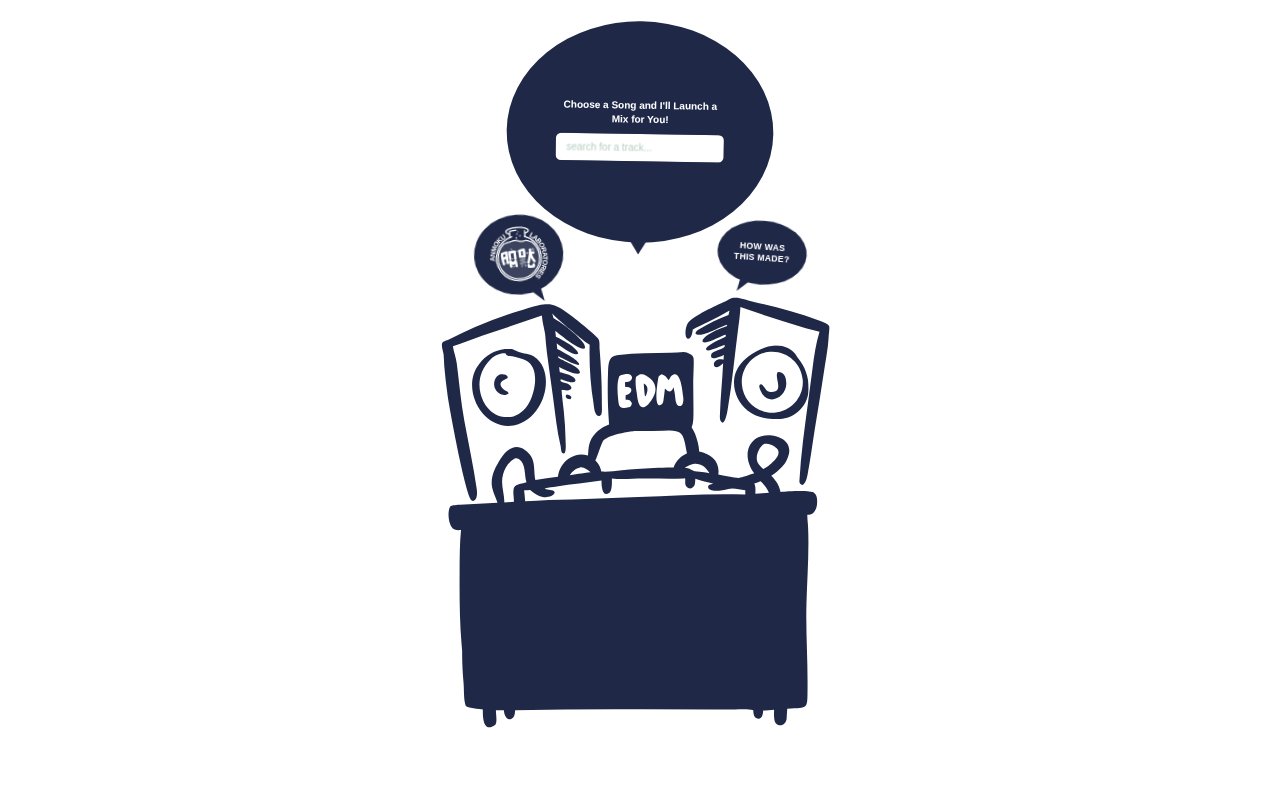
What is Electronic DJ Model?
Electronic DJ Model creates a DJ playlist one track at a time, using a song you choose as its starting point. It is for listeners who want to explore a mix shaped around a particular track rather than build the full sequence themselves. The model was trained from scratch on real DJ sets, and the site lets you review the resulting tracklist and give feedback on its selections.
Electronic DJ Model Features:
Starting Track: Choose an initial song, and the model uses that selection to shape the DJ playlist it generates.
Track-by-Track Generation: The playlist is generated one track at a time, creating an ordered sequence rather than a collection of unrelated song suggestions.
DJ Set Training: The model learned from 5,040 real DJ sets in the DJ Mix Dataset, using mixes as examples of ordered track selections.
Track Tokenizer: A purpose-built tokenizer handles the 63,040 unique tracks in the dataset, representing songs for the model’s mix-generation task.
Tracklist Display: Review the generated mix as a tracklist, so you can see which songs the model selected after your starting track.
Track Replacement: Give a generated track a thumbs-down to replace it with a new selection, without discarding the entire mix.
Mix Feedback: Thumbs-up feedback is also available, and preferences are captured anonymously for use in DPO model improvement.
Electronic DJ Model Benefits:
Less Manual Sequencing: Starting with one song means you can explore a longer sequence without having to choose every track in the mix yourself.
Personal Starting Point: A playlist tailored to your initial selection gives you a way to explore from a song you already want to hear.
More Mix Patterns: Learning from real DJ sets gives the model examples of how tracks appear in ordered mixes, rather than treating songs as an unordered list.
Easy Track Editing: Replacing an individual selection lets you respond to a track that does not suit you while keeping the rest of the listening session in play.
Feedback Contribution: Submitting a positive or negative reaction lets your preferences contribute anonymously to the model’s ongoing improvement.
Use Cases:
Build From a Song: Start with a track you are already listening to when you want the model to suggest the next songs in a DJ-style sequence.
Explore a Mix: Generate a tracklist around a chosen song when you want to discover how a playlist might develop from that starting point.
Try Alternatives: Replace a generated track with a new one when a particular selection does not fit what you want to hear.
Review Selections: Use the displayed tracklist to inspect the songs in a generated mix before deciding whether to continue with its sequence.
Give Model Feedback: Rate tracks with a thumbs-up or thumbs-down when you want to register a preference during a generated mix.