

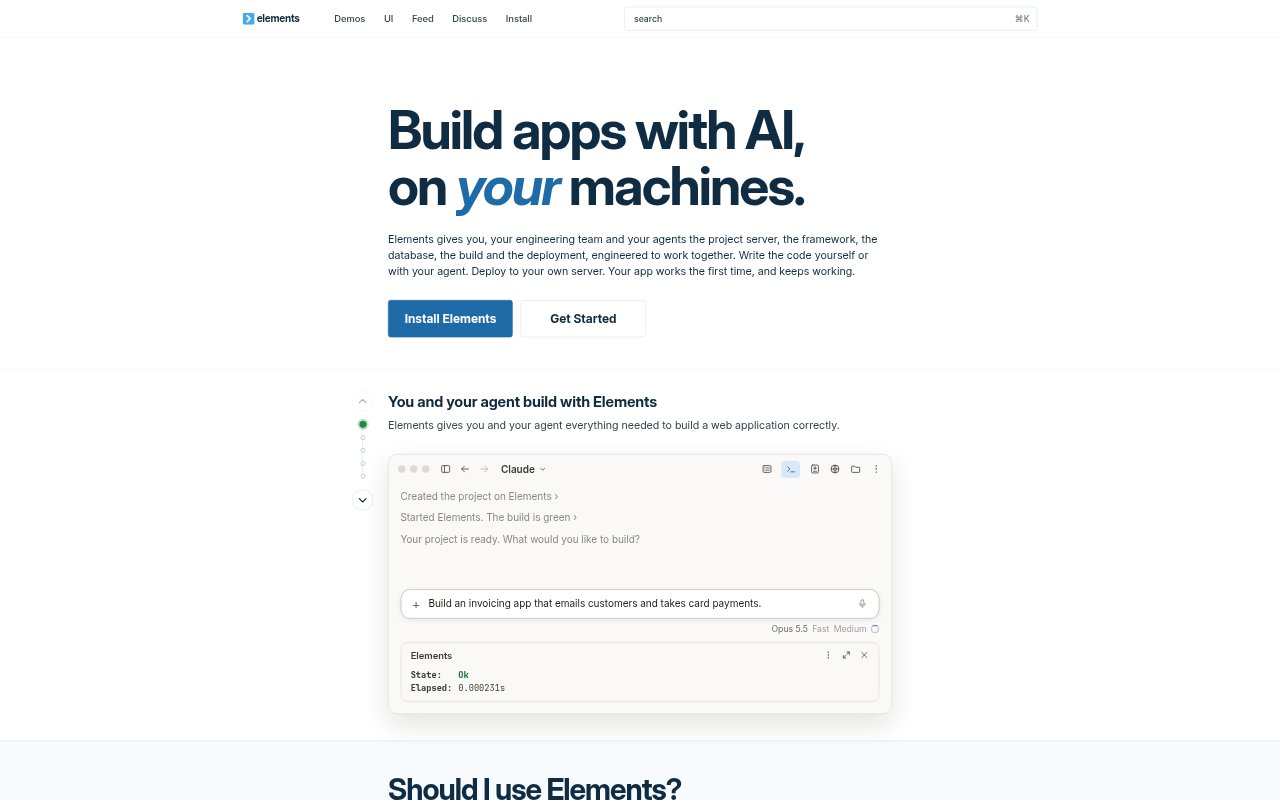
What is Elements?
Elements is an integrated environment for building and deploying web applications with AI agents or by writing code directly. It combines a project server, framework, build tools, database, tests and deployment, with apps developed on a local machine and deployed to Ubuntu servers you control. It is aimed at engineering teams and enterprise applications, as well as solo builders creating a business. The app framework and runtime packages are MIT licensed, and apps run on Node.js.
Elements Features:
Project Server: Each project has an always-on server that shares build state and diagnostics with Elements commands, editors and agents through LSP.
Build Checks: The build runs type checks, program analysis, migrations and tests, and reports errors with their locations and causes.
Database Migrations: Database changes use SQL migration files that apply on save to the test database before tests and to the app database afterward.
Parallel Testing: Tests run in parallel against a freshly migrated test database, and changed dependencies can trigger relevant tests to rerun.
App Building Blocks: The framework includes sign-in, payments, live data, jobs, email, realtime pubsub, sessions, authentication and pre-made UI templates.
Server Deployment: A deploy command provisions an Ubuntu machine, installs a load balancer and TLS certificates, runs migrations and releases the app.
Elements Benefits:
Faster Feedback: Quick checks and browser updates let builders catch regressions while changing code instead of discovering them late in development.
Safer Changes: Checks across pages, routes and tests help teams make changes in unfamiliar or older codebases with fewer quiet breakages.
Less Deployment Work: Automating machine setup, release steps and migrations removes manual server operations from the path to publishing an app.
Controlled Releases: Tests and migrations must pass before a release switches over, while a failed deploy leaves the previous release serving traffic.
Predictable Billing: Fixed pricing per machine avoids usage-based charges, and the initial purchase includes machines for development and deployment.
Use Cases:
AI-Assisted Development: Use an agent to build an application while it reads shared project diagnostics and addresses errors during development.
Business Web Apps: Build a web product that needs sign-in, payments, live data, jobs or email using the included application building blocks.
Team Application Work: Give engineers and agents a shared build state while they work on an application with common checks and project tooling.
SQL-Based Applications: Develop an app with database changes managed as SQL files that apply automatically during development and deployment.
Deploying to Your Server: Release an app to an Ubuntu machine at a provider you choose, with Elements handling provisioning and the deployment sequence.