
What is Eleven?
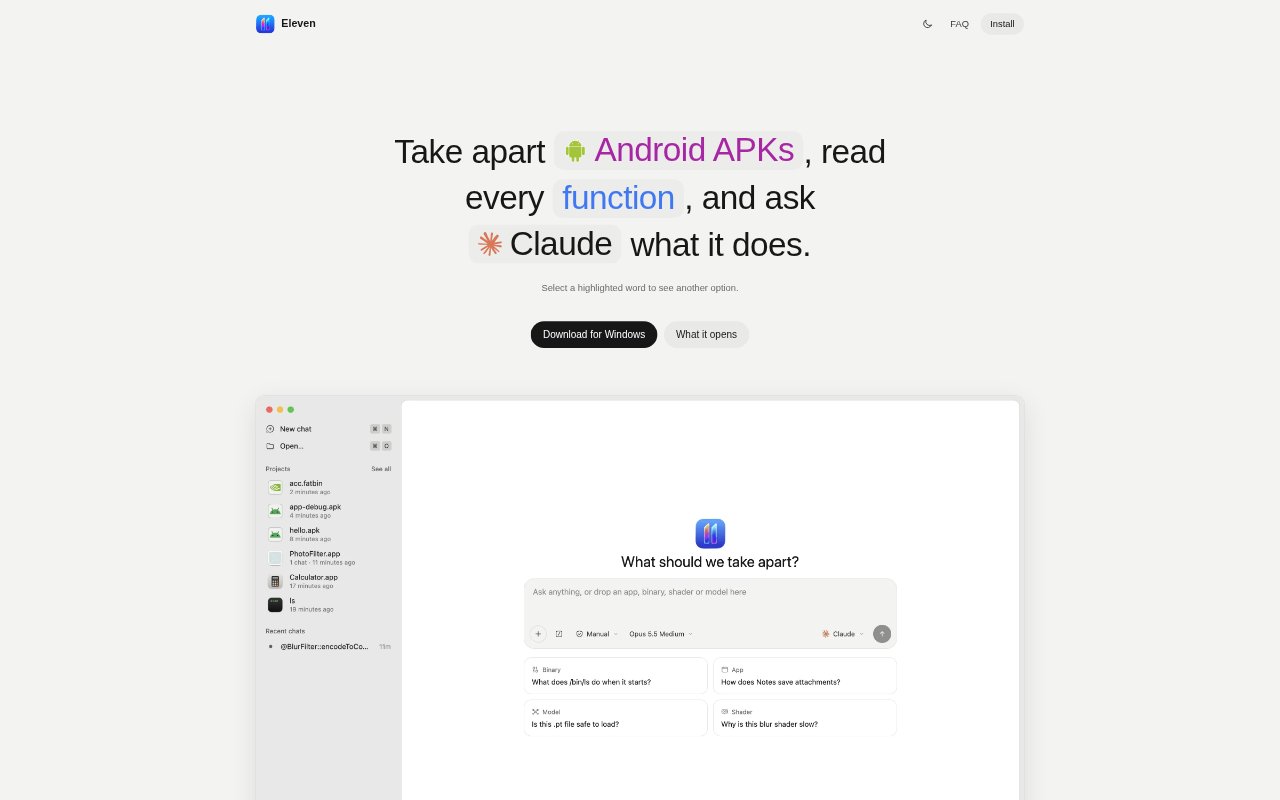
Eleven is a desktop reverse-engineering workspace for examining compiled software and asking an AI agent about its code. It opens applications, libraries, Android packages, GPU shader binaries and machine-learning model files on macOS, Windows and Linux, presenting the program alongside notes and an agent chat. Developers checking dependencies, security researchers and people exploring how an app works can inspect functions in readable views, trace relationships and investigate selected code with an agent they already use.
Eleven Features:
Function Views: Eleven presents each function as pseudocode, assembly, a control-flow graph or hex, using Ghidra or Rizin for analysis.
Code References: Explore callers, callees and cross-references to see how a function connects to other parts of a program.
Agent Code Tools: Connected agents can open functions, rename them, add notes and suggest patches, with their steps visible beside the code.
Android Decompilation: Open Android apps as readable Java or Kotlin alongside Dalvik bytecode, with method callers available for inspection.
GPU Inspection: Inspect CUDA or HIP binaries through kernel PTX, registers and parameters, and view proposed source rewrites alongside the PTX.
Build Comparison: Compare two program versions to see which functions were added, removed or changed.
Eleven Benefits:
Original File Protection: Byte patches go to a copy in Downloads, leaving the original binary untouched during examination.
Reviewable Changes: Agent edits can wait for approval, and an action history lets users inspect and undo changes.
Focused Investigation: Searching functions, strings, bookmarks and notes helps users reach relevant code without browsing the file blindly.
Portable Projects: A project can bundle its binary, notes, patches and chats in one file for sharing and reopening in context.
Offline Analysis: After setup, reading, renaming, patching and debugging work offline, so basic analysis does not depend on an agent connection.
Use Cases:
Dependency Review: Developers can inspect a third-party library's functions and call relationships before deciding how it behaves inside their product.
Security Investigation: Researchers can examine an unfamiliar executable, trace calls, debug it with lldb and record findings in project notes.
Android App Analysis: Inspect APK or dex files as Java or Kotlin while checking corresponding Dalvik bytecode and method callers.
GPU Kernel Porting: Teams can compare kernel PTX with an agent's proposed CUDA C++, HIP C++ or Metal rewrite.
Release Comparison: Compare two builds to find functions added, removed or changed when investigating behavior differences between versions.