

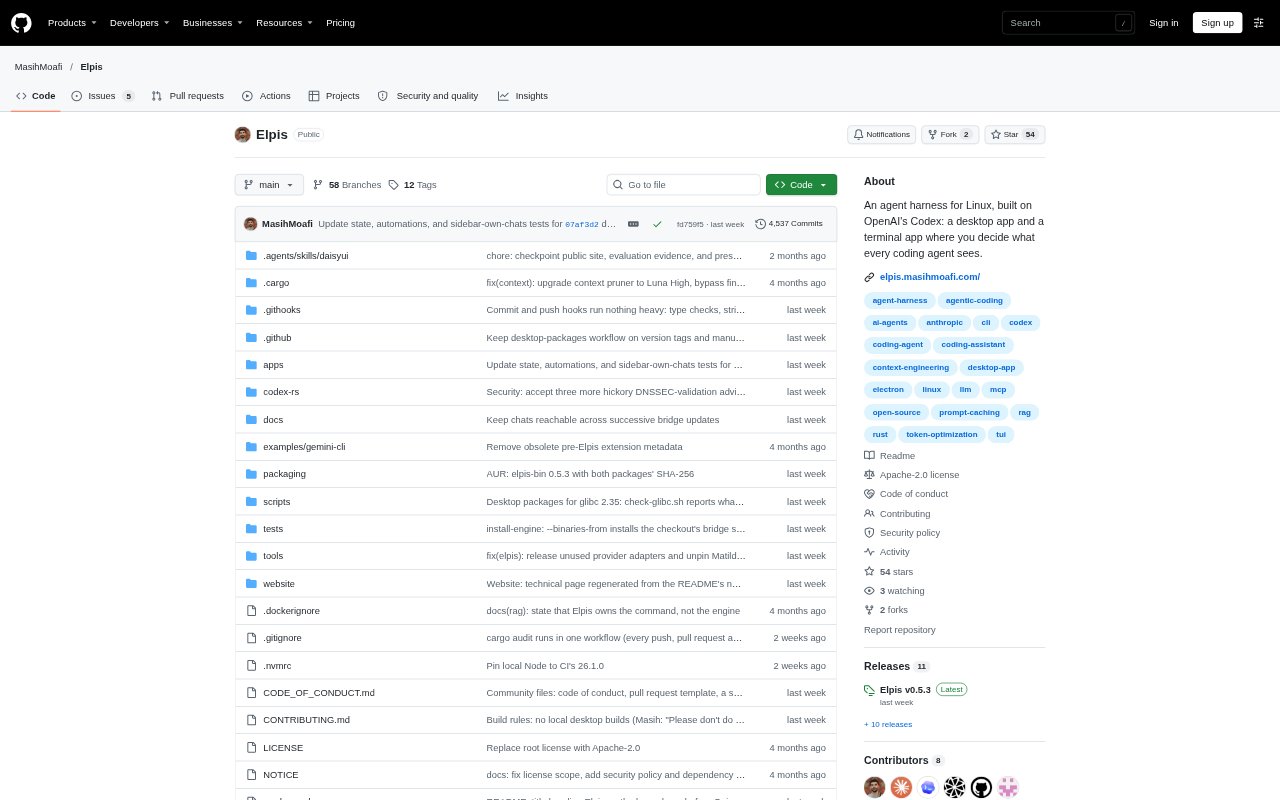
What is Elpis?
Elpis is a Linux coding-agent harness built on OpenAI’s Codex, available as a desktop app and a terminal app. It lets developers control the instructions, files and memory that coding agents receive, and set up teams of agents to work on a job. The desktop app also supports chats with GPT, Claude and Gemini models through a ChatGPT or Claude subscription or an API key. Both apps share the same state folder.
Elpis Features:
Context Ledger: Inspect the instructions, files and memory admitted to an agent, then choose what remains in its working context.
Agent Workflows: Describe a job and a Mother agent designs a team that you can inspect and edit on a board.
Work Checks: Agents work in separate folders, a second agent checks their work, and the Mother agent reviews the combined result before it reaches the project.
Desktop Chat: Chat with GPT, Claude and Gemini models using a ChatGPT or Claude subscription or an API key.
Shared State: The terminal and desktop apps use the same engine and share a state folder.
Love Spot: Use a drawing board where Matilda answers and draws with you, with twelve characters to choose from or the option to describe your own.
Elpis Benefits:
Context Control: You can see what an agent is considering and trim its working context to keep attention on the material relevant to the task.
Visible Review: A staged checking and review process makes it easier to examine agent contributions before they are combined into project work.
Flexible Access: You can work from a terminal or desktop while keeping the apps’ state together, rather than treating them as separate setups.
Model Choice: Existing subscription access or an API key gives you a choice of supported models for desktop chats.
Personal Workspace: Light and dark themes, built-in or custom, let you tailor the desktop app’s appearance to your preference.
Use Cases:
Agent Context Review: Before asking a coding agent to make a change, inspect its admitted instructions, files and memory and decide what should stay in context.
Multi-Agent Coding: Delegate a coding job to a team, inspect its setup on the board, and review the checked, combined result before it reaches your project.
Terminal Coding: Run a coding agent from a Linux terminal when you want to work without switching to the desktop app.
Desktop Model Chat: Use the desktop app to chat with GPT, Claude or Gemini through a supported subscription or an API key.
Interface Sketching: Ask Matilda to draw with you on the board when exploring a layout detail, such as where a button should sit in a form.