

What is Enframe?
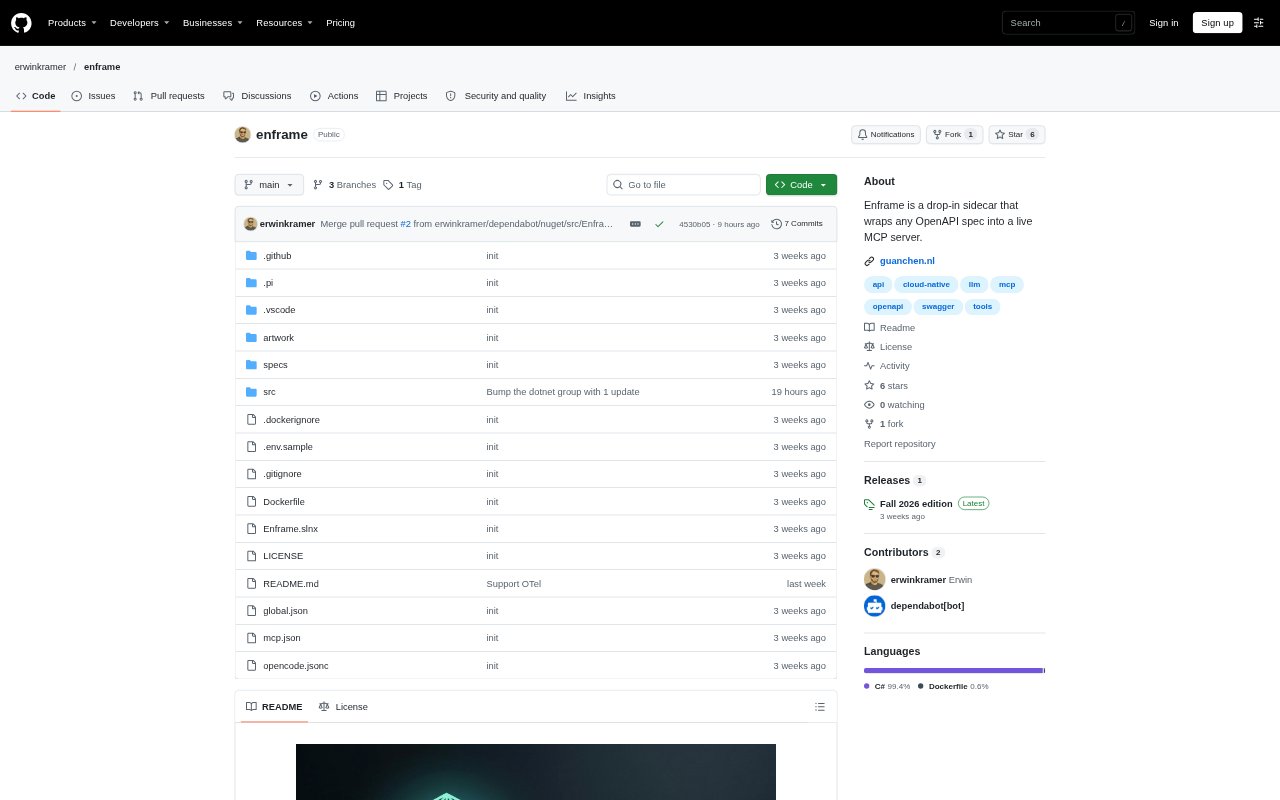
Enframe is a self-hosted service that turns an API described by an OpenAPI document into an MCP server, exposing API operations as tools that MCP clients can discover and call. It is for teams with a well-specified HTTP API that want to make its operations available to AI agent harnesses without implementing a separate MCP server for each API. Enframe can run as a container or from source, using the API specification to generate tool schemas and determine supported authentication behavior.
Enframe Features:
Spec Sources: Load an API specification at startup from an HTTP or HTTPS URL or a local file path.
OpenAPI Support: Accept Swagger 2.0 and OpenAPI specifications from versions 3.0 through 3.2.
Operation Mapping: Expose each API operation as an MCP tool, using its operation ID as the tool name and its summary or description as tool text.
Schema Generation: Map API parameters and JSON request bodies to tool input schemas, and successful responses to structured output schemas.
Authentication Handling: Infer API key and OAuth 2.0 or OpenID Connect authentication from the specification, with credentials forwarded according to each operation's security requirements.
MCP Deployment: Run the service as a container image or build it from source, with a configurable HTTP port and MCP endpoint path.
Enframe Benefits:
Less Custom Code: Teams can make existing API operations available to MCP clients without writing a separate server implementation for each operation.
Faster Setup: For a well-specified API, the generated server needs little configuration, reducing the setup work before a client can call its tools.
Clearer Tool Inputs: Using declared API parameters and request bodies gives clients structured inputs that match the API's documented interface.
Inspectable Results: Structured successful responses help clients work with returned data, while error responses remain available as text.
Auth Awareness: Documented security schemes let teams expose protected operations without separately defining each operation's authentication mode.
Use Cases:
Agent API Access: Make an existing product or data API available to an MCP client so an agent can call documented operations during a session.
API Prototyping: Wrap a sample API specification in a running MCP server to try its operations from a compatible client.
Protected API Access: Expose operations on an API that uses an API key or OAuth-based security, with the authentication scheme described in its specification.
MCP Server Testing: Use an MCP client or inspector to initialize the server, list its generated tools, and call an operation.
Sidecar Deployment: Run the adapter alongside an existing API service to provide an MCP endpoint without changing the API's operation definitions.