

What is env-tabs?
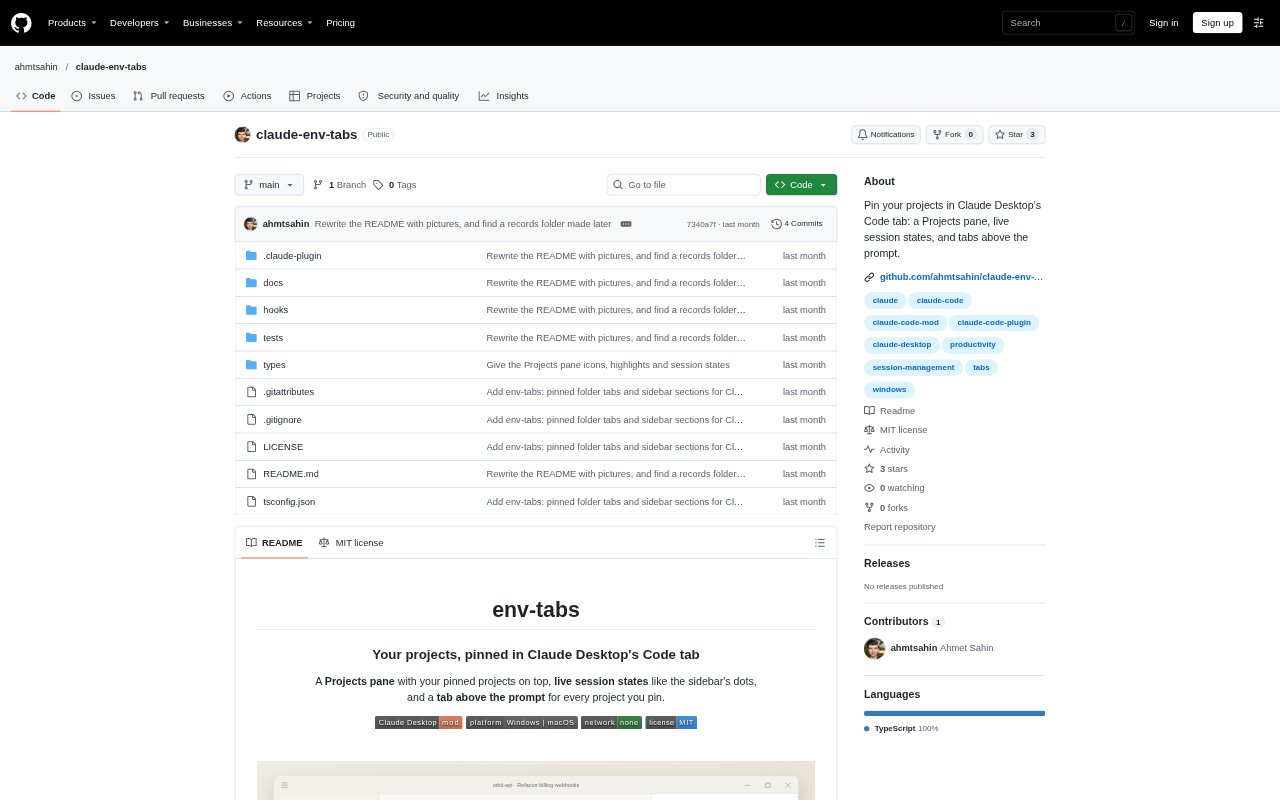
env-tabs is a Claude Desktop plugin for people who use the app’s Code tab to work across projects. It adds a Projects pane and tabs above the prompt, letting you pin project folders and move between their sessions. The pane also groups recent projects and shows session states. It requires Claude Desktop with mod support and is available for Windows and macOS.
env-tabs Features:
Pinned Projects: Pin folders in the Projects pane or from a session, then arrange their tabs in the order you prefer.
Project Sessions: Expand a project to see its sessions, and select one to open it in Claude Desktop.
Session States: See whether a session is running, idle, waiting for your response, or finished since you last checked.
Project Tabs: Open a pinned project's latest session with one click, or start a session in its folder if none exists.
Project Controls: Create sessions, pin or unpin folders, rename projects, and change tab order using the pane or commands.
Local Storage: Pins and collapsed project rows are saved on your computer, and the plugin makes no network requests.
env-tabs Benefits:
Faster Switching: Keep frequently used projects within reach instead of repeatedly searching the app's automatically sorted sidebar.
Clear Priorities: Session counts and state indicators help you spot work that needs attention before reopening each conversation.
Less Disruption: Use a separate project view without reorganizing or moving sessions in Claude Desktop's existing sidebar.
Easier Orientation: Distinct project icons and a highlighted current project make it easier to tell where you are working.
Local Control: Keeping preferences on the computer and avoiding network requests lets you use the tool without sending plugin data online.
Use Cases:
Daily Project Rotation: Pin the code folders you return to throughout the day and switch between their latest Claude sessions.
Pending Responses: Check a set of active projects for sessions waiting on permission or an answer before continuing other work.
Completed Work Review: Find sessions that finished while you were elsewhere and reopen them to review Claude's latest response.
New Project Sessions: Start a Claude session in a selected project folder without first locating that folder through the sidebar.
Scratch Session Tracking: Keep sessions started without a chosen folder visible together in the Projects pane's This computer section.