

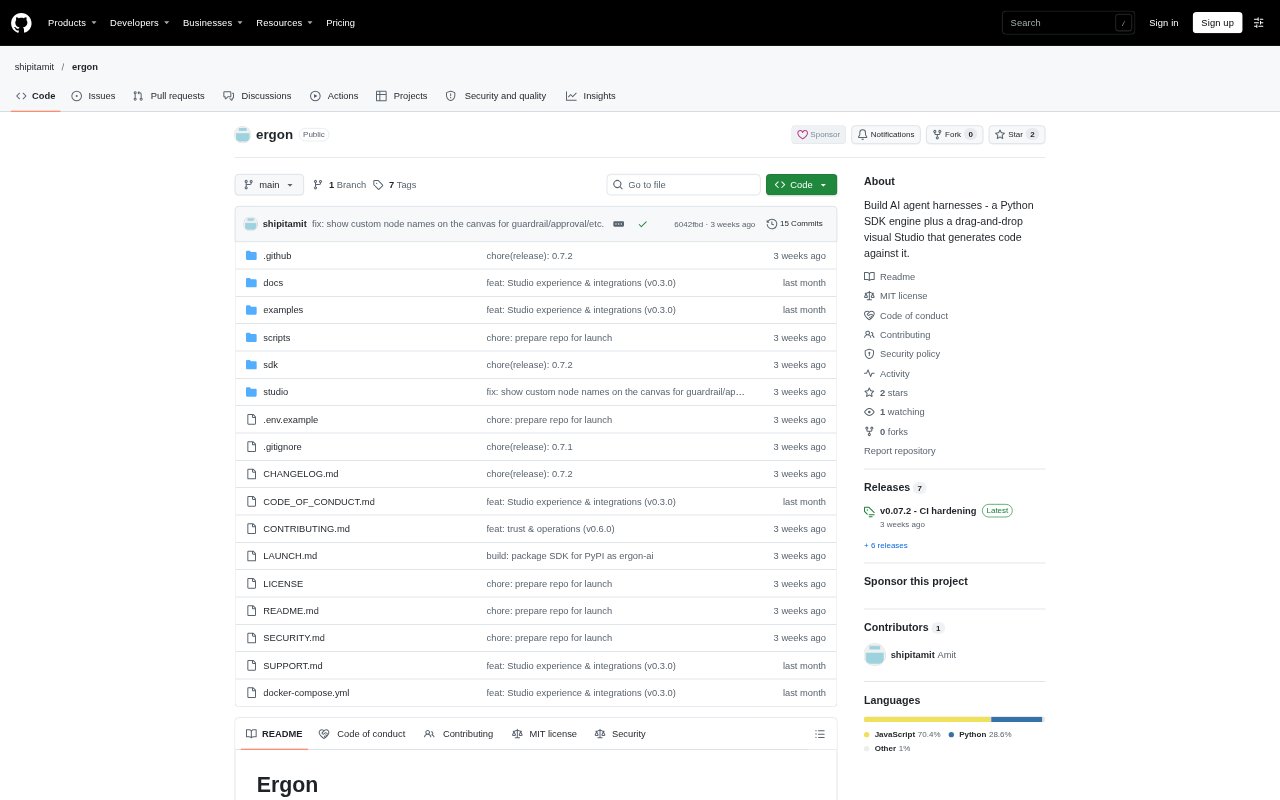
What is Ergon?
Ergon is an open-source toolkit for building AI agent harnesses, combining a Python SDK with a drag-and-drop visual Studio that generates code for the SDK. Developers can design an agent flow in the Studio or build one in Python, then run a Studio-created harness headlessly through the SDK. Ergon also includes ways to serve, observe, and evaluate harnesses, with collaboration and administration features available in its Studio.
Ergon Features:
Visual Harness Builder: The Studio provides a canvas, inspector, and live preview for designing agent harnesses, then generates runnable Python SDK code.
Agent Flow Control: The SDK supports tool-calling loops with approval, retries, streaming, compaction, and cost accounting, alongside chain, route, parallel, branch, and loop patterns.
Provider Routing: A unified router supports providers including Anthropic, OpenAI, Gemini, AWS Bedrock, Ollama, and OpenAI-compatible endpoints, with provider selection and fallbacks.
Tools and Retrieval: Harnesses can use custom and built-in tools, MCP clients, browser control, skills, and pgvector retrieval-augmented generation.
Serving Harnesses: Ergon can run a harness as a REST and SSE HTTP endpoint, and provides a Docker deployment stack.
Tracing and Evaluation: The toolkit includes OpenTelemetry traces, per-run history with a trace viewer, evaluation scorers, and CI regression gates.
Studio Collaboration: The Studio collaboration tier includes organizations, role-based access control, audit logs, OIDC single sign-on, service-account API keys, budgets, and quotas.
Ergon Benefits:
Less Boilerplate: Generating Python from a visual harness gives developers a starting point in code without requiring them to hand-build every part of the initial structure.
Flexible Provider Choice: Teams can select providers per agent and use fallbacks, making it possible to adapt harnesses to different model providers or deployment preferences.
Clearer Debugging: Per-run history, traces, and a trace viewer help developers inspect what happened during an agent run when investigating its behavior.
Repeatable Evaluation: Evaluation scorers and CI regression gates help teams check harness changes against datasets and catch regressions during development.
Connected Workflow: Using the Studio and SDK together lets developers move from visual design to generated code and run the same harness headlessly.
Use Cases:
Prototype Agent Flows: A developer can arrange a harness on the Studio canvas, preview it, and export Python code to continue implementation in the SDK.
Build Tool-Using Agents: Teams can create agents that call custom or built-in tools, request approval, retry actions, and use browser control or MCP clients.
Serve an Agent API: A team can package a completed harness as a REST and SSE endpoint for use by other applications or services.
Test Harness Changes: Developers can run evaluation datasets and CI regression gates when changing an agent flow, its tools, or its provider setup.
Manage Team Access: Organizations using the Studio collaboration tier can assign roles, review audit logs, and manage budgets and quotas across teams.