
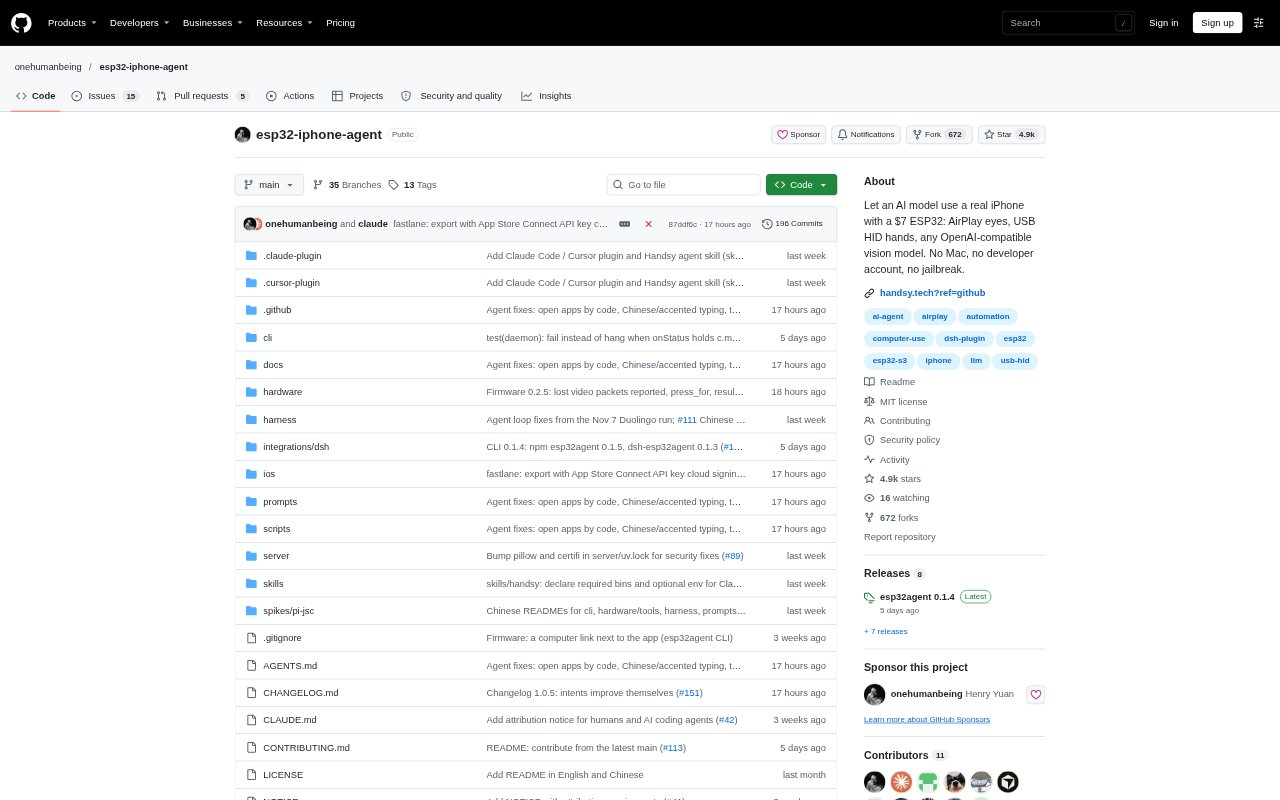
What is ESP32 iPhone Agent?
ESP32 iPhone Agent lets an AI operate a real iPhone through a small ESP32-S3 board connected to the phone. It mirrors the screen to the board and sends taps, swipes, and keystrokes back over USB, while an AI model chooses the next action. People can run tasks from the Handsy iPhone app or connect a computer-based agent through Handsy CLI. It is for people who want to automate iPhone apps without jailbreaking iOS or keeping a computer connected during app-based runs.
ESP32 iPhone Agent Features:
Screen Mirroring: The board receives the iPhone’s screen through Screen Mirroring over its own Wi-Fi hotspot and passes the picture to the app.
USB Input: The board acts as a USB mouse and keyboard, turning pointer clicks into taps and drags into swipes when AssistiveTouch is enabled.
App and CLI: Set a goal in the Handsy app on the iPhone, or connect a computer-based agent through Handsy CLI over Bluetooth.
Vision Model Choice: The app works with its included AI service or an image-capable OpenAI-compatible service, while computer agents can act through MCP.
Audio Forwarding: The board forwards AirPlay audio so the iPhone can turn it into words for listening exercises and voice prompts.
Run Replay: Run history stays on the phone for step-by-step replay, and screenshots, actions, and annotations can be exported as a trace.
ESP32 iPhone Agent Benefits:
No Running Computer: After firmware setup, app-based tasks run with the iPhone and board, so there is no computer to keep connected.
Stock iOS: The board uses standard screen mirroring and USB input, so the iPhone does not need a jailbreak or changes to iOS.
Broad App Access: Working through what appears on screen lets the agent interact with apps a person can use, rather than depending on developer interfaces.
Reviewable Actions: Replaying and exporting runs makes it easier to inspect what the agent saw and did when a task needs checking.
Model Flexibility: Choosing the included service or a compatible model lets users work with an image-capable AI option that suits their setup.
Use Cases:
Language Practice: Run a lesson in a language-learning app while the agent follows prompts and interacts with the exercise on the phone.
Calendar Updates: Add or adjust an event in a calendar app by asking the agent to work through the visible fields and controls.
Message Tasks: Handle routine messaging steps by having the agent open a conversation, enter text, and use the on-screen controls.
Food Ordering: Fill in a food or drink order in an app and review the selection on screen before taking any payment-related step.
Run Documentation: Export a task trace when documenting an automation run or sharing its screenshots and actions for review by another agent.