

What is esp32 thinks?
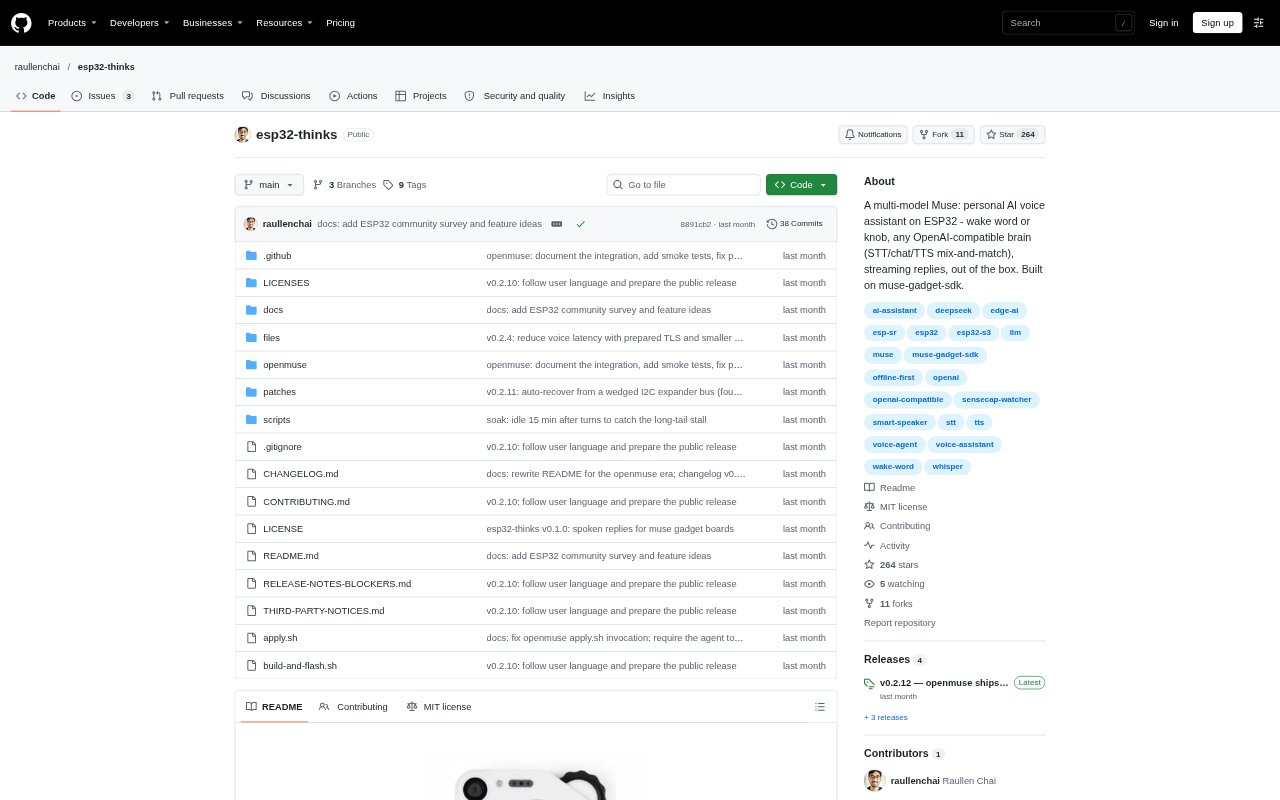
esp32 thinks is firmware for the Seeed SenseCAP Watcher W1-B that turns its microphone, speaker and display into a personal voice assistant. It listens for a wake phrase or a knob press, sends speech to configurable transcription and chat services, then speaks the response. The project is aimed at people building or configuring an ESP32 assistant who want to choose compatible AI services rather than use a single fixed provider. It requires an ESP-IDF build and flash setup, with an optional agent that can run on your own machine.
esp32 thinks Features:
Wake Word and Button: Start a voice turn by saying “Hi, ESP” to the on-device wake-word model or by pressing the knob.
Independent AI Endpoints: Configure separate OpenAI-compatible services for speech transcription, chat and speech synthesis, and mix providers through one configuration.
Streaming Voice Replies: The device sends each generated sentence to speech synthesis as it arrives and plays the audio while the model continues writing.
Optional Agent: The included openmuse agent can add location, clock, weather, persistent memory and optional web search to chat.
Language-Aware Responses: Speech transcription detects language, and replies can follow the user's language in English, Chinese or Korean.
Headless Setup: Wi-Fi details can be configured before startup so the device provisions itself without a companion app or Bluetooth setup.
Typed Test Turns: A serial console command sends typed input through the chat and speech pipeline without recording from the microphone.
esp32 thinks Benefits:
Provider Choice: You can choose a service for each voice task, making it easier to match providers to your preferred models, voices or operating setup.
Earlier Audio: Sentence-by-sentence playback means listeners can begin hearing a response before the full answer has finished generating.
More Natural Access: Wake-word and knob controls let people ask a question without opening an app or typing on a screen.
Context in Replies: Adding the optional agent can make answers more useful for questions that depend on local time, weather, location or remembered details.
Simpler Bench Checks: Typed turns provide a way to test inference and audio output without introducing microphone capture into every check.
Use Cases:
Hands-Free Questions: Set up the Watcher as a small voice assistant for asking spoken questions at a desk or around the home.
Multilingual Assistance: Use spoken conversations when the person asking questions prefers English, Chinese or Korean.
AI Stack Prototyping: Try different compatible transcription, chat and speech services on one ESP32 device without tying all three tasks to one provider.
Local Context Assistant: Run openmuse for conversations that benefit from weather, location, clock details or persistent memory.
Firmware Testing: Send typed prompts over the serial console to check chat and text-to-speech behavior while developing or troubleshooting the device.