

What is EveryGen AI?
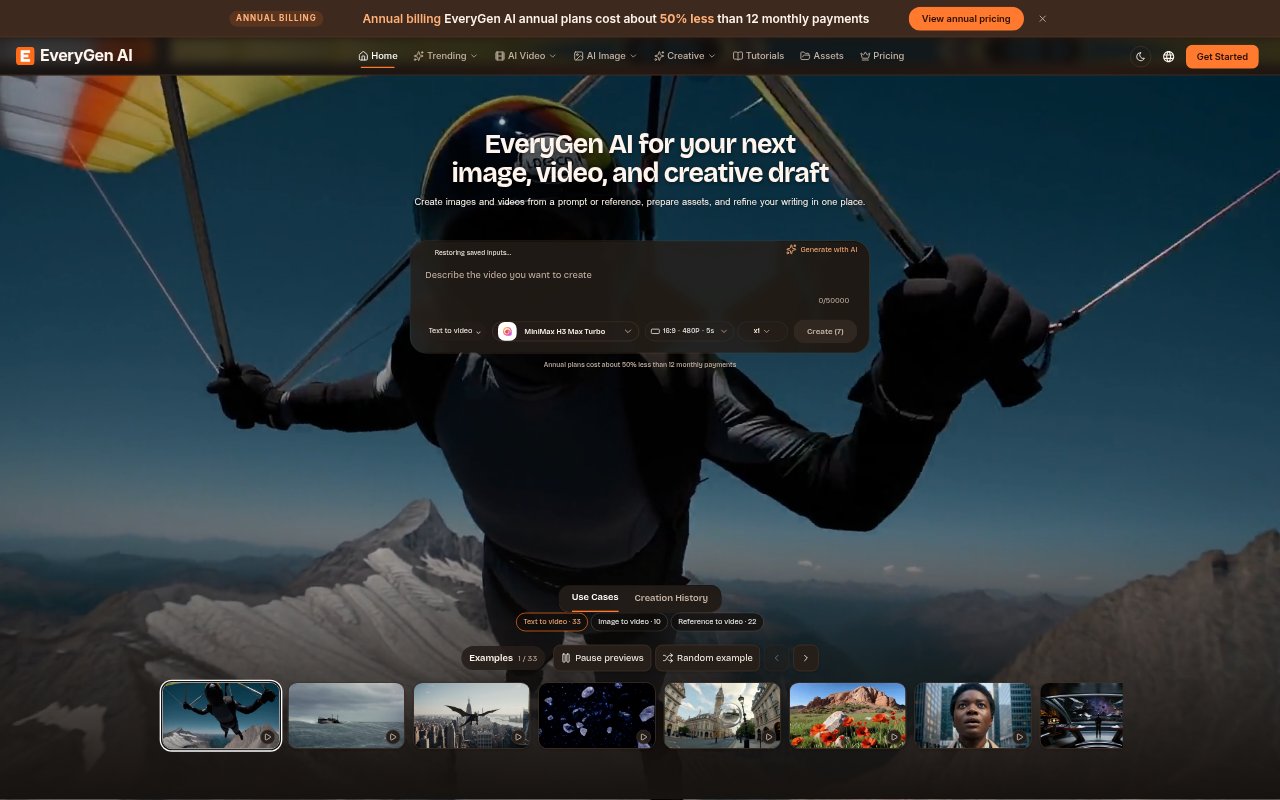
EveryGen AI brings image and video generation, image-preparation tools, and text rewriting together in one online workspace. It is for creators, marketers, and businesses developing visual assets or the copy that accompanies them. Users can start with a prompt or supported reference, choose a task and model, then review the result before downloading or continuing their work elsewhere.
EveryGen AI Features:
Image Generation: Create images from text or reference images, with task pages for work such as portraits, product imagery, and creative scenes.
Video Generation: Generate video from text or supported image inputs, with available models and settings determining duration, resolution, audio, and other options.
Frame Animation: MiniMax H3 Max and H3 Max Turbo support a first frame with an optional last frame, and offer synchronized audio.
Image Preparation: Use browser-based tools to compress, resize, convert, rotate, crop, or watermark pictures, or work with background removal and changes.
Text Rewriting: Humanize AI rewrites supplied text using Natural, Friendly, or Professional tones, with Gemini 2.5 Flash.
Model Selection: Choose from available image and video models, and check each model’s inputs, controls, and displayed credit cost before submitting.
EveryGen AI Benefits:
Fewer Tool Handoffs: Keeping image creation, video drafts, file preparation, and supporting copy in one workspace can make early project work easier to coordinate.
More Directed Drafts: Setting the subject, intended use, and details that must remain recognizable gives you a clearer basis for judging generated results.
Easier Comparisons: Checking a draft against a brief and changing one meaningful detail at a time helps you understand which direction better serves the project.
Practical File Prep: Browser image utilities let you handle common layout and file adjustments without turning every preparation task into a new generation request.
Audience-Matched Copy: Choosing a rewrite tone for the intended audience helps keep accompanying text aligned with the context in which it will appear.
Use Cases:
Product Launch Assets: Develop a product still, a short video concept, and draft copy for a launch, then inspect each output against the intended presentation.
Social Video Drafts: Explore a short scene from a prompt or supported image input, review its movement and sound, and decide whether it suits a social post.
E-Commerce Images: Create or prepare product imagery, then crop, resize, or adjust its background for a particular listing or display space.
Portrait Concepts: Use a portrait-focused starting point to explore framing and lighting, while checking the result against any authorized reference images.
Copy Adaptation: Rewrite existing text in a natural, friendly, or professional tone when preparing descriptions or other copy for a different audience.