

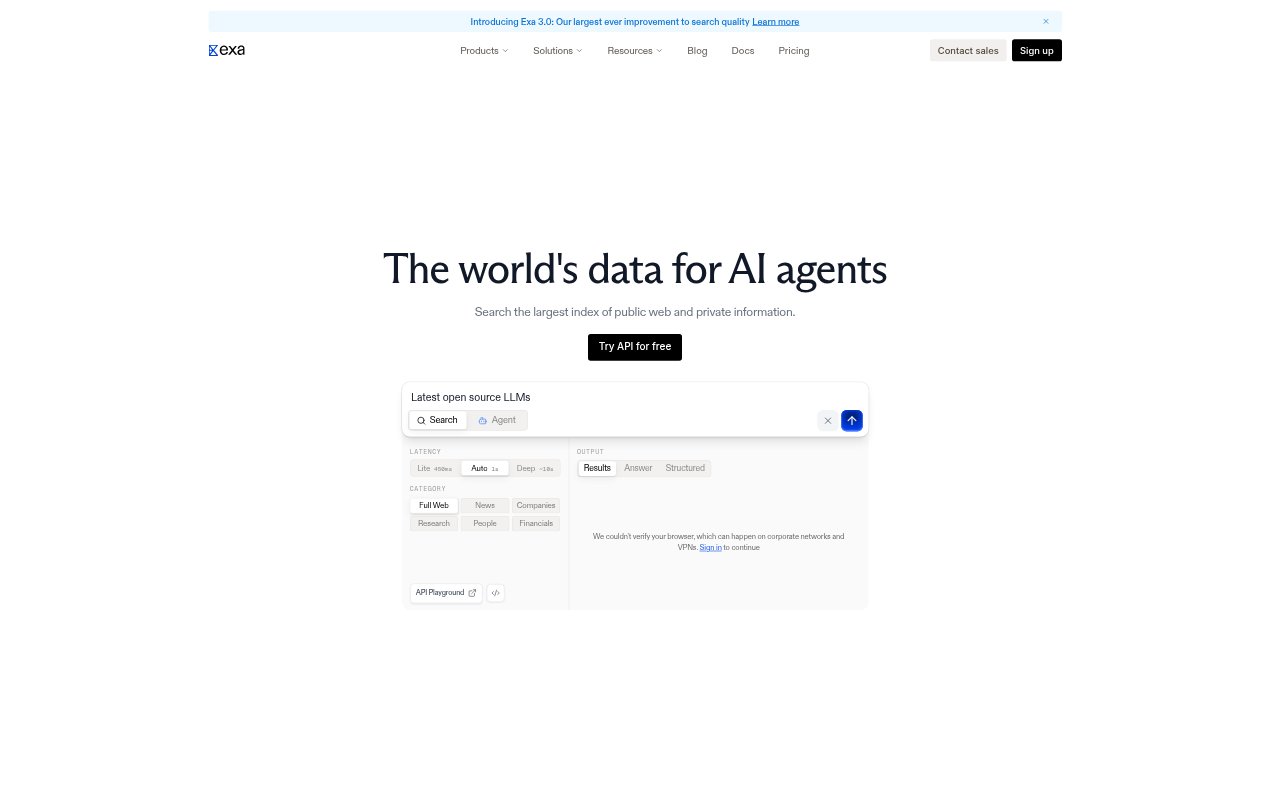
What is Exa?
Exa is a search and data API for AI agents and the teams building them. It retrieves current information from the web, including technical documentation, repositories, company data, and people profiles, and can return structured results with citations. Developers can use it for coding agents, research workflows, and go-to-market tools that need fresh information beyond their own data.
Exa Features:
Web Search: Search endpoints offer configurable options for faster results or deeper research, with results drawn from Exa’s web index.
Page Highlights: Highlights select relevant passages from retrieved pages, giving agents concise source material instead of requiring full-page content.
Structured Results: Structured outputs with citations can provide information grounded in web sources, while full page contents are also available.
Code Retrieval: Search documentation, API references, public repositories, issue threads, changelogs, and working code examples across the web.
Company Enrichment: The company data API searches company and people profiles and can add sourced fields such as funding, headcount, tech stack, and job changes.
Scheduled Monitors: Monitors rerun searches on a schedule for events such as new job postings, funding rounds, leadership changes, and product launches, with webhook updates.
Exa Benefits:
Current Context: Agents can base answers and actions on live web information, including documentation changes made after a model’s training cutoff.
Lower Token Use: Relevant excerpts can reduce the amount of page text sent to a model; Exa reports an average 95% reduction compared with full-page content.
Traceable Research: Citations and source URLs make it easier to check where retrieved facts came from and assess their relevance.
Fresher CRM Records: Sourced updates help teams refresh stale account and contact information without relying only on existing CRM data.
Less Signal Chasing: Scheduled updates can bring new account signals into a workflow without teams repeatedly running searches or deduplicating results themselves.
Use Cases:
Coding Assistance: Give a coding agent current package documentation and changelogs when investigating a breaking change after a library upgrade.
Error Investigation: Search repositories, issue threads, and technical documentation to help an agent find examples relevant to a reported programming error.
Account Prospecting: Turn a plain-language ideal customer profile into a list of accounts matching niche industries, hiring patterns, funding stages, or technology stacks.
CRM Enrichment: Add sourced company and contact details to CRM records, including changes in headcount, funding, technology, and employment.
Buying Signal Tracking: Monitor target companies for hiring, funding, leadership, or product news and send new findings to connected workflows.