

What is FACE?
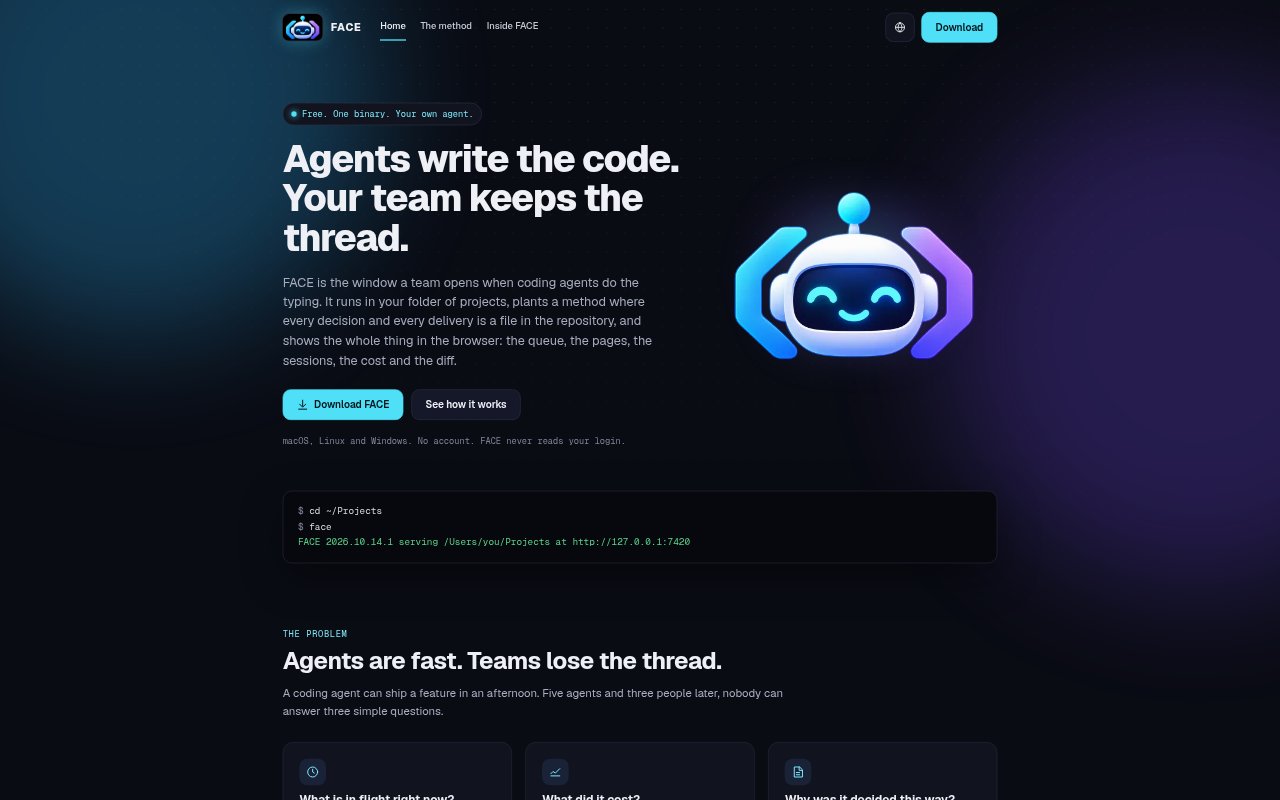
FACE is a local browser interface for teams using coding agents to build software across project folders. It installs the focus-kit delivery method in each repository, where project decisions, delivery pages and results remain as versioned files, then presents that work as a shared board, active session and reviewable diff. FACE connects to coding agents teams already use through their official CLI and account, and runs on macOS, Linux and Windows without requiring a FACE account.
FACE Features:
Repository Method: FACE installs focus-kit, a file-based delivery process with four commands that works without a runtime, CLI or dependency.
Delivery Pages: Each delivery page records its goal, expected behavior, planned changes and proof, giving the agent and team a defined task.
Queue Board: The browser board displays work in five lanes, one milestone at a time, with progress, tokens, minutes and estimated cost per delivery.
Live Sessions: Teams can run /propose and /apply in the browser, watch agent tool calls and resume a session where they left off.
Diff Approval: FACE shows changed files, the diff and the agent's suggested commit message, then lets a person commit the paths shown.
Agent Connection: FACE talks to supported coding agents through their official CLI and the user's existing account, without reading or storing credentials.
FACE Benefits:
Shared Progress: People who code and those who do not can see what is underway before work reaches a pull request.
Persistent Context: Decisions and delivery results stay in the repository, so later sessions can pick up the work without relying on chat history.
Focused Reviews: A defined delivery and visible diff make it easier to judge what changed and verify the result before committing.
Cost Awareness: Seeing time, tokens and estimated cost alongside deliveries helps teams understand where agent usage is going.
Account Control: Using an existing agent account keeps usage on that account's plan rather than adding a separate FACE usage bill.
Use Cases:
Existing Codebases: Start an agent workflow in an established project by having the agent read the code and ask about only what it cannot determine.
Team Coordination: Track several agent-built tasks alongside human work when a team needs a shared view of what is in flight.
Request Intake: Let a teammate who does not work with commits add a request to the queue for the team to shape into a delivery.
Agent Review: Review an agent's completed task by checking its delivery page, verification, changed files and diff before committing.
Milestone Tracking: Follow work across a multi-step project or consulting engagement, with deliveries and progress organized by milestone.