

What is fal?
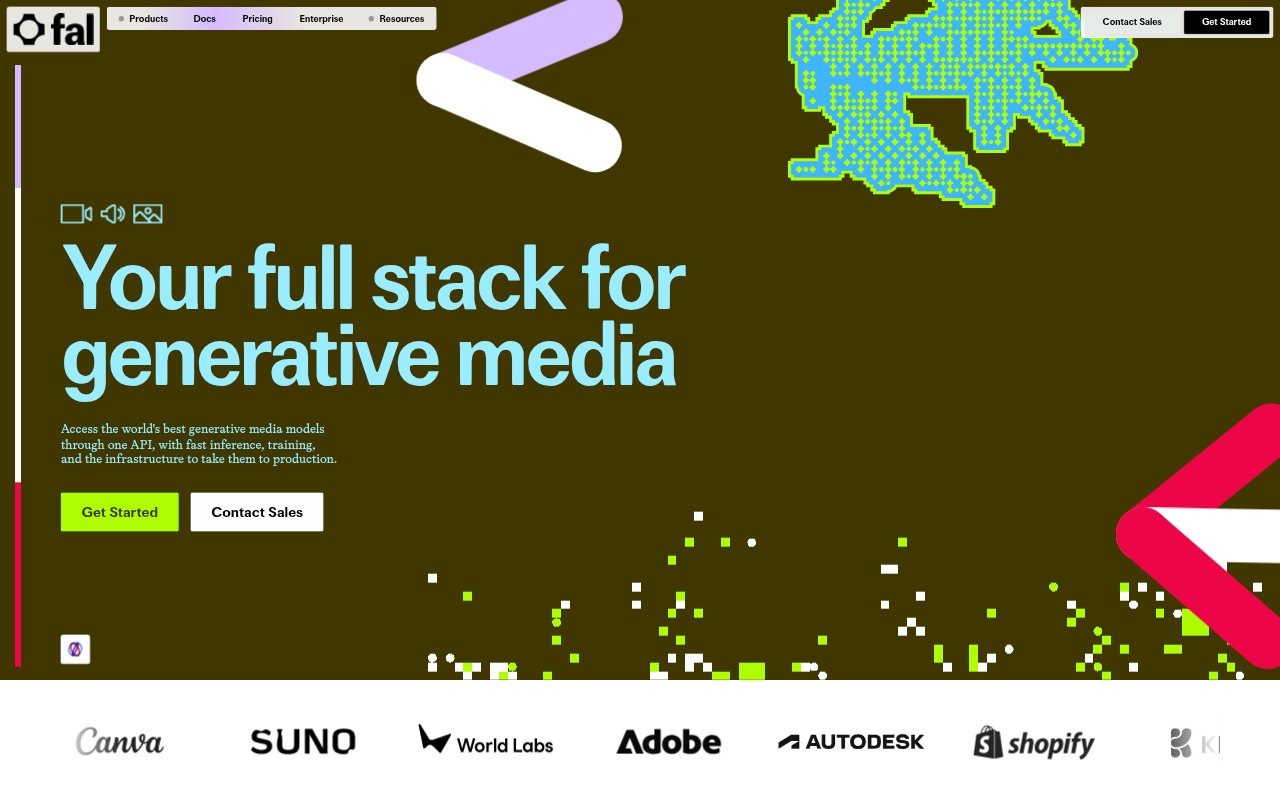
fal is a platform for building with generative media models, offering access to models for image, video, and audio generation alongside infrastructure to deploy and train them. It is aimed at developers and teams that want to call hosted models or run private, fine-tuned models through a unified API and SDKs. Teams can also deploy their own apps on serverless GPUs or use hourly GPU compute.
fal Features:
Model Catalog: fal provides access to more than 1,500 generative media models for image, video, and audio tasks, including models from multiple providers.
API and SDKs: A unified API and SDKs let developers call hundreds of open models or their own LoRAs, and connect model generation to applications.
Custom Deployments: Teams can deploy private or fine-tuned models with one click, bring their own model weights, and configure private endpoints.
Serverless Inference: The inference engine runs on on-demand GPUs and is described as up to 10 times faster, with 99.99% uptime.
Media Generation: Available models cover tasks such as text-to-video, image editing, animated GIF creation, and turning a single image into a textured 3D model.
Flexible Billing: Serverless model APIs use output-based pricing, while Compute offers hourly GPU pricing for custom deployments.
fal Benefits:
Faster Prototyping: Developers can try different generative media models through one platform instead of building a separate connection for each model.
Less Setup: The hosted API and deployment options reduce the infrastructure work involved in bringing model generation into an application.
Room to Scale: Teams can move from early experiments to larger workloads using the same platform, with serverless GPUs and custom deployments available.
Spend Control: Choosing between output-based API billing and hourly GPU compute lets teams select a billing approach suited to the way they run workloads.
Model Choice: Access to a broad range of media models gives teams options when a project calls for a particular generation or editing task.
Use Cases:
Video Prototypes: Developers can build a prototype that turns a text prompt into a short video, then explore models that support reference-guided generation or video editing.
Image Editing: A creative application can use image models for precise local edits or combine multiple reference images into a single result.
3D Asset Creation: A product or design team can turn a source image into a 3D model and choose among standard, low-poly, or smart-topology modes.
GIF Generation: An app can convert prompts or reference images into animated GIFs, with options for speed, frame edits, and looping.
Private Model Hosting: Teams with their own weights or fine-tuned models can deploy private endpoints for use in their products or internal workflows.