
What is Faplex?
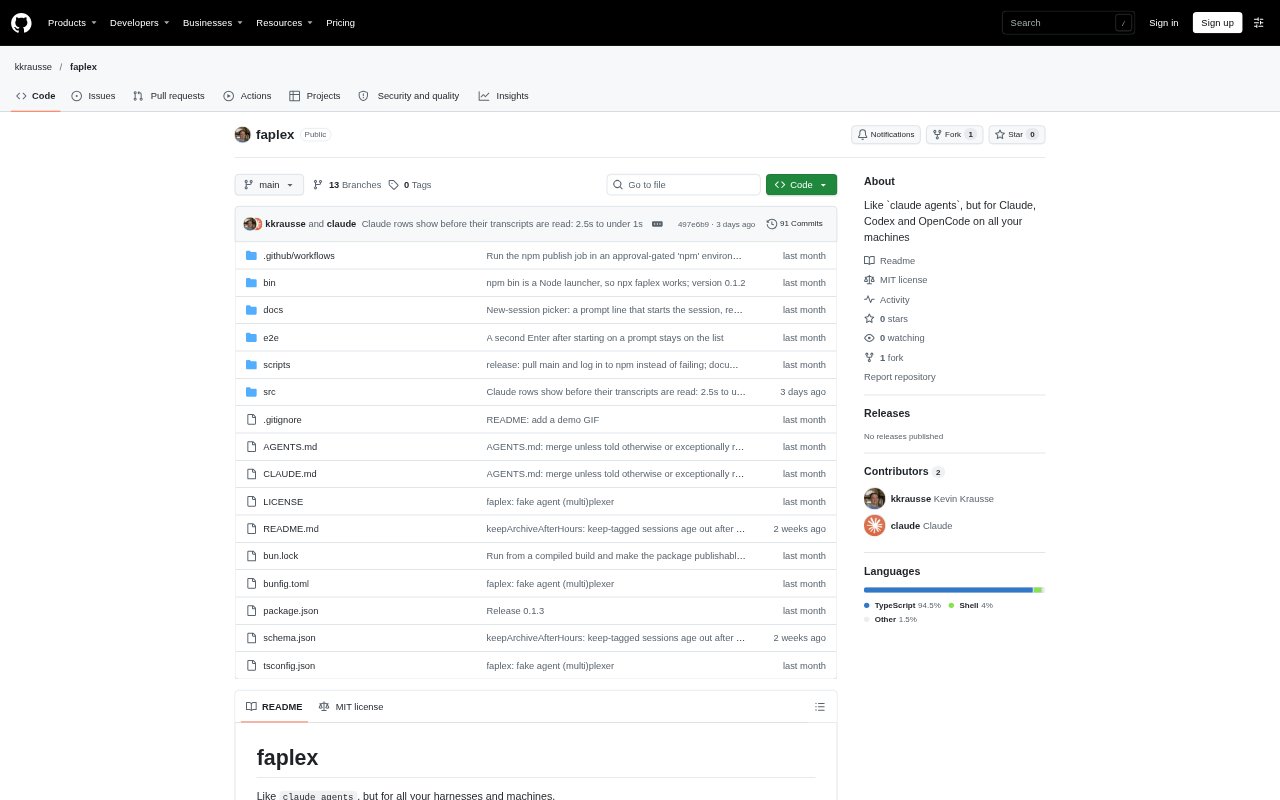
Faplex is a terminal dashboard for tracking Claude Code, Codex and OpenCode sessions across your local machine and SSH hosts. It groups sessions by status and opens the harness’s own CLI when you select one, rather than replacing its interface or managing the conversation. You can also start sessions from the dashboard. Faplex is in early alpha, so expect rough edges; it relies on the harnesses’ daemons and leaves session data with them.
Faplex Features:
Grouped Session List: See sessions from supported harnesses and machines together in Working, Needs input, Finished and Archived sections, with updates as their status changes.
Session Details: Rows can show the machine and harness, session title, status, time since the last update, context tokens and subagent counts.
SSH Hosts: Include remote machines using SSH aliases or hosts, with optional settings for displayed names, host colors, paths and new-session directories.
Native CLI Sessions: Open a selected row through its harness’s own command, such as claude attach, codex resume or opencode -s.
Session Controls: Use keyboard commands to start, open, reattach, archive or restore sessions, and filter the list.
Remote File Drops: With uploadDrops enabled, paste or drop local file paths into a remote session and Faplex copies the files to that host before sending the paths.
Faplex Benefits:
Fewer Missed Prompts: A shared view of sessions needing input helps you spot where attention is required without checking each harness and machine separately.
Keep Familiar Workflows: Because selected sessions open in their original CLI, you can continue using the harness interface and features you already know.
Lower Session Overhead: Faplex does not keep a separate window or client open for every session, and hidden clients are closed after their configured idle period.
Less Setup Work: Using the harnesses’ existing daemons and plain SSH avoids adding Faplex hooks, plugins or launch wrappers to your workflow.
Safer Session Monitoring: The dashboard does not hold data that sessions depend on, so quitting Faplex does not stop the harnesses’ sessions.
Use Cases:
Cross-Machine Review: Check active coding-agent work on a laptop and SSH hosts from one list before deciding which session to open.
Resume Existing Work: Find and reopen a Claude Code, Codex or OpenCode session that you started outside Faplex.
Parallel Agent Oversight: Track several coding sessions while they work and pick out the ones waiting for your response.
Start Remote Sessions: Choose a configured host, harness and start directory, then launch a new session with an optional prompt.
Send Files to Hosts: When working in a remote coding session, transfer local files by pasting or dropping their paths with uploadDrops enabled.