

What is fast-melroformer?
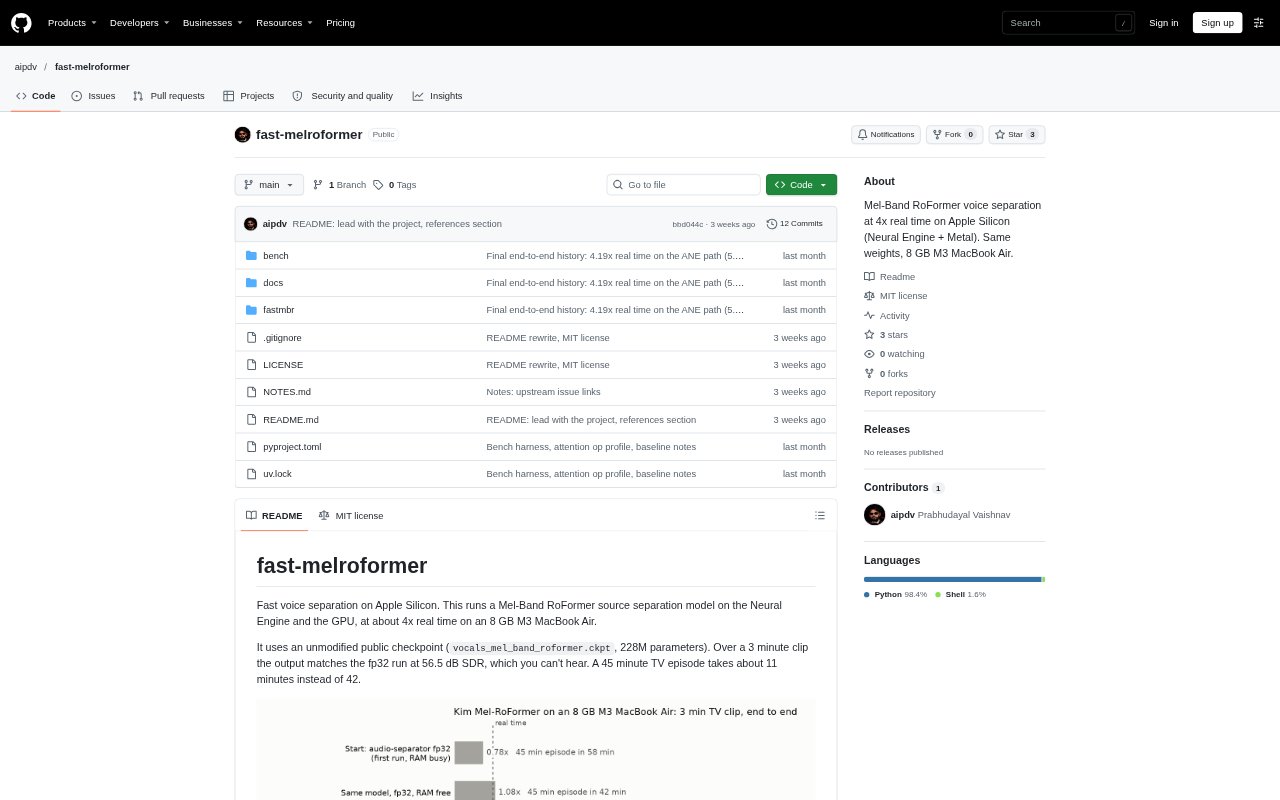
fast-melroformer is a command-line tool for separating vocals from other audio, using a Mel-Band RoFormer model optimized for Apple Silicon. It combines Neural Engine processing with custom Metal kernels and also offers a GPU-only mode. It is aimed at people who work with audio or video on an Apple Silicon Mac and want to split a recording into vocal and other-audio tracks. It requires macOS 15 and an initial model-compilation step.
fast-melroformer Features:
Hybrid Processing: The default path runs the transformer on the Neural Engine and handles the remaining work on the GPU.
GPU-Only Mode: An optional engine runs on the GPU without the Neural Engine and reaches about 2.6 times real time in the reported benchmark.
Separate Audio Stems: The command-line tool creates a vocals WAV file and an other-audio WAV file from an input recording.
Model Fidelity: It uses the public 228-million-parameter checkpoint without modifying its weights, and a three-minute test matched the fp32 run at 56.5 dB SDR.
Reference Engines: The ref16 and ref32 options run the unmodified model, making it possible to compare results with the optimized engines.
Mac Requirements: It requires an Apple Silicon Mac, macOS 15, and uv; the Neural Engine model takes about five minutes to compile on first use.
fast-melroformer Benefits:
Shorter Waits: On the tested 8 GB M3 MacBook Air, processing runs at about four times real time, reducing the wait for longer recordings.
Quality Checks: Reference modes and reported SDR comparisons give users a way to assess optimized output against the unmodified model.
Workload Choice: Having both hybrid and GPU-only engines lets users choose a processing path that suits their setup or comparison needs.
Local Workflow: Running the separation command on a Mac keeps the process within a command-line audio workflow, without requiring a separate hosted service.
Clear Review Points: The documented quiet-passage quality caveat helps users know where to listen carefully when subtle differences matter.
Use Cases:
Song Vocal Extraction: Create a vocal track and an accompaniment track from a song when separate audio parts are needed for further work.
Episode Processing: Separate the vocal and other-audio tracks from a TV episode file, such as an MP4, before working with the resulting WAV files.
Long Recording Runs: Process a lengthy recording on an Apple Silicon Mac when a faster-than-real-time separation workflow is useful.
Engine Comparisons: Compare optimized results with fp16 or fp32 reference runs when checking output quality on a particular clip.
Quiet Passage Review: Inspect quieter sections of a separated recording when audio quality is important, since the project notes a closer match there.