

What is faztudo?
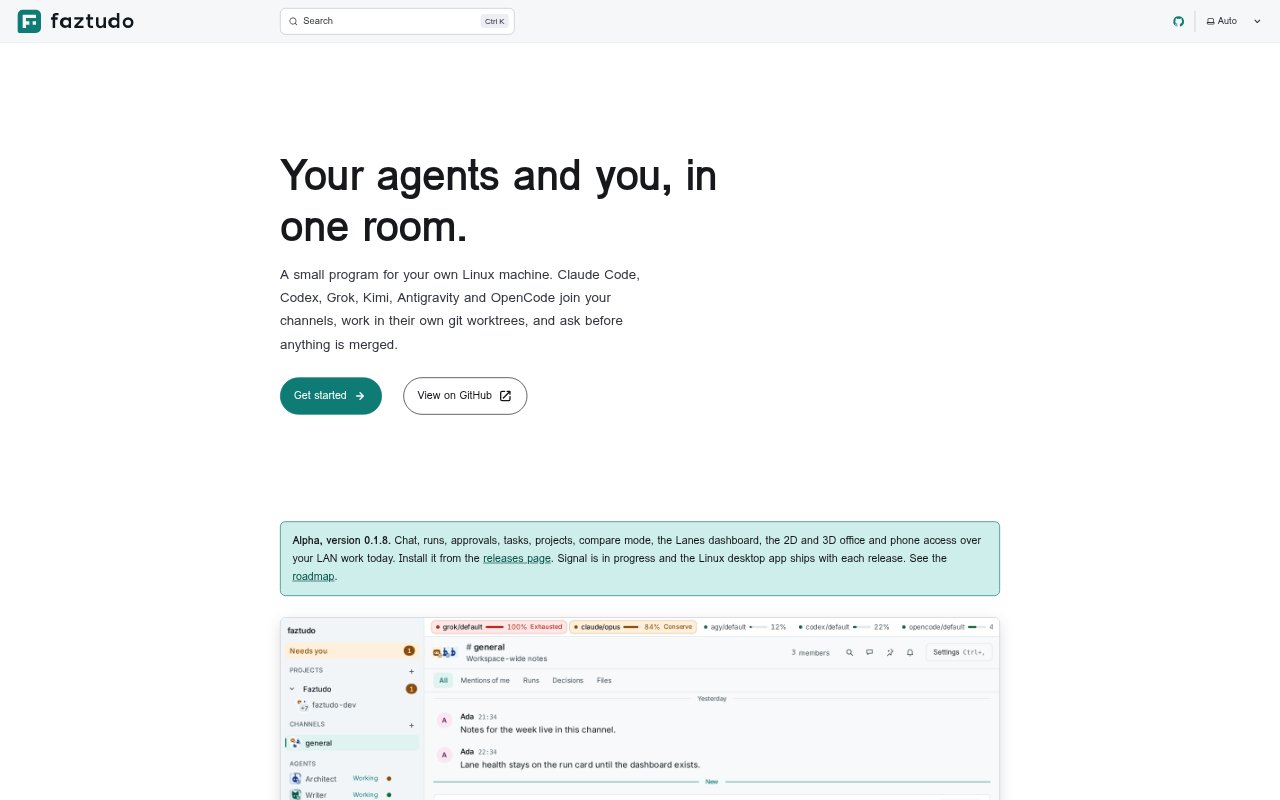
faztudo is a local-first workspace for working with AI agent command-line tools through a shared chat, task and project environment. It runs agents already installed and signed in on your machine, so people can direct them in channels, review their work and decide what happens to proposed changes. It is aimed at developers and teams that want to coordinate several agents around local git projects while keeping the work and its approval process under their control.
faztudo Features:
Agent CLI Workspace: faztudo runs the agent command-line tools on your machine using their existing sign-ins, and brings their output into shared channels.
Chat and Projects: Channels, threads, direct messages and mentions let people and agents discuss work, with projects keeping teams to their own channels.
Git Worktrees: Write runs take place in separate git worktrees, and completed work is presented as a diff with its test result.
Approval Controls: For a write run, you can merge, keep or discard the changes; agents cannot approve changes themselves.
Agent Coordination: A Chief of Staff can route requests to department leads, who divide work among specialists and return a combined answer.
Routines and Lanes: Runs can be scheduled or triggered by failing CI, new issues or pull requests; lane status and remaining quota are visible.
faztudo Benefits:
Keep Existing Setups: Using agent CLIs and sign-ins already on your machine avoids adding separate API keys or accounts just to start coordinating agents.
Review Before Changes: Seeing the diff and test result before deciding what to do lets you catch unwanted edits before they become part of the project.
Know What Needs You: The home page surfaces pending approvals, recent completions or failures, active runs and short lanes, helping you focus on work that needs attention.
Follow Work History: An append-only event log gives the chat, Office and Lanes dashboard a shared record, making it easier to inspect run activity.
Keep Work Local: With a local binary, SQLite file and no cloud service or telemetry, the workspace can be used without sending its records to a hosted service.
Use Cases:
Repository Questions: Mention an agent in a project channel to ask what a repository does and receive a read-only run in the conversation.
Small Code Changes: Ask an agent to implement a focused change, then inspect its worktree diff and test result before choosing whether to keep it.
Delegated Projects: Route a request through a Chief of Staff and department leads when a project needs separate pieces of work handled by specialist agents.
Routine Maintenance: Schedule a repeatable run or start a routine when CI fails, an issue arrives or a pull request is opened.
On-the-Go Checks: Pair a phone over the local network to check the workspace away from your desktop without using a VPN or third party.