

What is FiscaLLM?
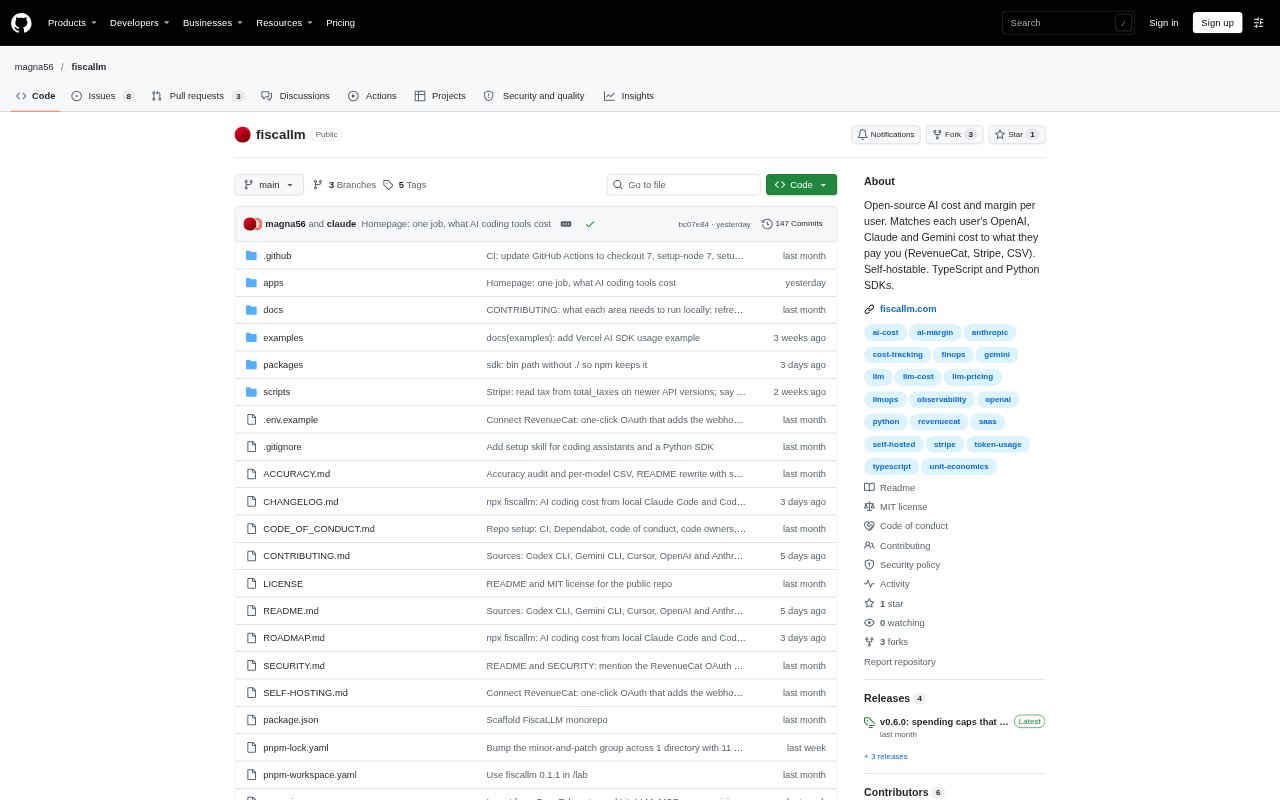
FiscaLLM is an open-source cost and usage platform for engineering teams tracking AI coding tools and developers building AI-powered products. Teams can review spend by developer and team, while product teams can track each user's model costs, apply plan-based usage limits, and compare AI costs with revenue. It offers a hosted dashboard or self-hosting, alongside TypeScript and Python SDKs.
FiscaLLM Features:
Team Cost Dashboard: The dashboard collects usage from Claude Code, Codex CLI, Gemini CLI and Cursor, grouping model calls and estimated spend by developer and team.
Local Cost Estimates: A command-line tool reads local Claude Code and Codex logs and estimates costs by tool, model, project and day, with JSON output.
Product Usage Tracking: TypeScript and Python SDKs track model usage from provider responses using model names, token counts and optional user and feature labels.
Plan Usage Limits: Product teams can set allowances by plan and check whether a user can make an AI call, along with the remaining allowance.
Revenue Matching: Usage costs can be matched to user revenue from RevenueCat, Stripe, a CSV upload or the revenue API.
Budgets and Alerts: Email, Slack and signed webhook alerts can flag budget overruns, unprofitable paying users or unusually high token use in five minutes.
FiscaLLM Benefits:
Spend Visibility: Engineering leads can compare consumption across people, teams, models and coding tools without piecing together separate usage views.
Margin Awareness: Product operators can identify users whose AI costs exceed their revenue, helping them assess whether flat-price plans are sustainable.
Usage Control: Plan allowances and spending checks help teams contain unusually heavy usage while giving users a clearer sense of what remains.
Data Minimization: Because prompts and responses are not collected, teams can track usage without sending conversation content or code to the service.
Deployment Choice: The MIT licence and self-hosting option let teams inspect the code or run the tracker in their own environment.
Use Cases:
Engineering Reviews: An engineering manager can review a month's coding-agent costs by developer or team and export the figures for internal analysis.
Local Cost Checks: A developer can run the command-line tool against local Claude Code or Codex logs to inspect costs by project or model.
AI Product Economics: A founder can compare model costs with subscription revenue per user to investigate accounts that may be losing money.
Plan Allowances: A product team can define different AI usage allowances for free, trial and paid users and check them before making model calls.
Pay-Per-Job Products: An operator can tag AI calls to a paid job and review costs for jobs that were refunded or never resolved.