
What is Flash Papers?
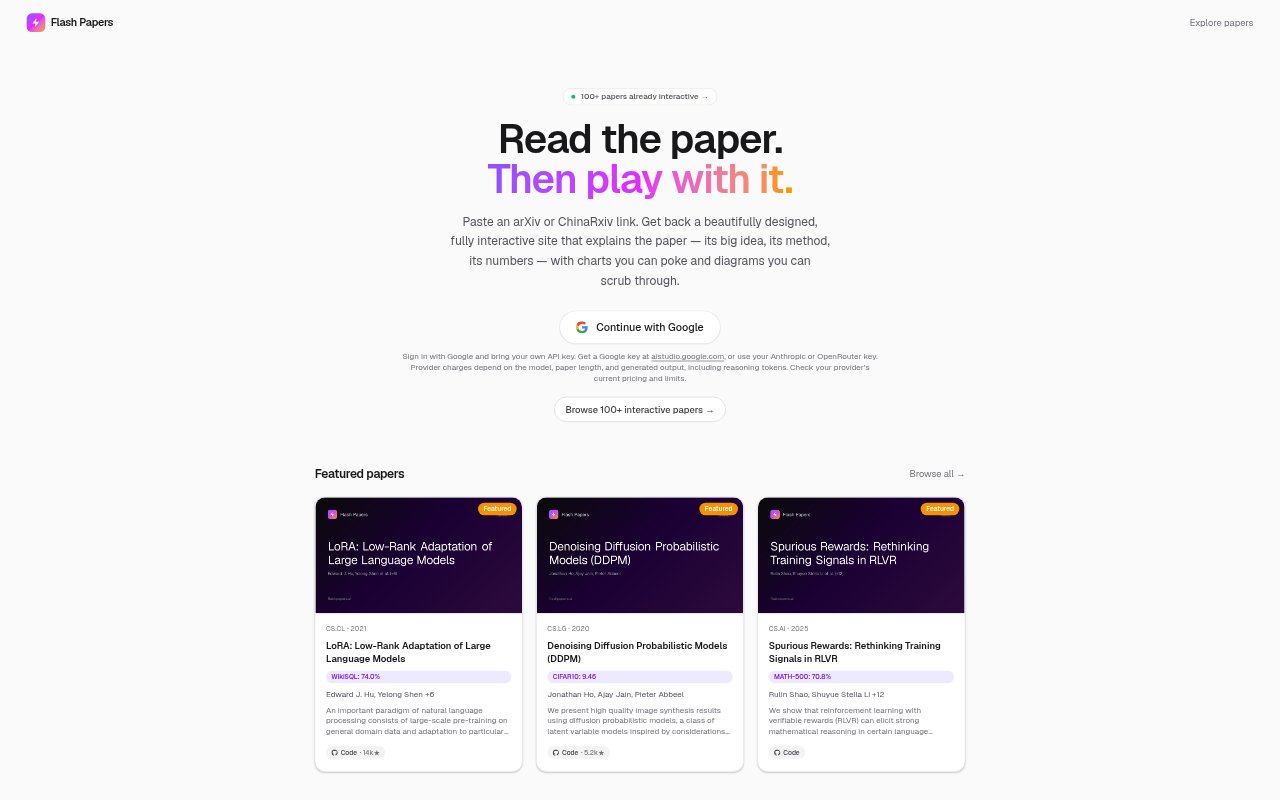
Flash Papers turns an academic paper into an interactive explainer site. Readers paste an arXiv or ChinaRxiv link and get a generated page covering the paper’s central idea, methods, and results, with interactive charts and diagrams. It is aimed at people who want to explore research papers in a more visual, guided format. The service uses a model selected by the user and requires Google sign-in and an API key from a supported provider.
Flash Papers Features:
Paper Link Input: Start by pasting an arXiv or ChinaRxiv link, and Flash Papers generates an explainer site from the linked academic paper.
Paper Coverage: Generated explainers cover a paper’s big idea, method, and numbers, with long-context processing that includes methods, figures, and appendices.
Interactive Charts: Explainer pages can include charts that readers can interact with, making it possible to examine the presented results directly.
Animated Diagrams: Diagrams can be scrubbed through, while sliders, animated visuals, scrollytelling, and live mini-demos add interactive elements to the page.
Model Choice: Users choose a model provider, with Gemini, Claude, and GPT named as options, and supply their own API key.
Streaming Output: The generated page streams into view as the selected model writes it, rather than waiting for a finished render.
Flash Papers Benefits:
Faster Orientation: A guided page gives readers a starting point for understanding a paper’s central argument before they work through the source in detail.
Clearer Methods: Seeing explanations alongside diagrams can make it easier to follow how a paper’s proposed method works.
More Useful Results: Interactive charts give readers a way to inspect the numbers discussed in an explainer instead of relying only on written descriptions.
Broader Context: Coverage of figures and appendices helps readers consider material beyond a paper’s main text while building an understanding of its claims.
Flexible Model Use: Choosing a provider lets readers use a model they already have access to, with provider charges depending on the model and generated output.
Use Cases:
Research Paper Review: Use an explainer to get oriented to an arXiv paper before reading it closely for a literature review or research project.
Method Study: Explore a paper’s approach with its diagrams and interactive elements when trying to understand how a research method is presented.
Results Inspection: Use the generated charts to examine the numbers in a paper while assessing what its reported results show.
Appendix Review: Generate an explainer when figures, methods, or appendix material matter to understanding a paper beyond its main text.
ML Paper Exploration: Turn a machine-learning paper into a guided page when studying topics such as language-model adaptation or diffusion models.